
Scalenut’s AI Article Writer is not just a box where you enter a topic and wait for a blog post.
It researches competing pages, extracts related terms, suggests titles, builds an outline, generates a draft, and then gives you SEO tools for improving it.
I wanted to see how useful that whole workflow actually is, so I used Scalenut to create a full beginner article about Etsy product descriptions.
I followed the process from the first keyword screen to the finished article, Content Score, competitor research, missing topics, questions, and statistics.
Scalenut impressed me more as an SEO writing workflow than as a one-click AI writer.
The research tools around the draft were the most useful part of my test. I could inspect competitors, related terms, titles, outlines, questions, and missing topics without jumping between several tools.
I would still treat the generated article as a first draft. A good Content Score does not automatically mean the article is accurate, original, or ready to publish.
What I Tested
For this review, I created a real article inside Scalenut instead of judging the Article Writer from its feature list.
This test let me evaluate two things separately: the writing process and the actual draft Scalenut produced.
Starting an Article
The workflow begins with a primary keyword and target location.
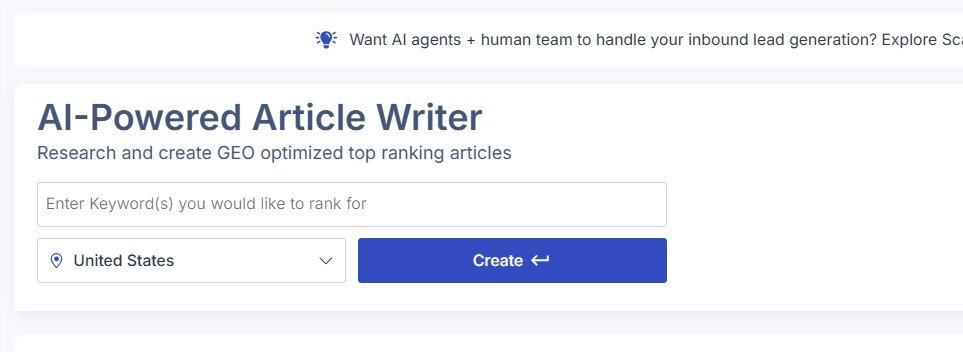
This already feels different from a simple AI chatbot. Scalenut uses the keyword to start an SEO research process before it writes anything.
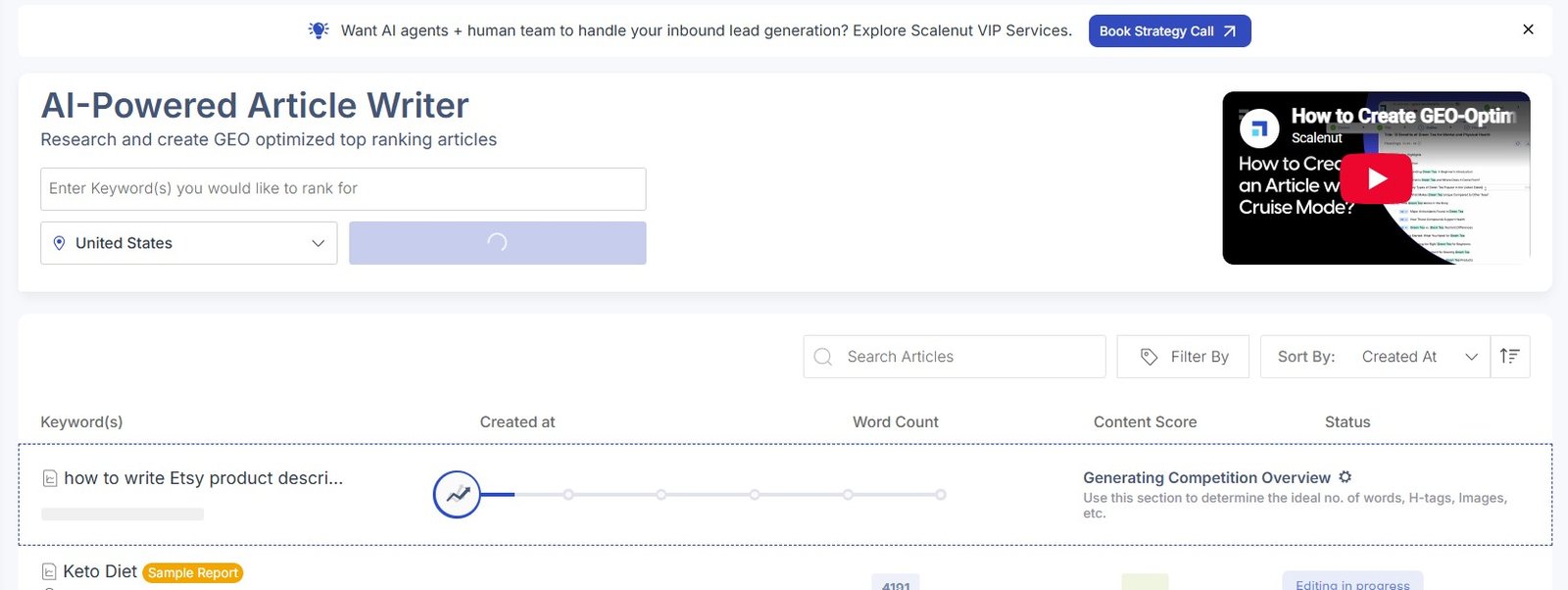
It first created a competition overview.
Then it extracted related terms.
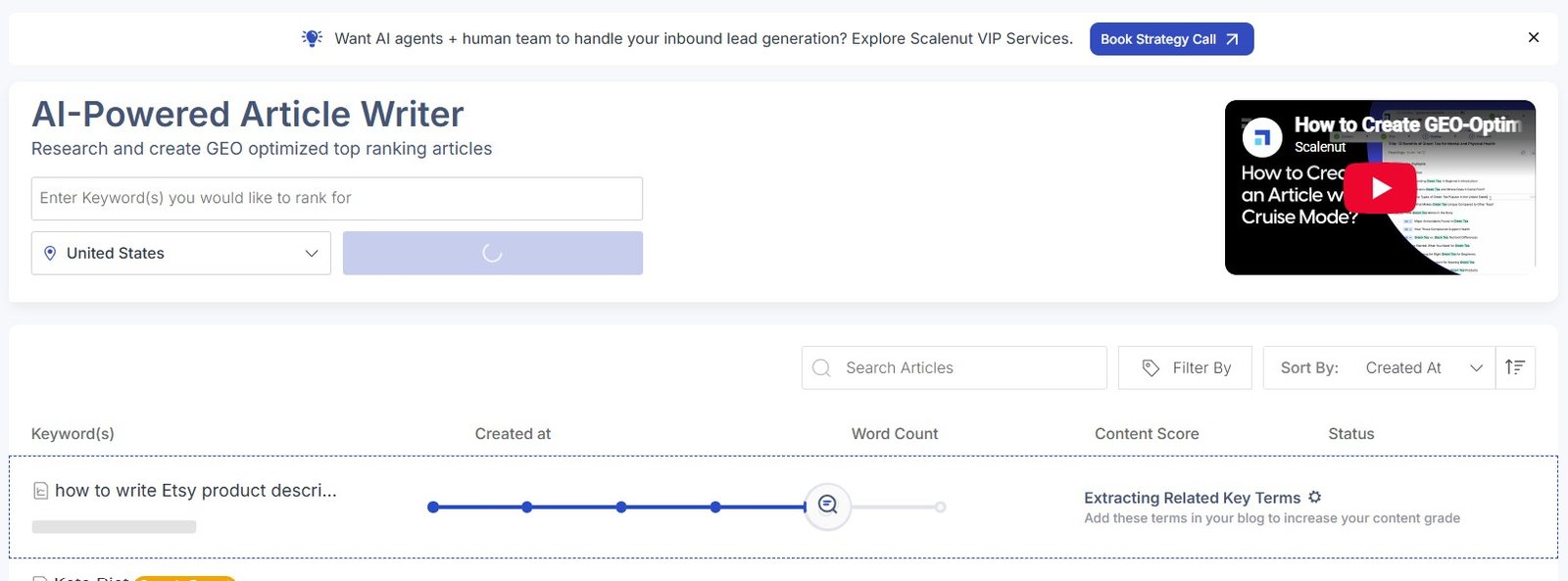
My observation: I liked that Scalenut did not immediately jump from one keyword to a full article. There is a clear research and planning stage first.
Giving Scalenut More Context
After the first research stage, Scalenut let me add more information about the article.
Inside Cruise Mode, I could provide context and writing guidelines.
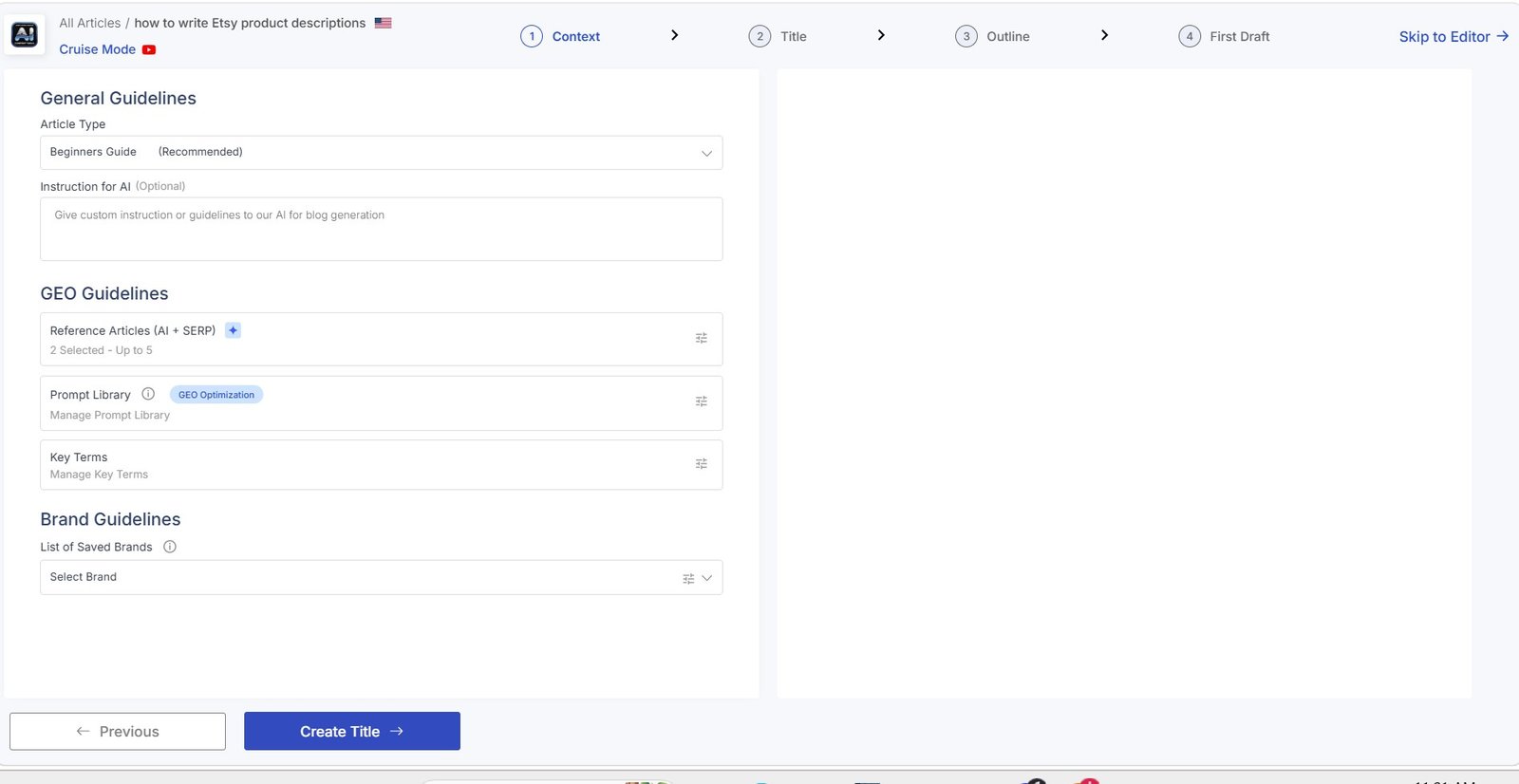
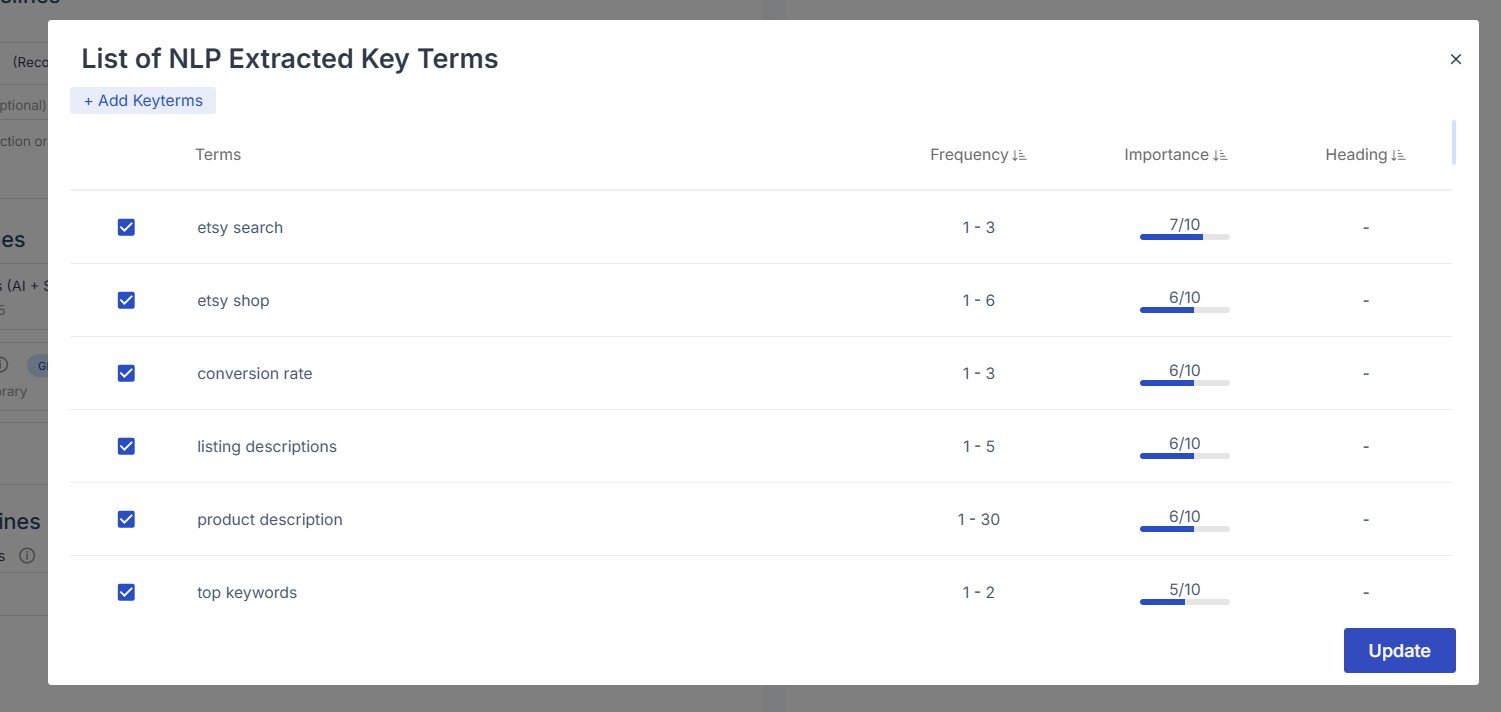
Scalenut also showed NLP and related terms identified during its research.
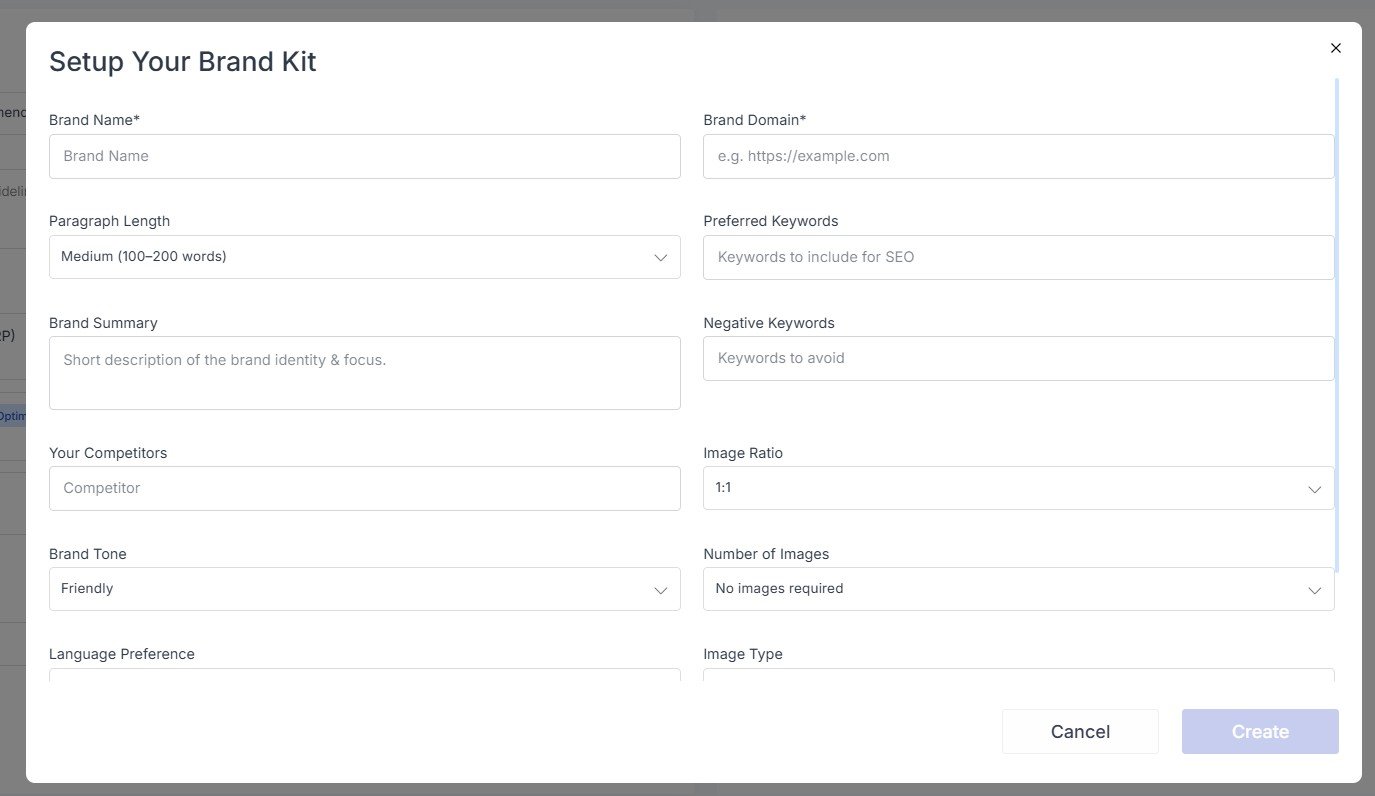
There was also an option to connect the article with a Brand Kit.
The Writing Instructions Were Important
This was one of the parts of the workflow I cared about most.
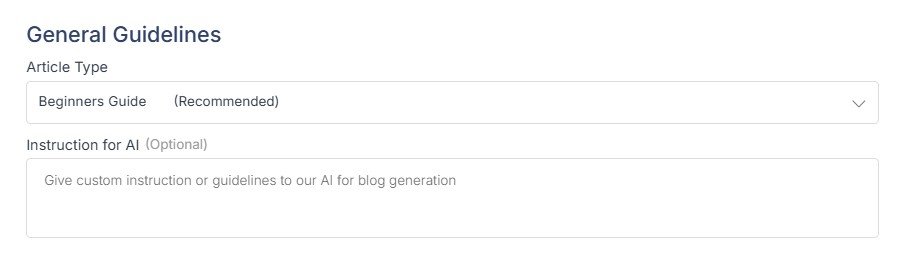
I selected Beginners Guide and added my own instructions.
I asked Scalenut to:
- use simple English;
- make the article useful for beginners;
- include practical examples;
- avoid invented Etsy rules;
- avoid invented statistics.
Tip: I would not skip this step. A keyword tells the AI what the article is about, but it does not explain who the reader is, how simple the language should be, or what kinds of claims should be avoided.
Scalenut Uses Search Results as References
Scalenut then showed reference articles from the SERP.
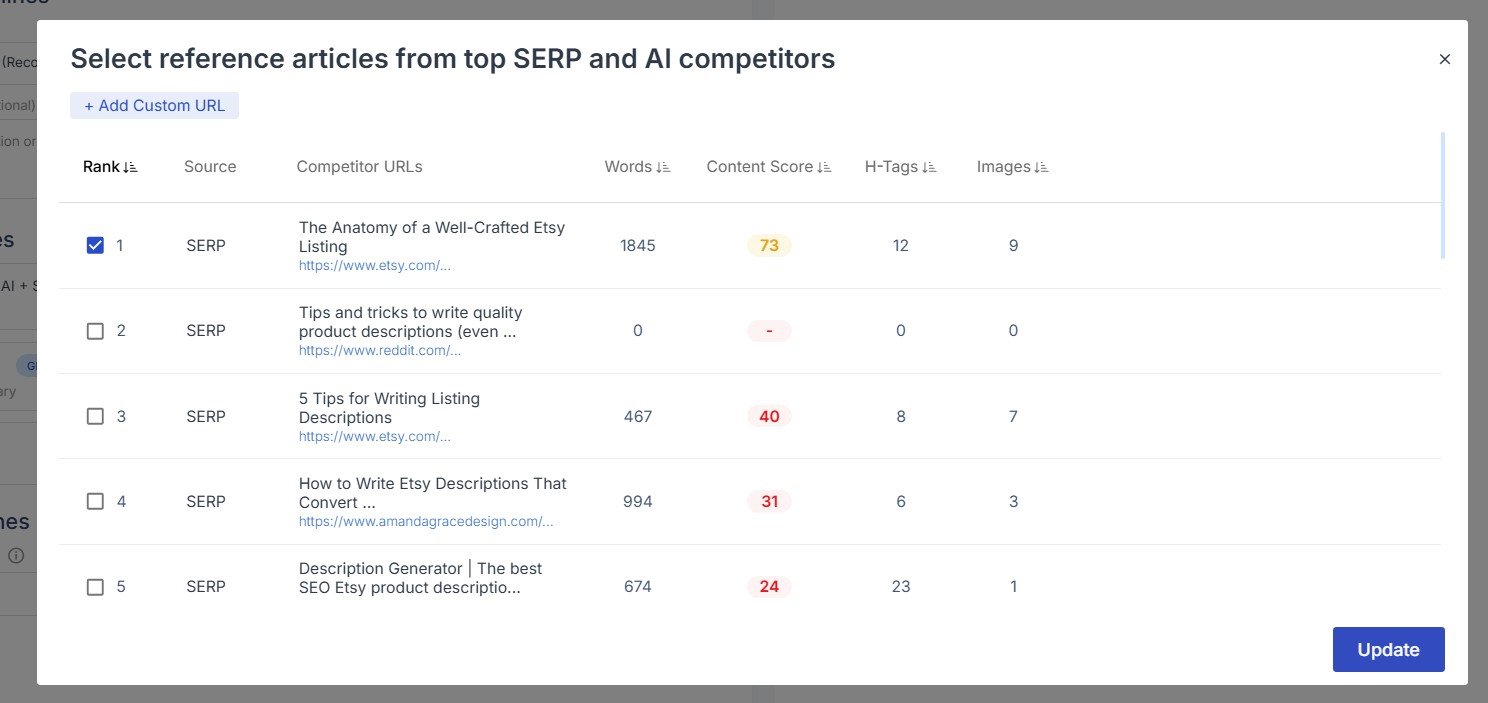
This is one reason I see Scalenut as more of an SEO content platform than a general AI writing assistant.
It tries to understand what already ranks before generating the article.
But there is an important limitation: competitor research can help you understand search intent, but it can also lead to articles that look too similar to everything already ranking.
I would use competitor pages as context, then add something they do not have: original examples, screenshots, tests, data, or first-hand observations.
Choosing a Title
Scalenut generated several headline ideas for my Etsy article.
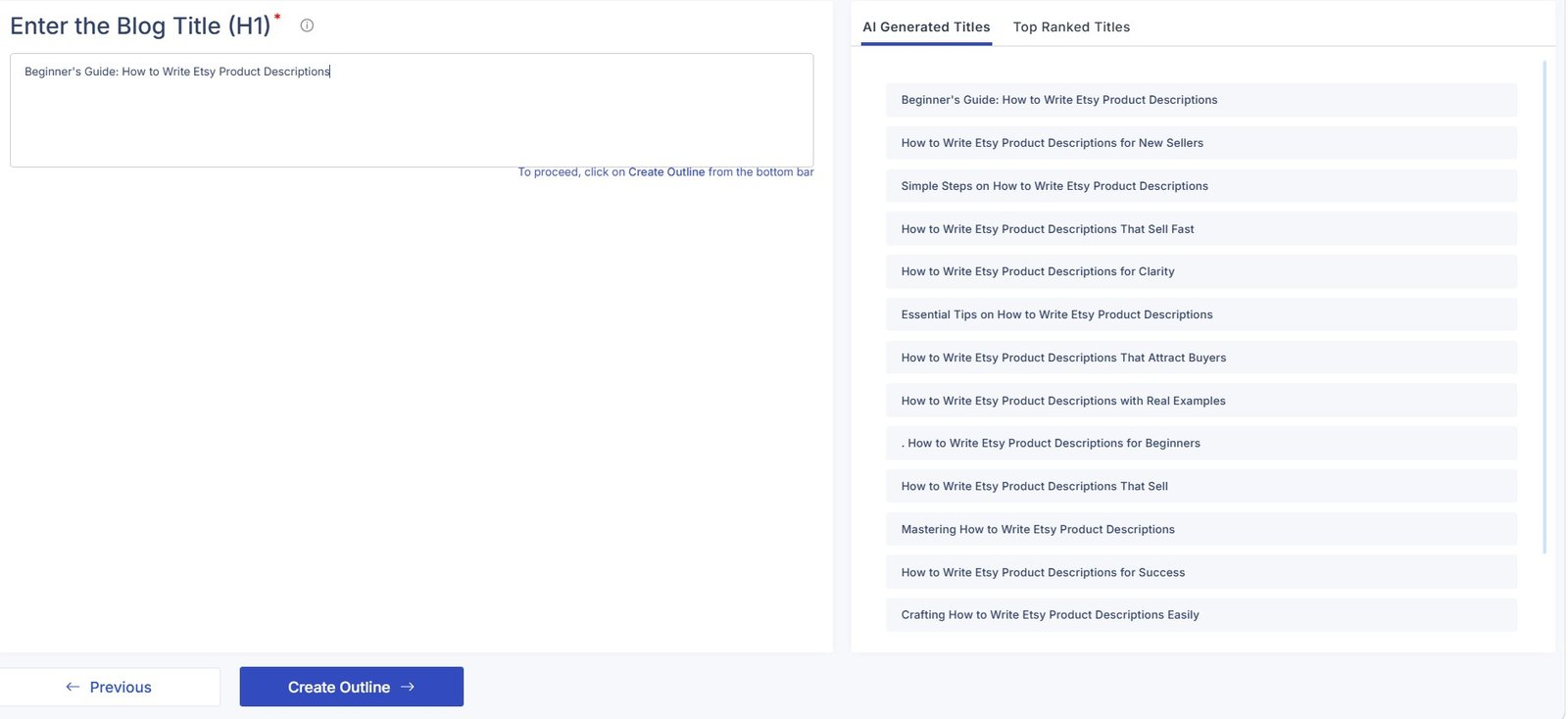
I could also inspect titles used by pages already ranking in search.
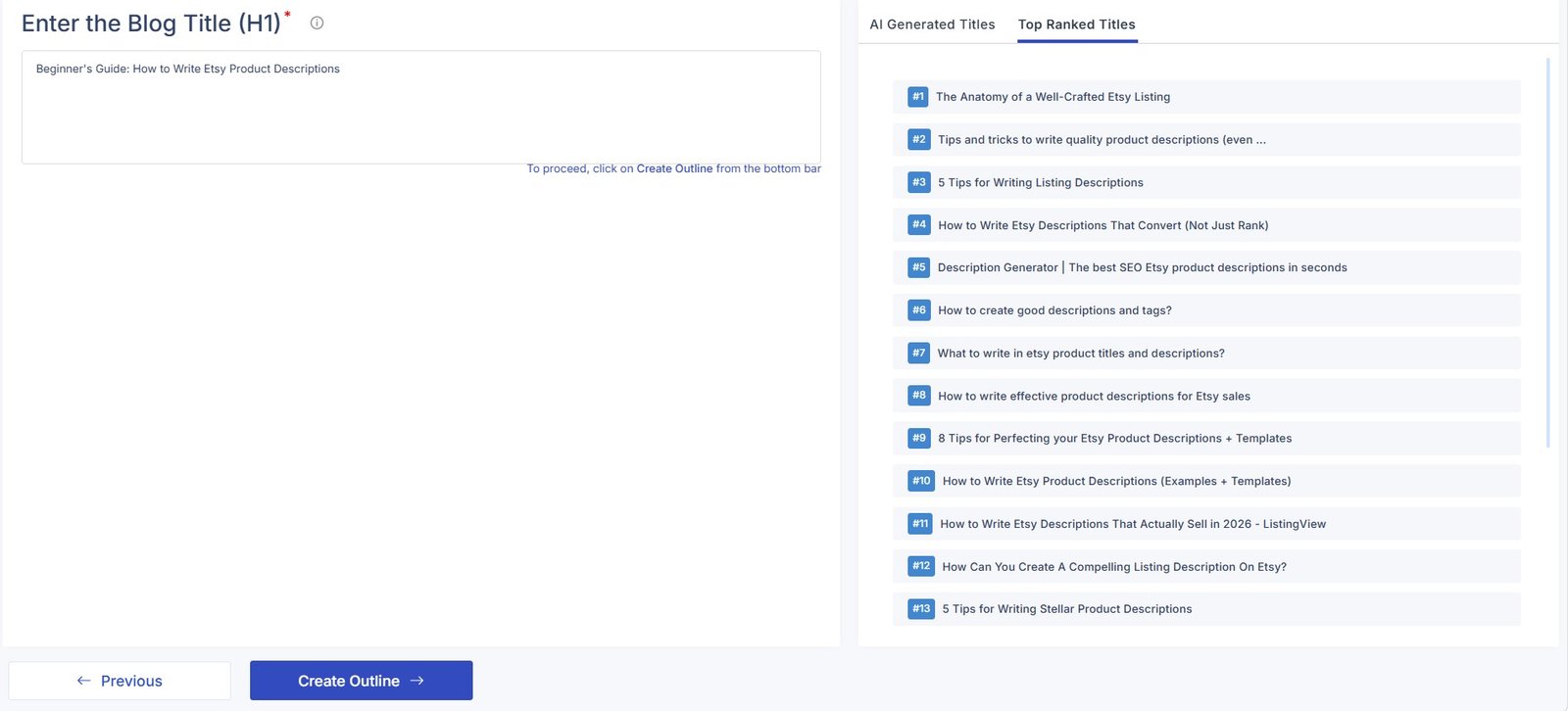
I found this combination more useful than a normal AI title generator because I could compare the suggestions with the current search landscape.
I still would not choose a headline only because it looks SEO-friendly. It also needs to make sense to a human reader.
Building the Outline
Scalenut next generated what it calls a GEO-optimized outline.
The useful part was being able to compare Scalenut’s suggested outline with structures found on top-ranking pages.
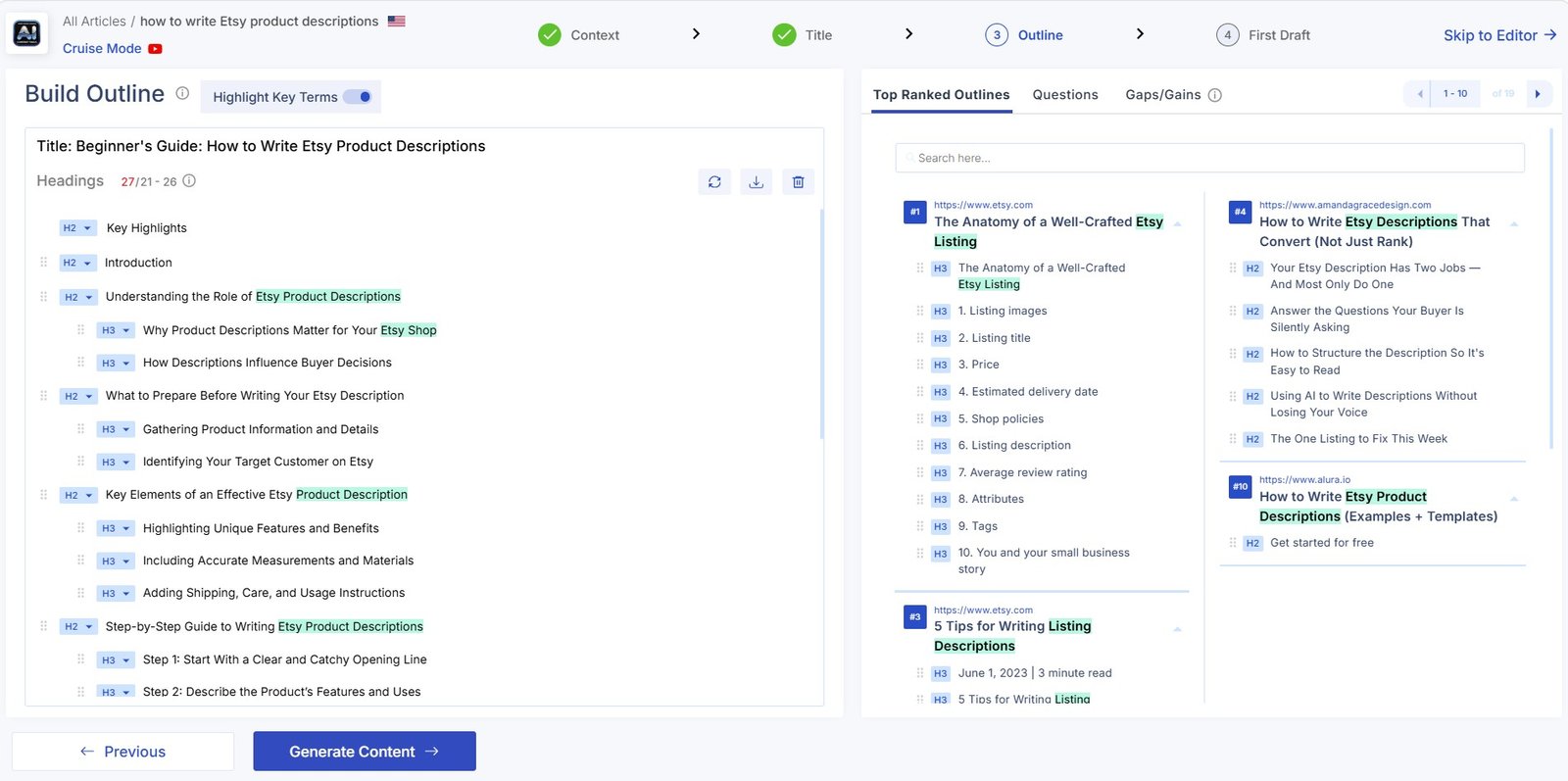
This is where I would slow down. The outline controls the whole article. I would remove weak sections, combine repetitive ones, and add useful topics before generating the draft.
Generating the Full Draft
Once the research, instructions, title, and outline were ready, Scalenut started generating the article.
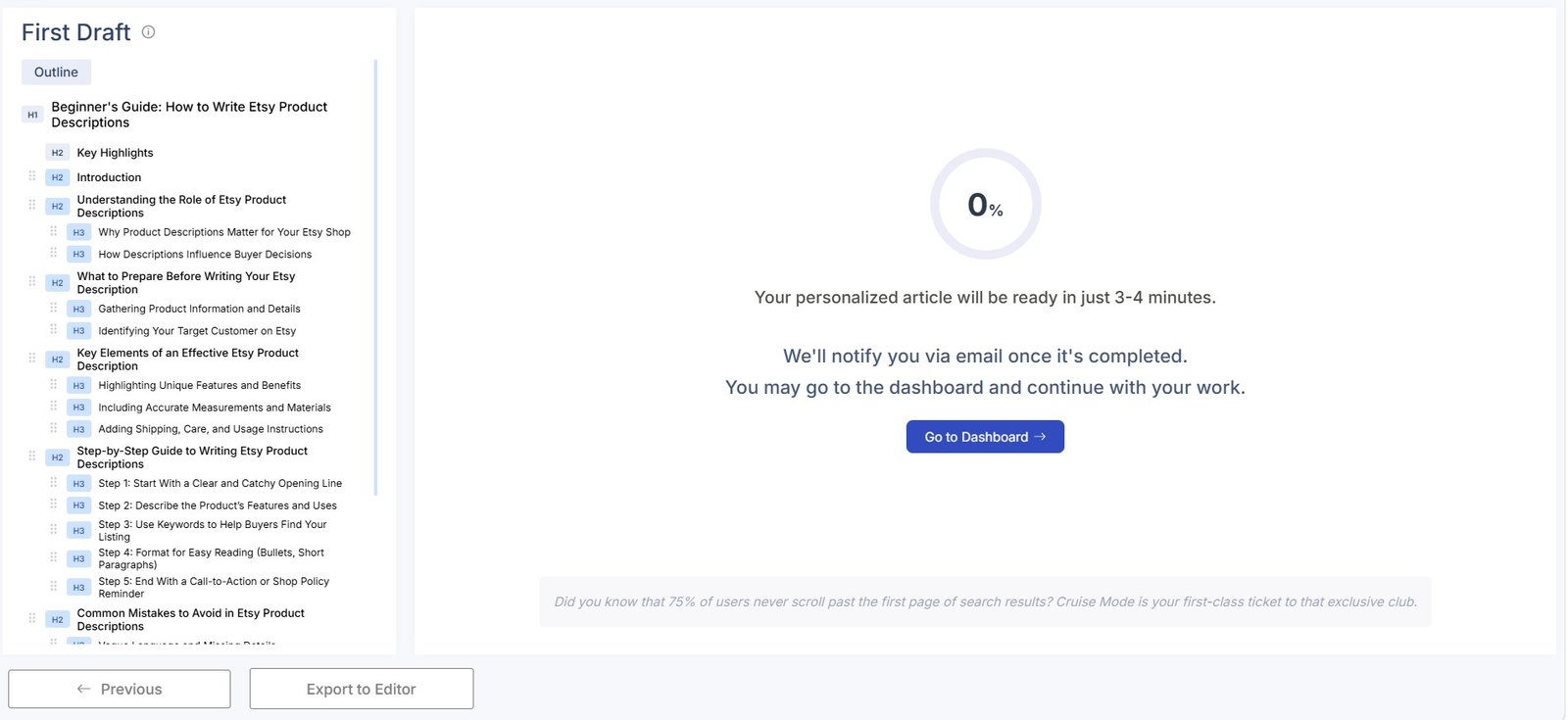
The completed article appeared inside the editor together with a Content Score.
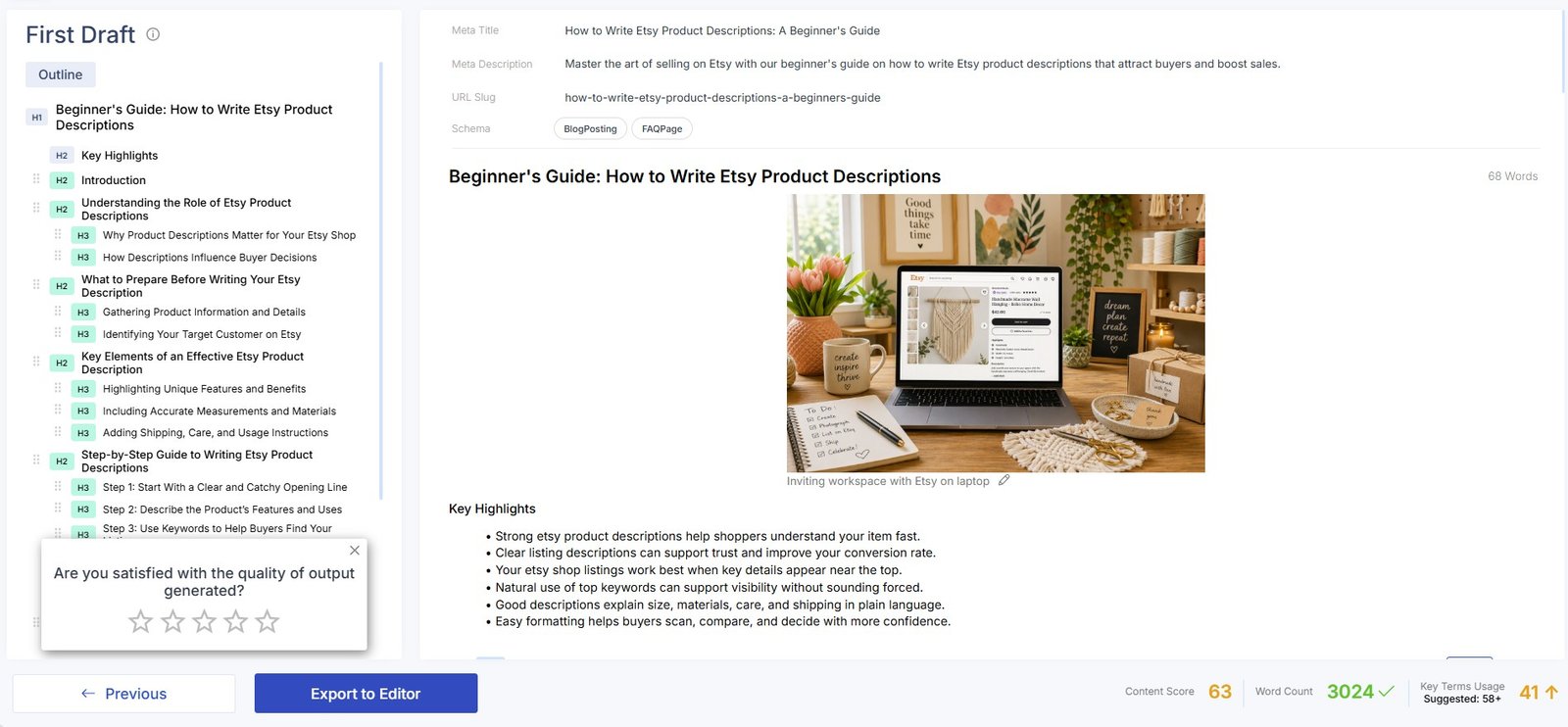
Scalenut successfully took the project from one target keyword through research, planning, outline creation, and a complete first draft.
The workflow worked. But I would still call the output a draft, not a publish-ready article.
The Content Score Is Useful — But Don’t Chase the Number
Inside the editor, Scalenut showed a Content Score and optimization recommendations.
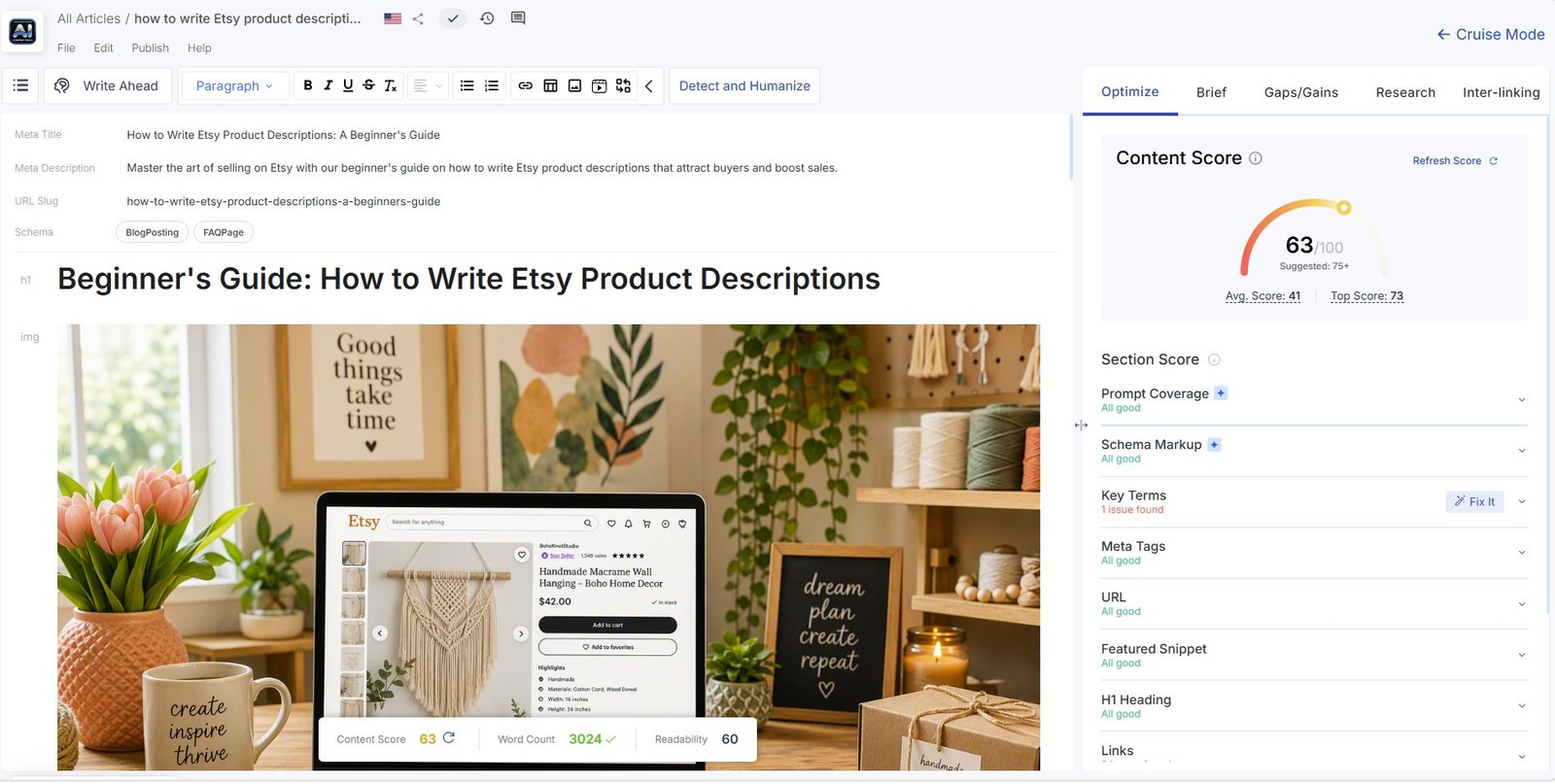
I like having this available while editing because it gives you a quick way to spot potential optimization gaps.
But the score needs to stay in perspective.
A high Content Score does not prove that an article is good. It does not confirm that every fact is correct. It does not measure first-hand experience. And it does not mean Google will rank the page.
Scalenut Can Find Missing Topics
The Gaps/Gains panel was another useful part of the editor.
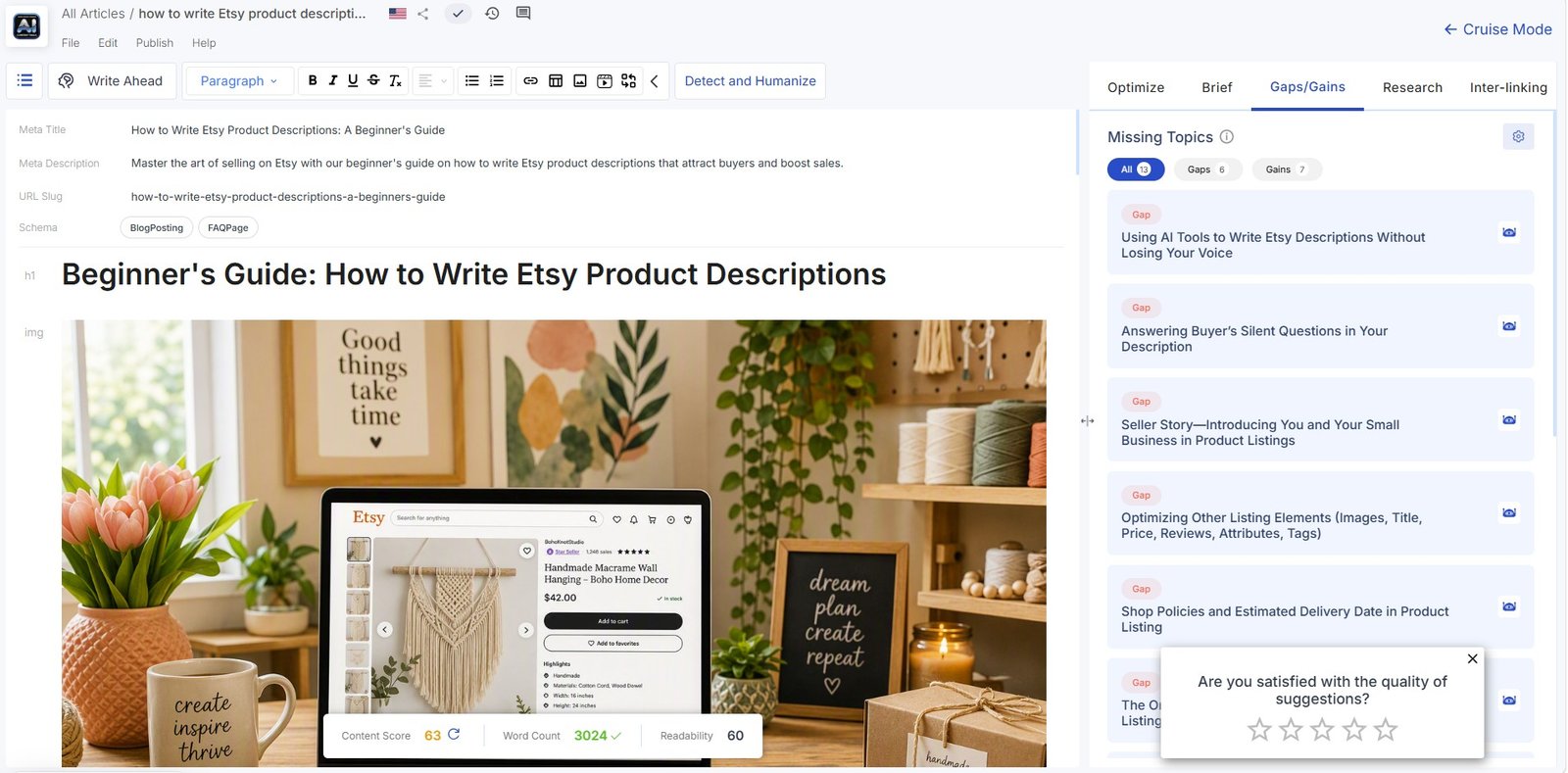
I like this more as a review tool than as an automatic instruction.
If Scalenut says a topic is missing, I would ask one question:
Would adding this actually help the reader?
If the answer is no, I would leave it out.
The Research Panel Is One of the Strongest Parts
Scalenut keeps a surprising amount of research available inside the editor.
Recommended terms
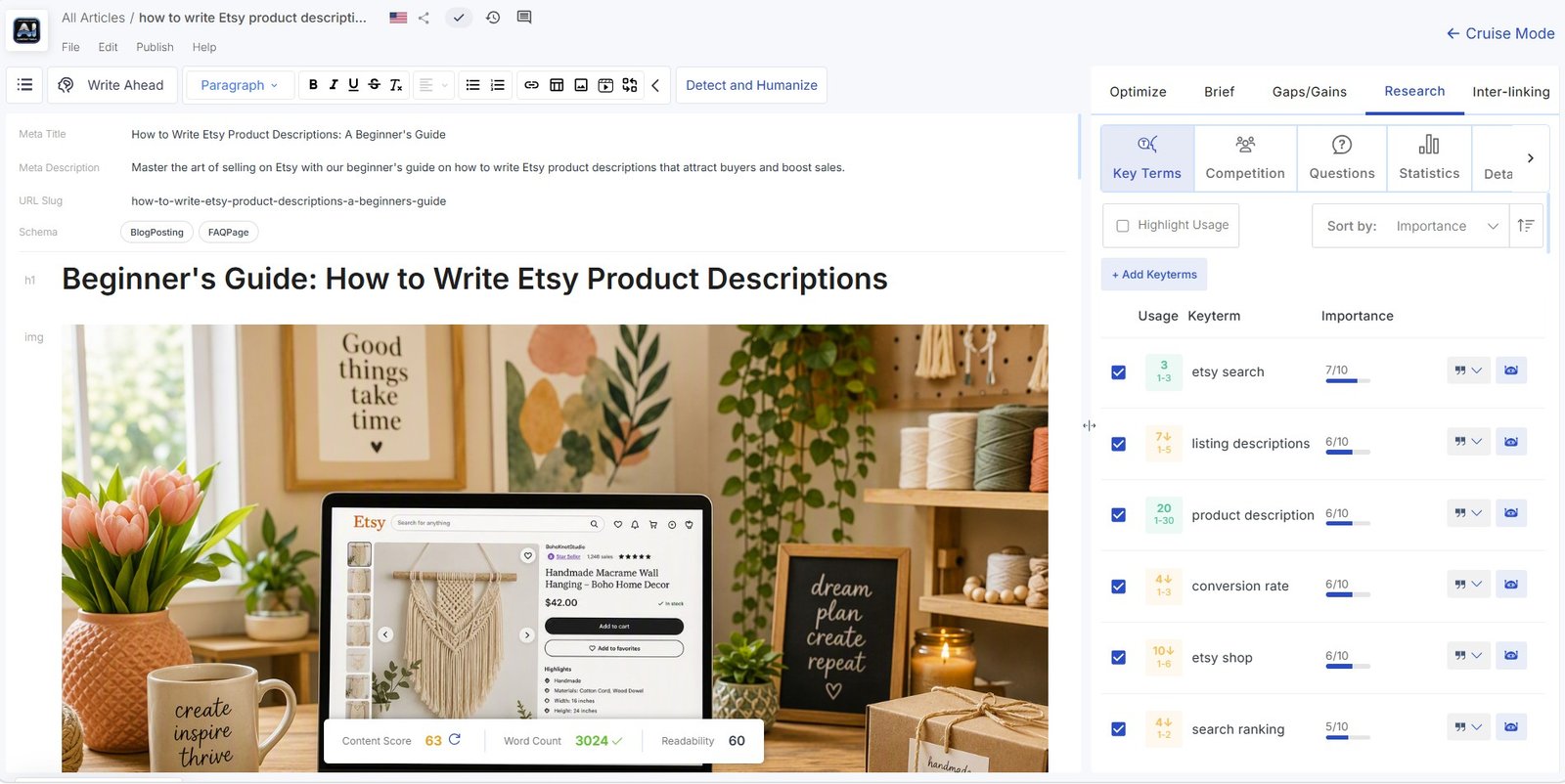
Competition
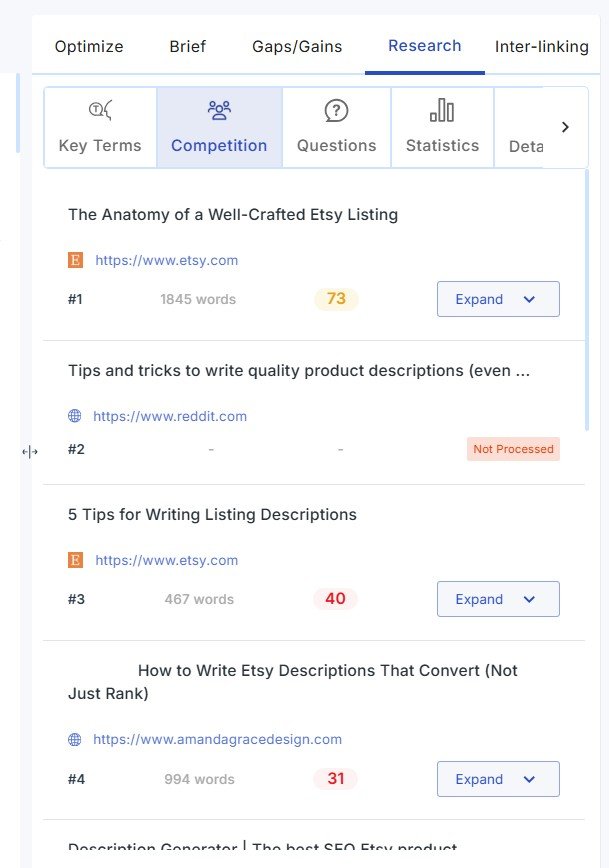
Questions
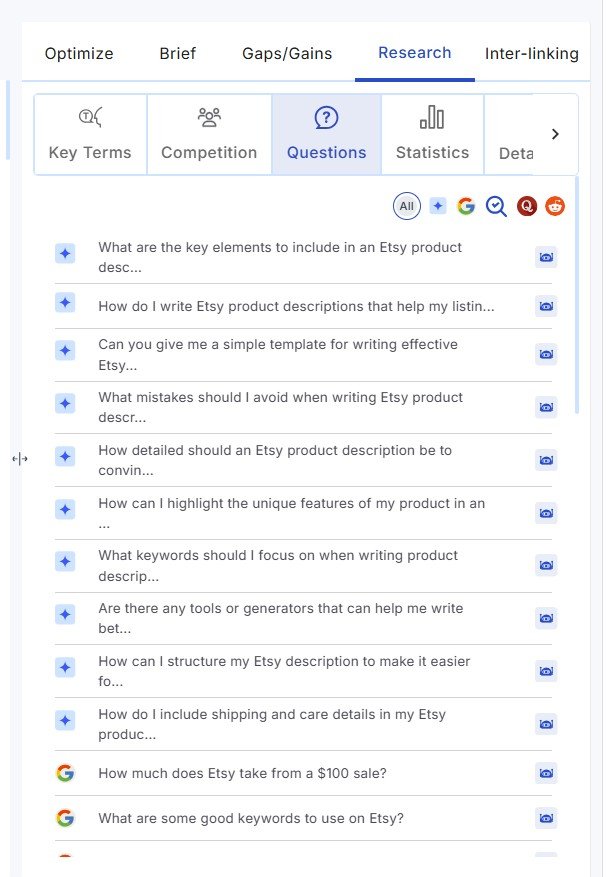
Statistics
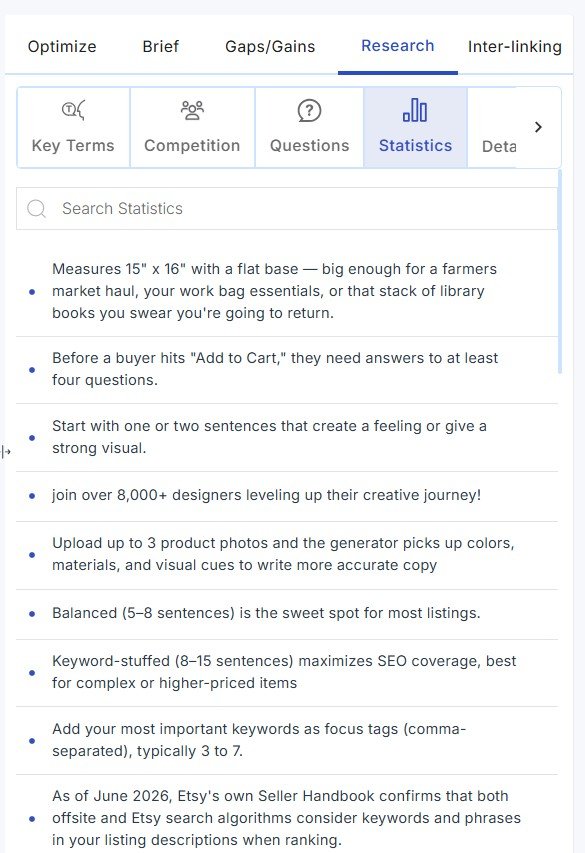
I especially liked having questions and competitors available without constantly opening more browser tabs.
Be careful with statistics. I would always open the original source and confirm the number before using it. A statistic appearing inside an AI or SEO tool is not enough evidence by itself.
There Is Even More Competitor Research
The Content Brief includes a deeper competition overview.
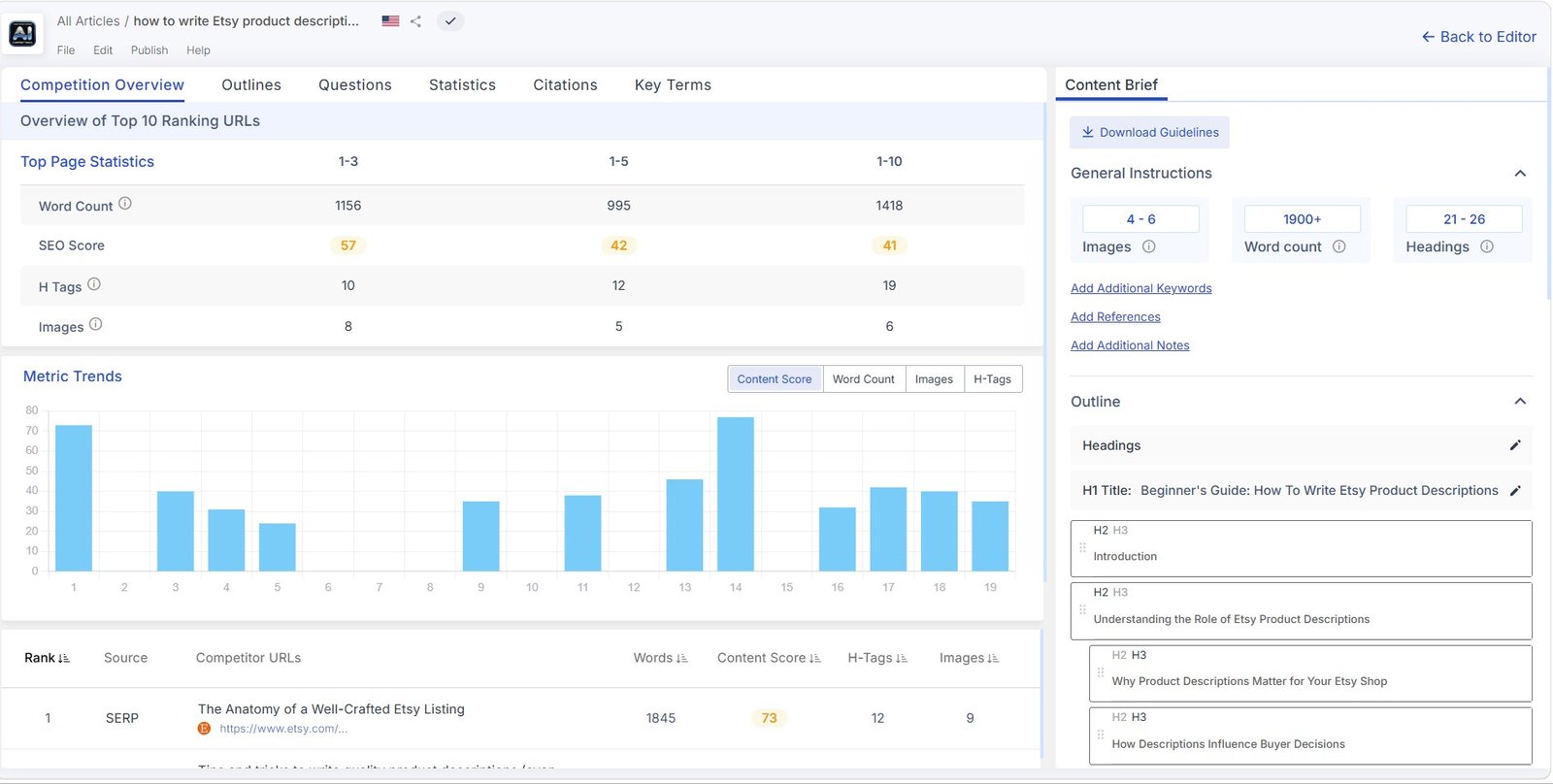
Scalenut also lets you inspect competitor heading structures.
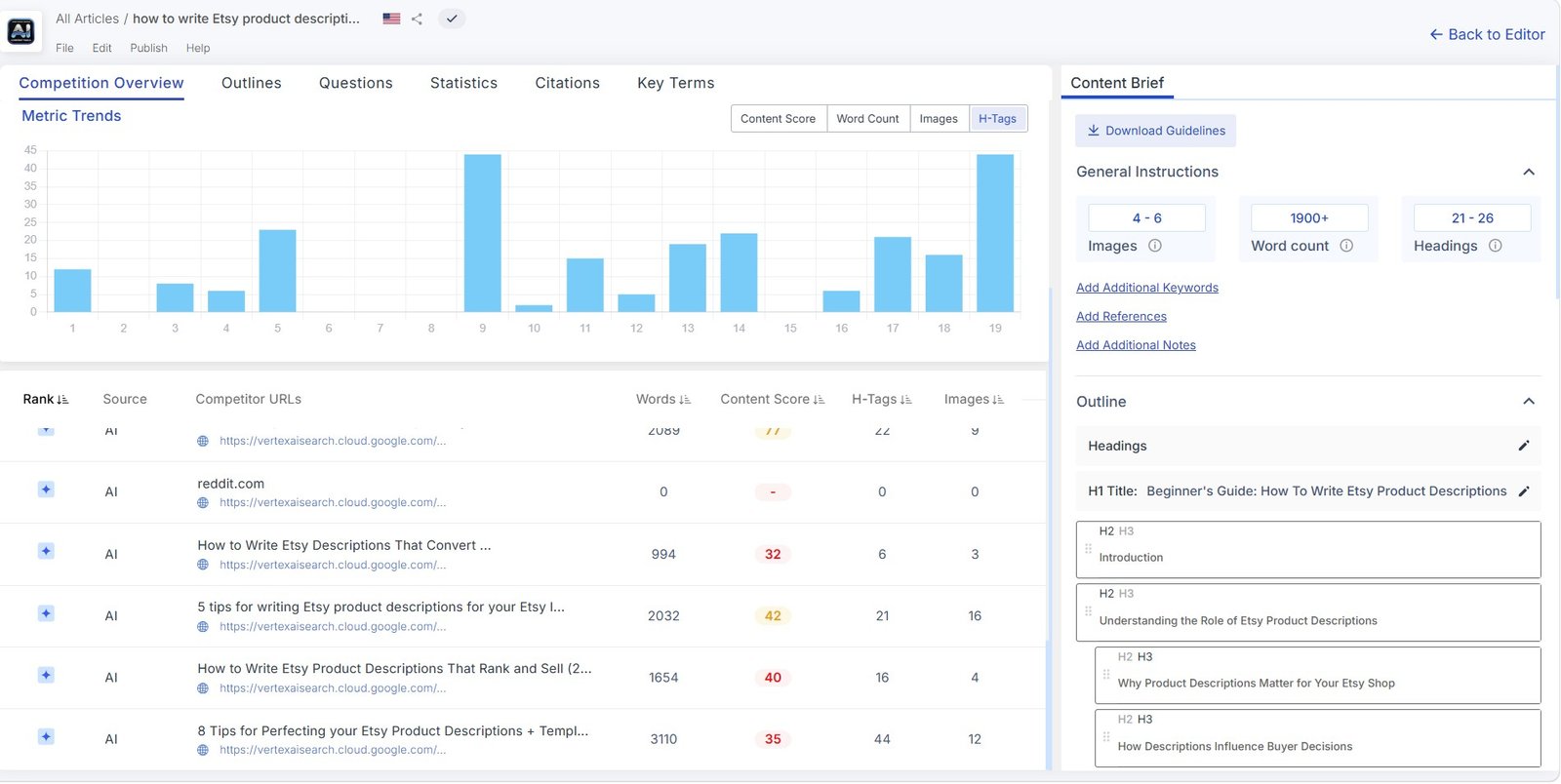
This is probably more research than a casual blogger needs for every article.
For someone publishing SEO content regularly, however, having the research, writing, and optimization workflow in one place can be convenient.
What I Liked
Strong points
- Research happens before generation.
- You can give detailed writing instructions.
- Titles can be compared with SERP competitors.
- Outlines can be reviewed before writing.
- Competitors and questions stay available inside the editor.
- Gaps/Gains can surface missing topics.
- The workflow combines research, drafting, and optimization.
Limitations
- The draft still needs human editing.
- SEO scores can encourage over-optimization.
- Statistics still need source verification.
- Competitor-led research can produce generic content.
- The workflow may feel heavy for simple articles.
- There is no reason to use every suggested term or topic.
Scalenut AI Writer vs a Simple AI Chatbot
The biggest difference I noticed was not necessarily the writing itself. It was the process around the writing.
| Scalenut Article Writer | Typical AI chatbot |
|---|---|
| Starts with keyword and SERP research | Usually starts with your prompt |
| Analyzes competitors | You often need separate research |
| Extracts related terms | You normally have to request them |
| Shows ranking titles and outlines | Can create titles and outlines, but usually without the same SEO workflow |
| Provides a Content Score | Usually has no dedicated SEO score |
| Includes optimization research after generation | You often need another tool |
This does not automatically mean Scalenut writes better content.
It means Scalenut gives you a more structured SEO content workflow.
Who Is Scalenut AI Article Writer For?
Based on this test, I think it makes the most sense for:
- bloggers creating SEO-focused content;
- freelance writers;
- small content teams;
- website owners who want research and writing together;
- people currently using separate tools for SERP research, outlines, AI drafting, and optimization.
I would be less likely to choose Scalenut mainly for short social posts, emails, quick brainstorming, or general AI chat.
My Verdict
A good SEO writing workflow, but not a publish button
The part I liked most was not the one-click generation. It was everything Scalenut did around the draft.
The tool gave me competitor research, related terms, custom instructions, reference pages, title ideas, outline research, a Content Score, missing-topic suggestions, questions, statistics, and additional competitor data.
That can remove a lot of switching between separate SEO and writing tools.
But I would still edit the article before publishing it. I would verify factual claims, check sources, remove generic writing, improve examples, and add something original that competing pages do not have.
For SEO-focused content, Scalenut’s structured workflow is much more useful than simply typing “write me a blog post” into an AI chatbot.
More Scalenut Tests
This AI Writer test is part of my larger hands-on Scalenut review.
Read my full Scalenut review →
I also tested Scalenut’s Detect & Humanize tool. In one test, the original text received an 81% AI score, while the humanized version received 15%. I cover that before-and-after test separately in the Scalenut AI Humanizer review.