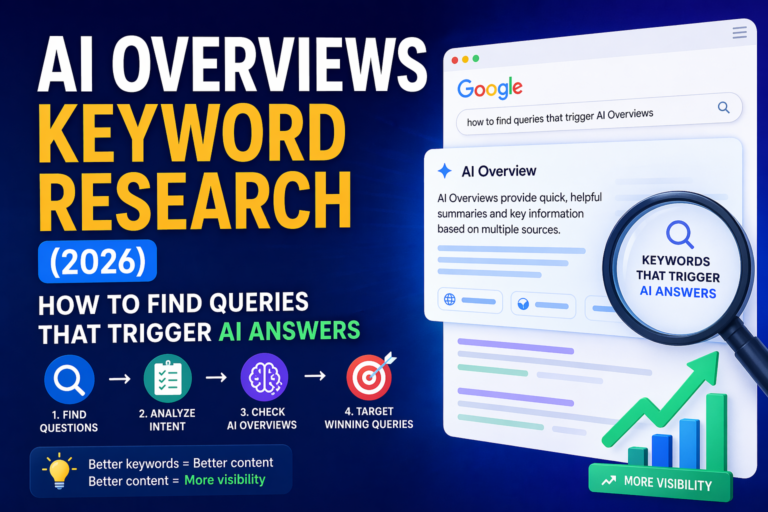
AI Overviews can change your SEO results even when your rankings look stable. That is why tracking clicks, impressions, CTR, citations, and real search results together matters in 2026.
Search Console shows what happened on your site. But it does not show the full SERP picture. To understand AI Overviews, you need both: Google Search Console data and a simple AI Overviews tracking log.
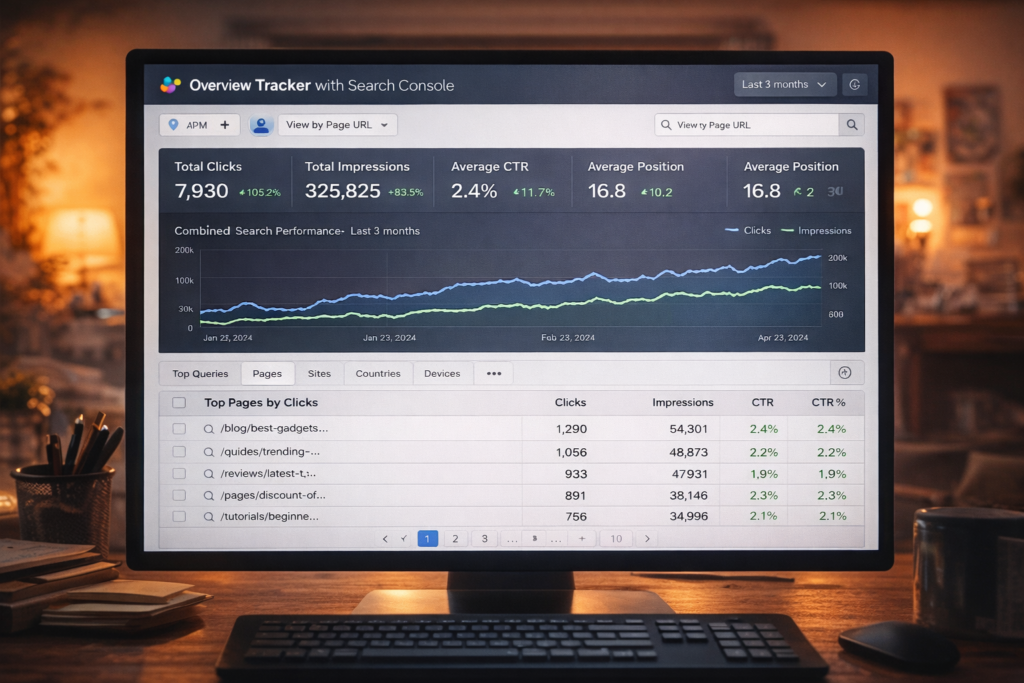
AI Overviews are AI-generated answers inside Google Search.
They can reduce clicks on normal blue links because users may get the answer directly on the search results page.
But they can also create new visibility if your page appears as a cited source.
This is why SEO tracking needs to change.
Old SEO reporting often focused on rankings, clicks, impressions, and CTR. Those numbers still matter. But now they are not enough by themselves.
If your impressions are growing but clicks are not, AI Overviews may be part of the reason. If your page is cited in an AI Overview but traffic does not grow, that also needs tracking.
This guide shows a simple workflow for tracking AI Overviews in 2026 using Search Console, manual checks, and a practical spreadsheet-style system.
For the bigger strategy behind this topic, you can also read:
What Are AI Overviews?
AI Overviews are AI-generated summaries that can appear in Google Search results.
They try to answer the user’s question quickly. They may also show supporting links to pages on the web.
From a website owner’s point of view, this creates a new SEO problem.
User searches, sees blue links, clicks one result, and reads the answer.
User searches, reads an AI answer, and may or may not click a source.
That means your page can be visible in search without getting the same number of clicks as before.
This is also why CTR can drop even if your content is not worse.
If you want to understand this part better, read:
Why CTR Drops With AI Overviews →
Why AI Overviews Tracking Matters
AI Overviews can change your traffic in several ways.
Users may get enough information directly from the AI answer.
Your site may appear as a source even if users do not click every time.
Search Console position can look confusing when AI features appear.
AI Overviews can change by keyword, country, device, and time.
For a small content website, this matters a lot.
If you only look at clicks, you may think a page failed. But maybe the query now has an AI answer. If you only look at impressions, you may think visibility is strong. But maybe users never scroll to your source.
Do not judge AI Overviews impact from one number. You need Search Console data plus real search result checks.
What Search Console Can Show You
Google Search Console is still the best starting point because it shows first-party data from Google.
For AI Overviews tracking, I would start with these four metrics:
How many users visited your site from Google Search.
How often your result was shown in search results.
How often users clicked after seeing your result.
A general signal of where your result appears.
These numbers help you see what changed, but they do not always explain why it changed.
For example, Search Console can show that a query lost CTR. But it may not clearly tell you that an AI Overview appeared above the normal results.
Why Search Console Data Can Look Strange
Many site owners see confusing data and think something is broken.
But often the problem is not Search Console. The search result page changed.
Common situations include:
This does not always mean your SEO is worse.
It may mean Google is answering more of the query before the click.
That is why I would not panic after seeing a CTR drop. I would first check the actual search result.
What Search Console Cannot Show Alone
Search Console is useful, but it does not show everything you need for AI Overviews tracking.
It usually does not answer these questions clearly:
You often need a manual SERP check or tracking tool.
Search Console shows your performance, not full citation layout.
You need SERP observation or a tracking tool.
You need screenshots, notes, or an archive.
This is why a simple tracker helps.
You do not need an expensive enterprise system at the beginning. You can start with a spreadsheet and a weekly process.

For a small site, I would not try to track everything. I would start with the pages that already have impressions, low CTR, or strong business value.
My Simple AI Overviews Tracking Workflow
A strong workflow does not need to be complicated.
The goal is to connect what you see in Search Console with what the search result actually looks like.
Step 1: Build Your Keyword Set
Start with Search Console.
Do not pick random keywords from a keyword tool first. Use the queries where Google already shows your site.
I would export these groups:
These show visibility potential.
These show traffic value.
These may show AI Overview or SERP feature impact.
These connect tracking to business value.
For a small site, I would start with 30–100 queries.
That is enough to learn what is happening without creating a huge tracking mess.
Step 2: Add SERP Checks
Search Console shows your numbers. SERP checks show the environment around those numbers.
For each tracked keyword, check:
This can be manual at first.
Open an incognito window, search the keyword, and record what you see. For more accuracy, track the country, language, and device too.
AI Overviews can change depending on location and device, so do not assume every user sees the same result.
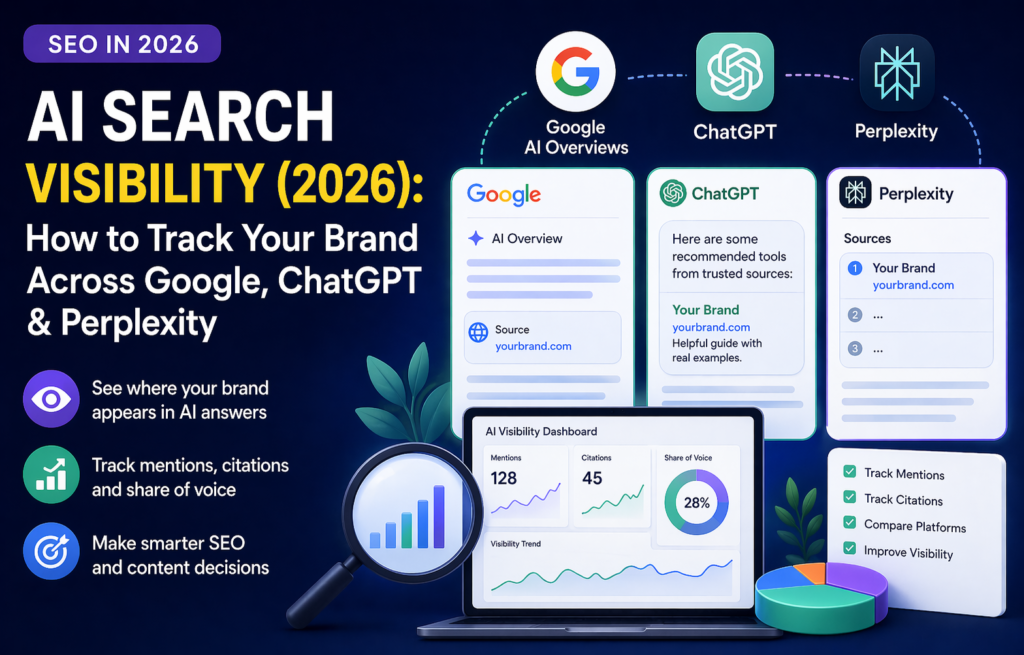
Manual checking is not perfect, but it is better than guessing. For a small site, even a simple weekly check can reveal patterns.
Step 3: Create a Simple AI Overviews Tracker
You can build the first version in Google Sheets.
Do not overcomplicate it.
Use columns like this:
This is enough to start seeing patterns.
Later, you can add device, country, language, screenshot link, and notes.
Step 4: Segment the Data
Do not look only at averages.
AI Overviews do not affect every keyword in the same way.
At minimum, segment by:
Informational, commercial, comparison, brand.
Blog post, review, tool page, tutorial, category page.
Mobile and desktop can behave differently.
AI Overviews availability and layout can vary.
This matters because informational articles may lose clicks faster than product or comparison pages.
For example, a query like “what are AI Overviews” may be answered directly in Google. But a query like “best AI SEO tools” still gives users a reason to compare options.
Step 5: Decide What to Improve
Tracking is only useful if it changes what you do next.
After you check your AI Overviews data, choose actions based on the pattern.
This is how tracking becomes useful.
You stop guessing and start improving based on patterns.
I would improve pages in small batches. If you change 30 titles, intros, and layouts at once, you will not know what helped.
How to Make a Page More AI Overview Ready
You cannot force Google to cite your page in AI Overviews.
But you can make the page easier to understand and more useful as a source.
For pages you want cited, I would use this pattern:
Put a clear answer near the top.
Add sections that answer related questions.
Add what you tested, noticed, or changed.
Headings, lists, tables, and examples help.
Use internal links to build topical clarity.
No accidental noindex, canonical issues, or blocked content.
This is close to normal SEO, but more organized.
AI Overviews often need clear answers and supporting context. Thin pages are weaker.
For formatting help, read:
AI Content Optimization for AI Overviews and ChatGPT →
Tools for AI Overviews Tracking
You can start manually, but tools help when the keyword list gets bigger.
In most cases, your tracking stack needs three layers:
Baseline clicks, impressions, CTR, and position.
Checks if AI Overviews appear and who is cited.
Google Sheets, Looker Studio, or another dashboard.
Some SEO tools and AI visibility tools can help with citation tracking, SERP monitoring, AI visibility, and competitor checks.
But if your site is still small, do not start with a huge tool stack. Start with your most important queries first.
Weekly Reporting Template
Here is a simple weekly report structure I would use.
Do this weekly for monitoring and monthly for deeper content decisions.
If you only check once, you may catch a random result. If you check every week, you start seeing patterns.
My 30-Day AI Overviews Tracking Plan
If I were setting this up on a small content site, I would not try to build a perfect system on day one.
I would do this:
Week 1: Build the keyword list.
Export Search Console queries for your strongest pages. Pick 30–100 keywords.
Week 2: Start manual AI Overview checks.
Record whether AI Overviews appear, whether your site is cited, and which competitors are shown.
Week 3: Match SERP notes with Search Console data.
Look for CTR drops, high-impression queries, and missed citation opportunities.
Week 4: Improve 3–5 pages.
Add stronger answers, clearer examples, internal links, and better introductions. Then wait before making more changes.
This plan is simple, but it is enough to start.
It also helps avoid panic editing.
Common Mistakes With AI Overviews Tracking
Start small or you will stop updating the tracker.
CTR matters, but it does not explain the whole SERP.
AI Overviews may not look the same everywhere.
Screenshots and simple notes help when results change.
Small batches make results easier to understand.
Visibility is good, but the page still needs a next step.
How This Fits Into the AI SEO Cluster
This article should not sit alone.
AI Overviews tracking belongs inside a bigger AI SEO system. Tracking tells you what changed. Other pages explain how to improve visibility, optimize content, and understand CTR drops.
Read next in this AI SEO cluster
FAQ About AI Overviews Tracking
Can Search Console track AI Overviews?
Search Console can show clicks, impressions, CTR, and position for your site, but it does not give a full AI Overviews tracking view. You still need SERP checks or a tracking tool to see when AI Overviews appear and which sources are cited.
What should I track first?
Start with queries that already get impressions, clicks, or low CTR in Search Console. Then check whether AI Overviews appear for those queries.
Do I need an expensive tool?
Not at the beginning. A small site can start with Search Console exports and a simple Google Sheet. Tools become more useful when you need to track many keywords, competitors, countries, or devices.
Why did my CTR drop if my ranking did not drop?
The search results page may have changed. AI Overviews, snippets, ads, People Also Ask, or other features can reduce clicks even when your average position looks stable.
How often should I check AI Overviews?
For a small site, weekly tracking is enough. For important pages or fast-changing topics, you can check more often, but consistency matters more than checking randomly.
Final Thoughts
AI Overviews tracking is not about panic.
It is about understanding the new search results page.
Search Console still matters. Rankings still matter. Clicks still matter. But now you also need to know when AI Overviews appear, whether your site is cited, and what happens to CTR when the SERP changes.
My best advice is simple:
This gives you a much clearer picture than guessing.
And for a small content website, that clarity matters a lot.