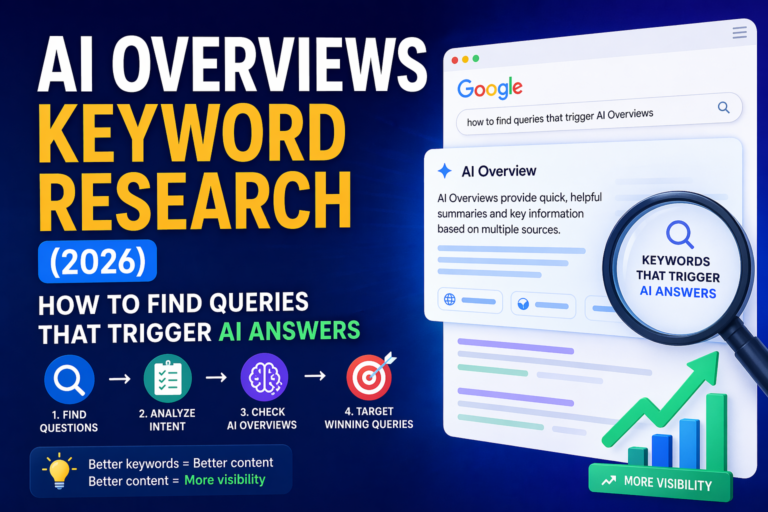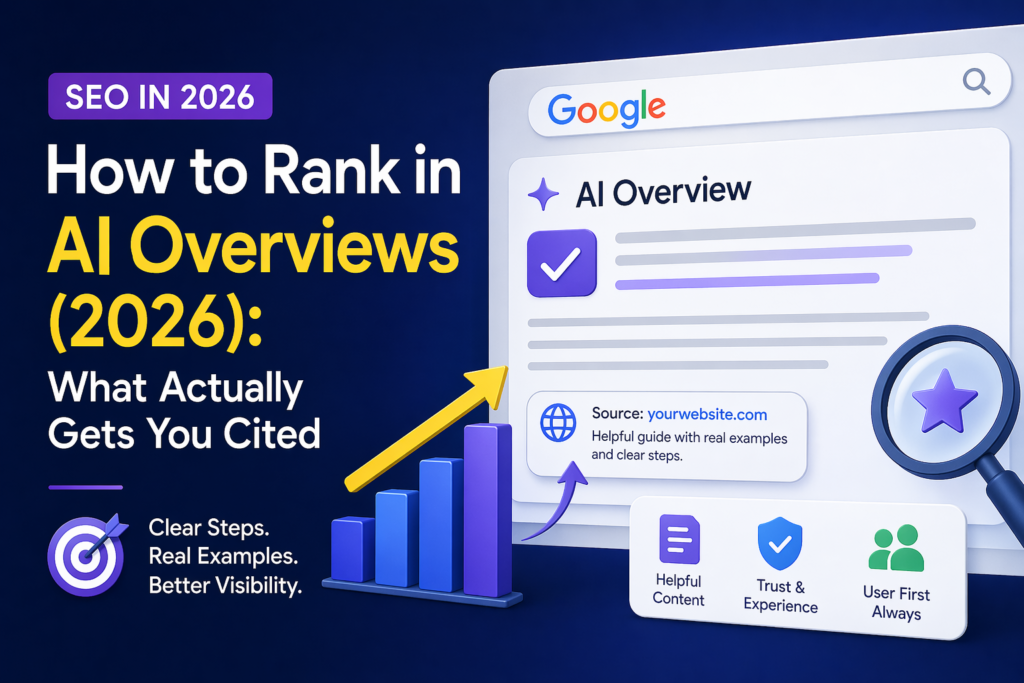
You publish a good article. You wait. You check Google Search Console. The page gets impressions, maybe it is even indexed, but the clicks are still low.
Then you search your topic in Google and see the reason: an AI Overview appears above normal results, and your page is not cited.
I know this feeling because I work on a small content site too. Sometimes the article is not “bad.” It is just not clear enough, specific enough, or easy enough for Google to use as a source.
Ranking in AI Overviews in 2026 is not about one magic trick. It is not about adding one schema code or repeating a keyword ten more times.
It is about building a page that answers one real question better than average pages do.
My simple rule: if a human can understand your answer fast, Google has a better chance to understand it too.
In this guide, I will show you what actually helps pages get cited in Google AI Overviews, what makes a page weaker, and how I would improve an article before sending it back for indexing.
What Does “Rank in AI Overviews” Really Mean?
First, let’s make this clear.
You do not rank in AI Overviews the same way you rank in classic blue links.
In classic SEO, you usually ask:
“What position is my page in Google?”
With AI Overviews, the better question is:
“Does Google choose my page as a useful source for this answer?”
A page can rank in organic results and still not be cited in the AI Overview. Another page can be lower in normal results but still be used as a source because it answers one part of the question very clearly.
So the goal is not to “hack” AI Overviews.
The goal is to become an easy page for Google to understand, trust, summarize, and cite.
Why Some Pages Get Cited and Others Do Not
Many site owners think only huge websites can appear in AI Overviews. Big brands do have an advantage, but that is not the whole story.
In my experience, smaller sites have a better chance when the page does a few things very well:
- answers the question fast
- uses clear headings
- covers one intent without drifting
- adds real examples or observations
- has a clean structure
- does not feel like thin AI content
- belongs to a stronger topic cluster
AI Overviews are usually not looking for fluff. They need pieces of content that help build a useful answer.
My note: when I improve pages for indexing, I do not only make them longer. I make them clearer, more useful, and more specific.
Quick Answer: What Actually Gets You Cited?
Pages are more likely to be cited in AI Overviews when they answer a specific question clearly, show useful experience, use clean structure, and match the search intent better than competing pages.
The best pages are not always the longest. They are the easiest to use as a source.
Step 1: Start With One Clear Question
The biggest mistake is starting with a topic that is too broad.
“SEO” is too broad. “AI tools” is too broad. “Content marketing” is too broad.
AI Overviews often appear for specific questions, problems, comparisons, and how-to searches. So your page should solve one clear question first.
Too Broad
- SEO
- AI tools
- content marketing
Better
- Why CTR drops with AI Overviews
- How to track AI Overviews in Search Console
- What makes a page get cited in AI Overviews
Before writing or updating a page, finish this sentence:
This reader wants to understand ______.
If you cannot complete that sentence clearly, the page may be too broad.
Step 2: Put the Answer Near the Top
Do not hide the useful answer under a long intro.
Many articles start with soft filler like:
“In today’s digital world, SEO is changing very fast and businesses need to adapt to new technology.”
That sounds okay, but it does not answer anything.
A stronger opening says the answer directly:
“To get cited in AI Overviews, your page needs to answer a specific question clearly, show real value, and be easy for Google to understand as a source.”
This is better for readers. It is also better for search because the purpose of the page is clear.
Step 3: Make Every Section Easy to Use as a Source
A page can be helpful overall but still hard to cite.
This happens when the information is messy. One section talks about five things. Headings are vague. Examples are missing. The page feels like a long wall of text.
For AI Overview visibility, each section should work like a small answer block.
A strong section usually has:
- one clear sub-question
- a direct answer
- a short explanation
- one useful example
- no random side topic
Weak heading: Important Things to Know
Better heading: What Makes Google Cite a Page in AI Overviews?
The second heading is easier for a human to scan and easier for a system to understand.
Step 4: Add Original Experience, Not Only Correct Information
Correct information is not enough anymore.
Many pages online are correct. But many of them say the same thing.
If your article sounds like every other AI-generated SEO article, it becomes harder to stand out.
Original experience can be simple:
- what you noticed in Search Console
- what changed after you updated a page
- what mistake you made
- what tool you tested
- what surprised you
- what you would do differently now
Example from my own work: when a page gets impressions but no clicks, I do not only change the meta description. I look at the intro, headings, internal links, and whether the article gives a real answer in the first screen.
This kind of note makes the page feel more human. It shows that the advice comes from real work, not only from repeating SEO tips.
Step 5: Match the Search Intent Exactly
Search intent means what the user really wants.
If someone searches “why CTR drops with AI Overviews,” they do not want a long history of SEO. They want the reason, the impact, and what to do next.
If someone searches “how to track AI Overviews,” they do not want only theory. They want a tracking method.
| Intent Type | What the Page Should Do |
|---|---|
| Definition | Explain clearly and simply. |
| Problem | Explain the cause and solution. |
| Comparison | Compare options with a clear verdict. |
| How-to | Give steps, examples, and mistakes to avoid. |
When the page drifts away from the user’s need, it becomes weaker.
Step 6: Use Simple Language
Simple writing is not weak writing.
Simple writing is strong because the reader understands the point faster.
This matters even more for AI Overviews because AI summaries need clear source material.
Too Complicated
Content optimization should align with semantic topical hierarchy.
Better
Your article should cover the topic in a clear order, so Google can understand each part.
The second version is easier to read, easier to trust, and easier to summarize.
Step 7: Cover the Topic Deeply, But Stay Focused
Depth matters, but length alone does not.
A strong article is not just long. It is complete.
For a page about AI Overviews, useful depth may include:
- what AI Overviews are
- how citations work in simple terms
- why some pages are chosen
- what content structure helps
- what mistakes hurt visibility
- how to track changes after updates
But random sections make the page weaker. If a section does not help the reader solve the main problem, remove it or move it to another article.
My rule: every H2 must earn its place. If it does not support the main question, it does not belong on that page.
Step 8: Build a Topic Cluster Around AI Overviews
One page can rank, but a cluster is stronger.
If your site has only one article about AI Overviews, Google has less context. If your site has a clear group of related articles, the topic becomes easier to understand.
This article should be connected with other pages like:
This helps both readers and search engines. One page explains how to rank. Another explains how to track. Another explains where traffic goes. Together, they build a real topic system.
Step 9: Use Structured Formatting, Not Only Schema
Structured data can help Google understand a page, but it is not magic.
Your visible content structure matters too.
Use:
- clear H2 and H3 headings
- short paragraphs
- answer-first sections
- comparison tables
- checklists
- FAQ sections when useful
- internal links to related pages
If a reader can scan your page in 20 seconds and understand what the article covers, your structure is probably strong.
Step 10: Refresh Pages That Already Have Impressions
You do not always need a new article.
Sometimes the best opportunity is a page that already has impressions but does not get enough clicks.
These pages are often close. Google already sees them for something. They may just need a better intro, better headings, stronger examples, or clearer internal links.
Look for pages that:
- already get impressions
- target question-based searches
- have low CTR
- sit close to page one
- belong to an important cluster
- need better structure
My update checklist:
- rewrite the intro with a direct answer
- make headings more specific
- add one table
- add one real example
- add internal links to the cluster
- remove generic filler
What Usually Does Not Get You Cited
Some tactics may feel like SEO work, but they do not fix the real problem.
These things usually do not help much by themselves:
- adding the same keyword many times
- making the article longer without adding value
- publishing many thin AI-generated pages
- adding schema and expecting instant results
- copying the same points competitors already have
- using vague expert-sounding language
- hiding the answer below a long intro
Important: if the page feels generic to you, it will probably feel generic to readers too.
Weak Page vs Stronger AI Overview Page
| Weak Page | Stronger Page |
|---|---|
| Broad topic with no clear question | Clear problem-based intent |
| Long filler intro | Direct answer near the top |
| Generic wording | Real examples and observations |
| Mixed sections | One sub-question per section |
| Hard to scan | Clean headings, lists, and tables |
| No next-step links | Helpful internal links to related pages |
My Simple Model for AI Overview Optimization
If I had to simplify everything, I would use this model:
- Pick one clear question.
- Answer it near the top.
- Break the article into useful sub-questions.
- Add real examples or personal observations.
- Use simple language.
- Add one table or checklist.
- Link to related articles in the same cluster.
- Update the page when Search Console shows new data.
This is not a flashy strategy. But it is practical. And for small websites, practical usually wins.
How to Check If Your Update Helped
After you improve the article, do not guess. Track what happens.
Check:
- impressions in Search Console
- clicks
- CTR
- new question-based queries
- whether the page appears for more long-tail searches
- whether AI Overview appears for your target query
- whether your page is cited or competitors are cited
Keep a simple note:
Date updated: June 2026
What changed: intro, headings, table, examples, internal links
Check again: after 2 to 4 weeks
This helps you learn what works on your own site.
Final Thoughts
If you want to rank in AI Overviews, think less about shortcuts and more about becoming the best source for one real question.
The strongest pages are usually clear, specific, helpful, and easy to understand.
Start with one article. Improve the answer. Improve the structure. Add experience. Add internal links. Then watch what changes.
AI Overviews do not reward empty content. They need useful sources. Make your page one of them.
FAQ
Can small websites appear in AI Overviews?
Yes. A smaller website can still be cited if the page answers a question clearly, adds real value, and matches the search intent well. Big brands may have an advantage, but usefulness still matters.
Do I need special schema to rank in AI Overviews?
No special schema can guarantee inclusion in AI Overviews. Structured data can help Google understand your content, but the page itself still needs to be useful, clear, and trustworthy.
Is AI-generated content bad for AI Overviews?
Not always. AI-generated content is not automatically bad. The problem is low-value content that feels generic, thin, or made only to manipulate search results. Human editing, examples, and real experience are important.
What type of keyword is best for AI Overview visibility?
Question-based, problem-solving, and comparison keywords are often strong choices because they match the type of answer AI Overviews may try to generate.
Should I update old content or publish new articles?
Both can work, but updating pages that already have impressions is often the fastest win. If Google already sees the page for a topic, better structure and clearer answers may help more than starting from zero.