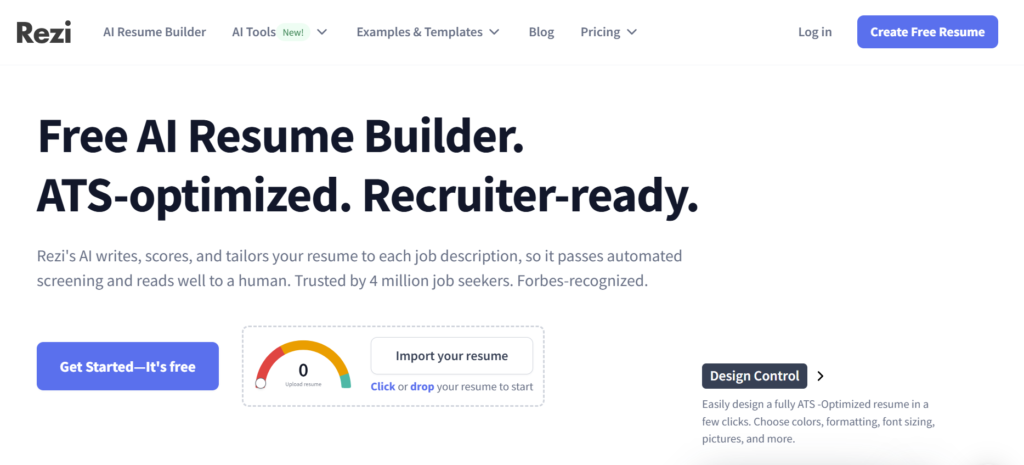
Creating a resume in 2026 is faster and smarter thanks to AI tools like Rezi AI.
Instead of spending hours formatting and guessing what recruiters want, you can generate an ATS-friendly resume in minutes.
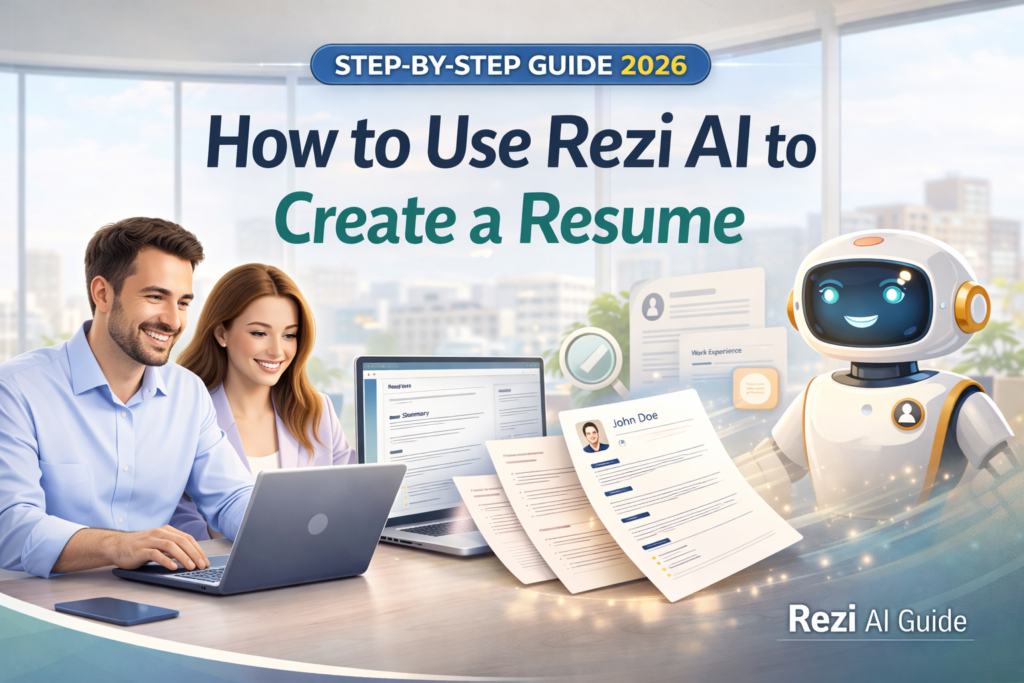
In this guide, you’ll learn exactly how to use Rezi step by step — even if you’ve never built a resume before.
What is Rezi AI?
Rezi AI is an AI-powered resume builder designed to create resumes optimized for ATS (Applicant Tracking Systems).
It helps you:
- write bullet points automatically
- match job descriptions
- optimize keywords
- improve your resume score
You can find Rezi AI on its official website — it works fully online with no installation required.
Just go to https://www.rezi.ai/ and start building your resume right away.
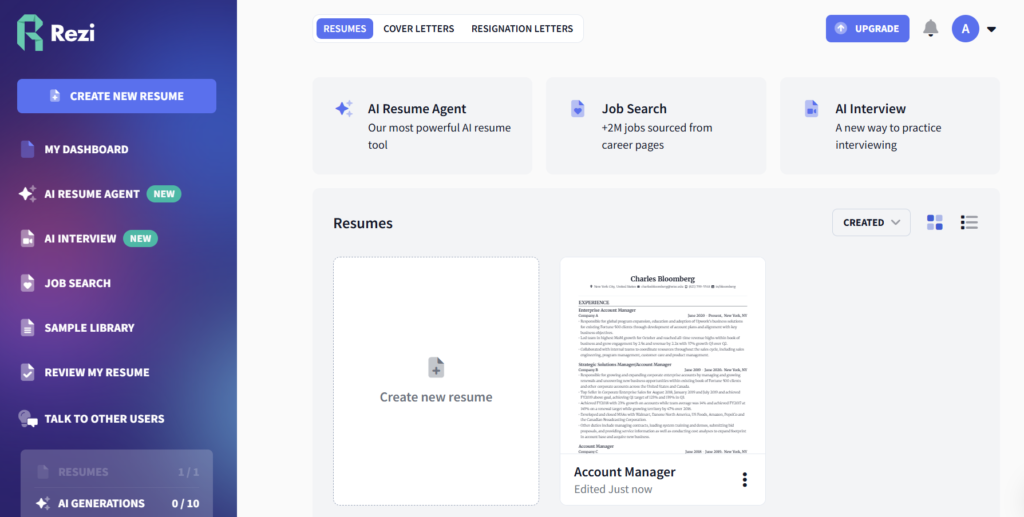
Rezi Interface Overview (Main Menu Explained)
Before jumping into the step-by-step guide, it’s worth understanding the main dashboard of Rezi AI and what each option does.
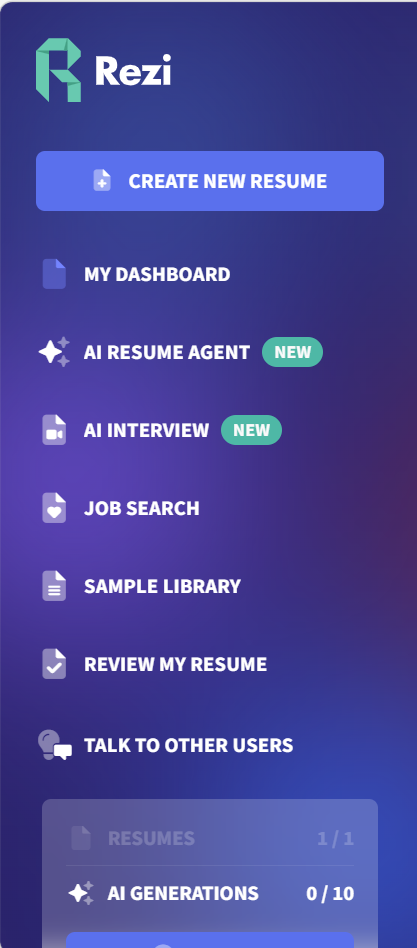
Create New Resume
This is your starting point.
Click here to build a new resume from scratch or using AI.
Free: Yes (limited number of resumes)
Paid: More resume versions and advanced AI features
My Dashboard
Your central hub where all your resumes are stored and managed.
Free: Yes
Paid: More storage and advanced tracking
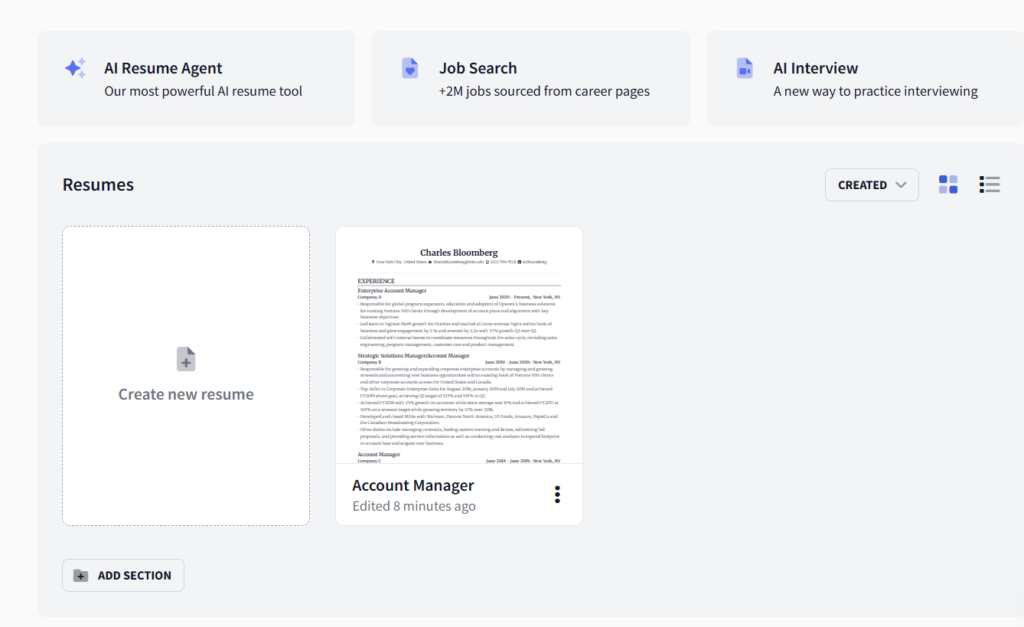
AI Resume Agent (NEW)
This is one of Rezi’s most powerful features. It uses AI to generate full resumes, improve bullet points, and tailor content to job descriptions.
Free: Limited usage (AI credits)
Paid: Extended or unlimited AI generations
AI Interview (NEW)
Helps you prepare for job interviews using AI, including mock questions, suggested answers, and feedback.
Free: Limited access
Paid: Full access and more advanced coaching
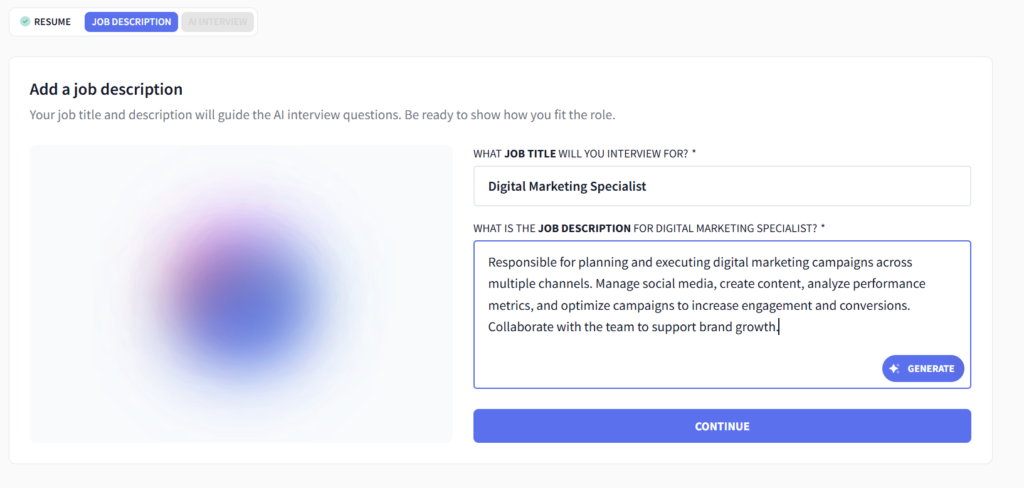
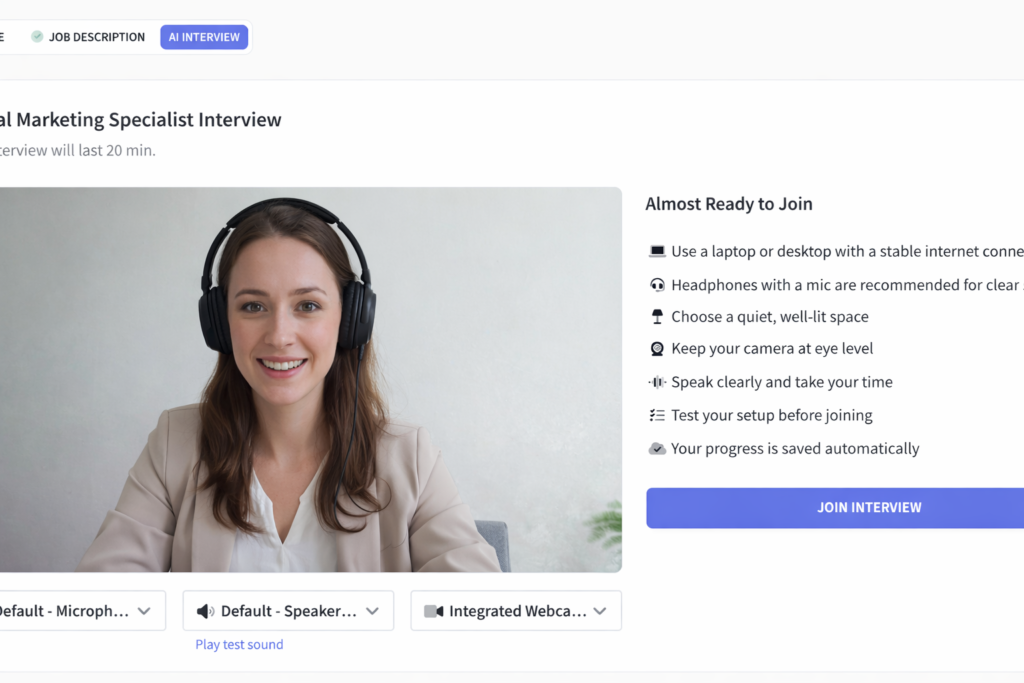
After clicking the Join Interview button in Rezi AI, a virtual call begins and you start a live conversation with AI that simulates a real job interview.
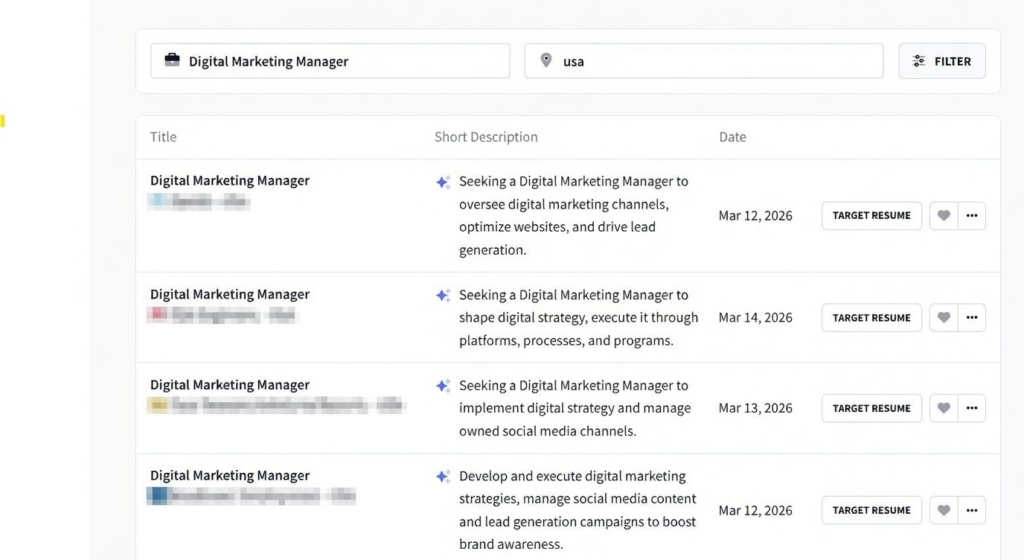
Job Search
Search for job listings directly inside Rezi AI.
Free: Usually yes
Paid: May include enhanced matching or insights
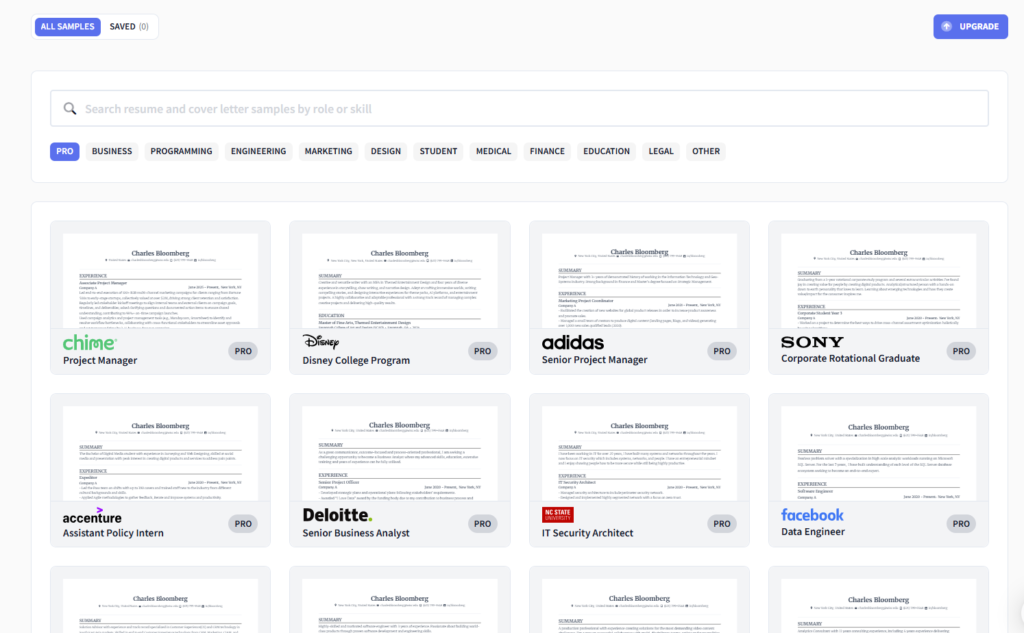
Sample Library
A collection of ready-to-use resume examples for different roles and industries.
Free: Basic templates
Paid: Full library access
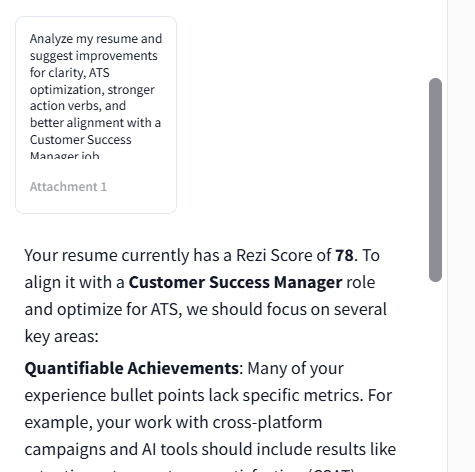
Review My Resume
Upload or analyze your resume and get an ATS score, keyword suggestions, and improvement tips.
Free: Limited checks
Paid: Detailed analysis and unlimited reviews
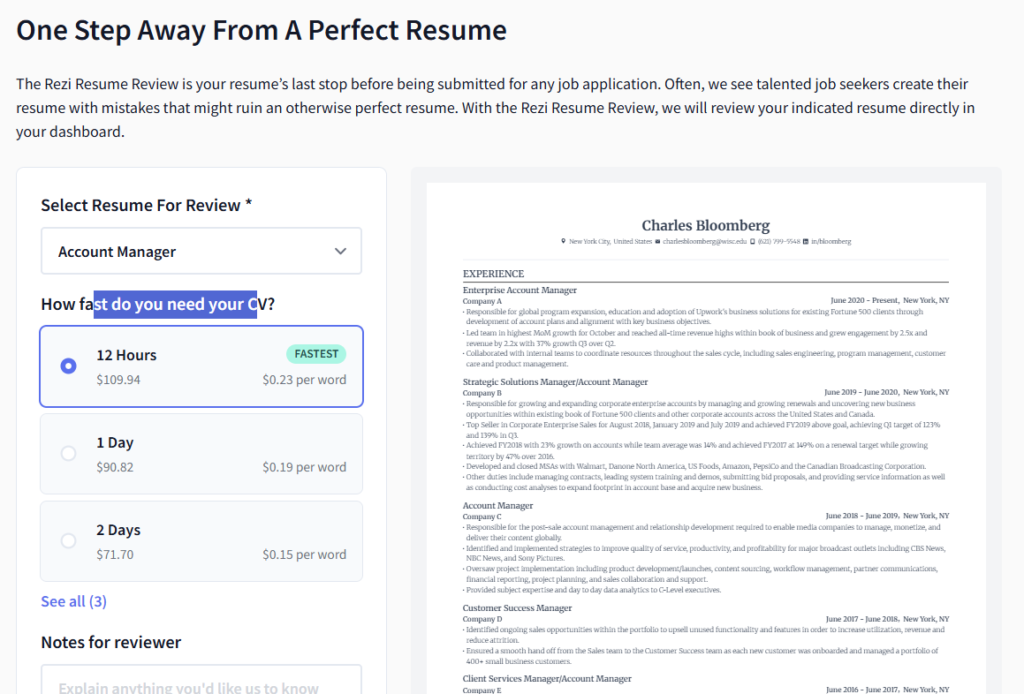
When you upload your resume, it is scanned by Rezi’s system and analyzed for ATS compatibility, keyword usage, formatting, structure, and overall resume quality. The platform checks your content against best practices and highlights areas that may reduce your chances of passing applicant tracking systems. You then receive an ATS score, keyword suggestions, and practical tips for improvement. For deeper feedback, Rezi also offers a review process supported by expert guidance based on the Rezi Score analysis.
Talk to Other Users
Community feature where you can interact with other users.
Free: Yes
Paid: Not typically required
AI Generations (Usage Limit)
This shows how many AI actions you’ve used (for example 0/10).
Free: Limited credits
Paid: Higher or unlimited usage
Rezi AI offers strong free functionality, but most advanced AI features are credit-based or paid.
If you’re just testing, the free plan is enough.
If you’re applying seriously, the paid plan is worth it.
Step-by-Step: How to Use Rezi AI
1. Create an Account
Go to the official Rezi website and sign up. You can create an account with your email or continue with Google. If you already have an account, simply log in and get started. You can start for free and upgrade later if needed.
2. Choose How You Want to Start
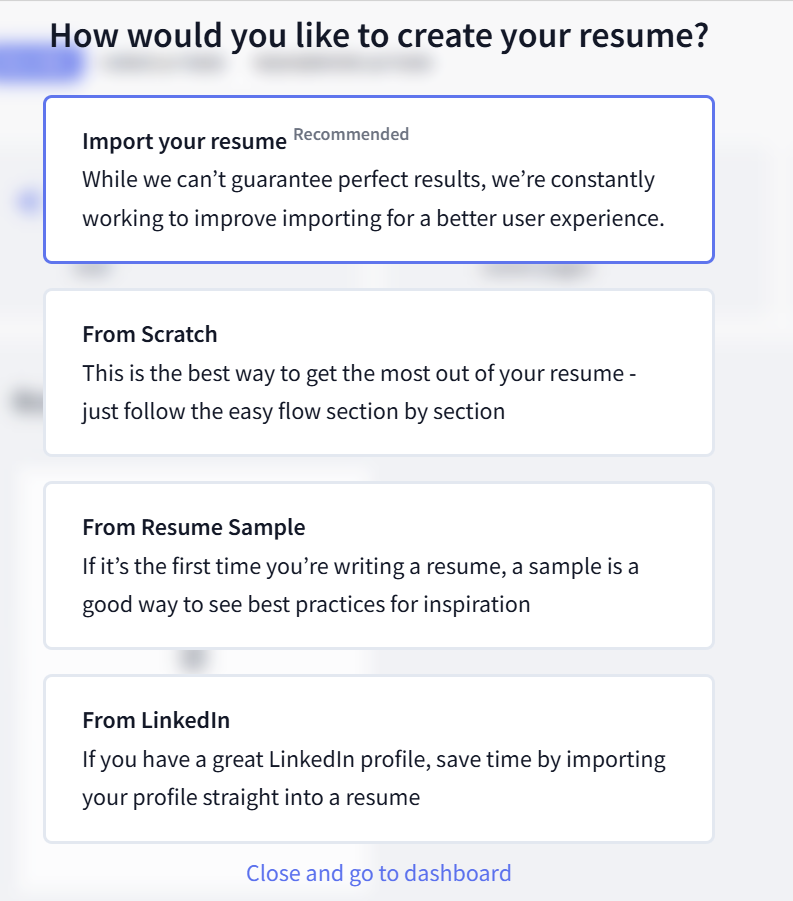
You can build your resume from scratch, upload an existing resume, or import your information from LinkedIn. Rezi uses simple, ATS-friendly templates and a guided step-by-step editor to help you complete each section. Clean formatting is important, so avoid overly fancy resume designs.
3. Add or Review Your Basic Information
Fill in or review your contact details, such as your name, email, location, and target job title. Keep everything professional, accurate, and easy to read.
4. Add Work Experience
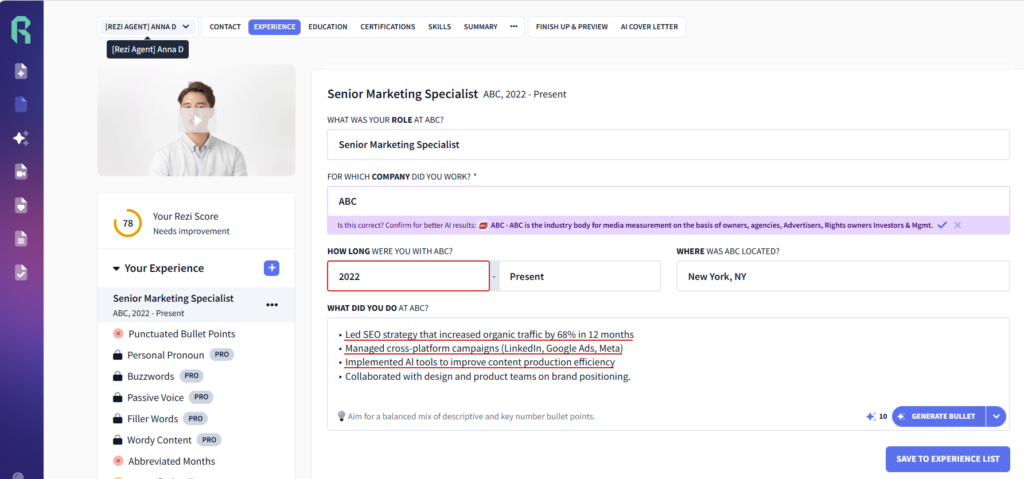
This is where Rezi AI really helps. Enter your role, responsibilities, and achievements, then use the AI tools to rewrite bullet points in a stronger, more professional way. Focus on impact, action verbs, and measurable results whenever possible. Rezi also gives real-time feedback as you build each section.
Example:
Instead of:
“Responsible for marketing”
Use something like:
“Developed and executed marketing strategies that increased engagement by 35%”
5. Use AI Keyword Targeting
Paste in the job description for the role you want. Rezi can help identify missing keywords, suggest improvements, and optimize your resume for ATS alignment. This step can make your resume more targeted and more competitive.
6. Review Your Rezi Score
Rezi gives you a score from 1 to 100 based on how well your resume aligns with resume best practices, content quality, formatting, and optimization. The score updates in real time as you edit, so you can immediately see what improves your resume.
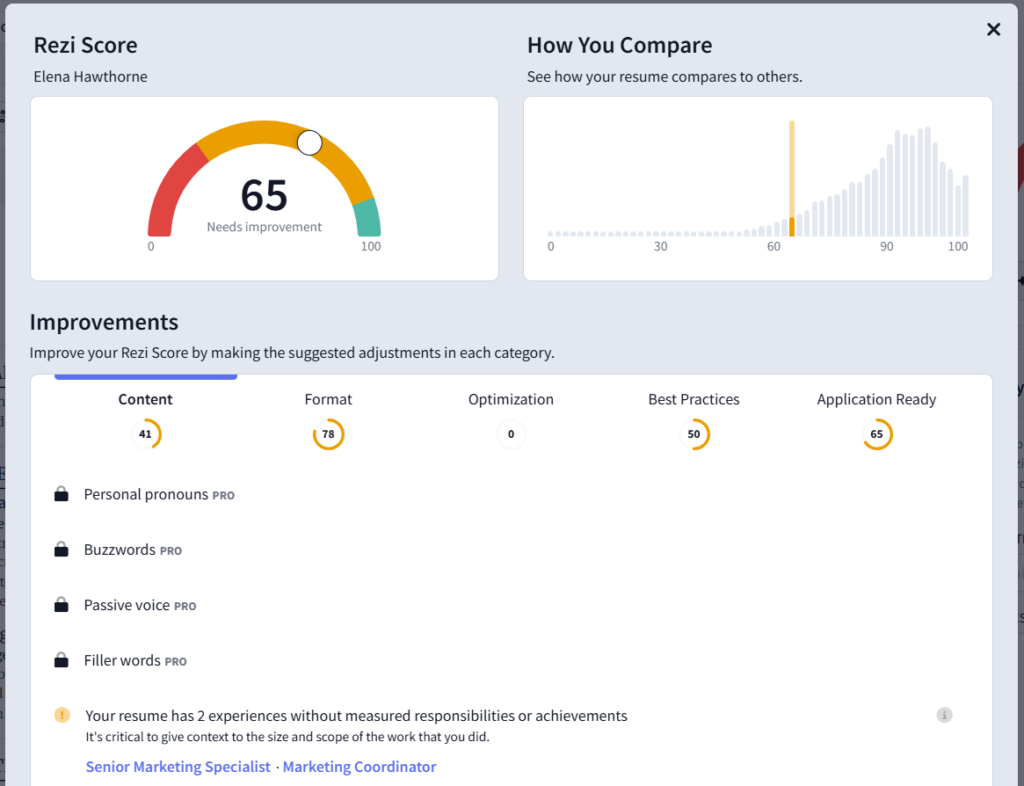
7. If You Uploaded a Resume, Check Every Section Carefully
If your resume was uploaded from a file, many fields may be filled automatically. Still, you should go through each tab and review the content carefully to make sure everything was parsed correctly. Rezi reads sections such as contact details, work history, and education, but imported content can still need manual fixes or cleanup.
8. Check Section Feedback
As you move through the resume builder, Rezi provides analysis and scoring insights to help you improve different parts of your resume. Pay close attention to sections like work experience, education, and other core tabs, and apply the recommendations where needed. The feedback is designed to help strengthen both ATS readiness and overall resume quality.
9. Use Help Resources if Needed
If you get stuck, Rezi also provides guides and instructional content to help you understand how the builder, score, and AI tools work. These resources can be useful when you want to improve a specific section or understand what to fix next.
10. Download Your Resume
Once everything looks good, export your resume as a PDF or DOCX. Then it’s ready to send.
Common Mistakes to Avoid
- Using too many graphics
- Writing generic bullet points
- Ignoring keywords
- Making your resume too long
Pro Tips
- Customize your resume for each job
- Use numbers and results
- Keep it 1 page (if possible)
- Use AI, but always review manually
Is Rezi Worth It?
If you want a fast, optimized resume — yes.
Rezi AI is especially useful if:
- you’re applying to many jobs
- you don’t know how to write a resume
- you want better ATS results
Compare Rezi with Other AI Resume Tools
Rezi is a strong choice if you want ATS-friendly resumes and keyword optimization.
But it may not be the best tool for everyone.
Some users prefer:
- more modern templates
- easier interface
- additional career tools
If you want to see how Rezi compares with other tools, check our full guide:
Best AI Resume Builders in 2026
You will discover:
- the best tools for ATS
- the best tools for design
- the best all-in-one solutions