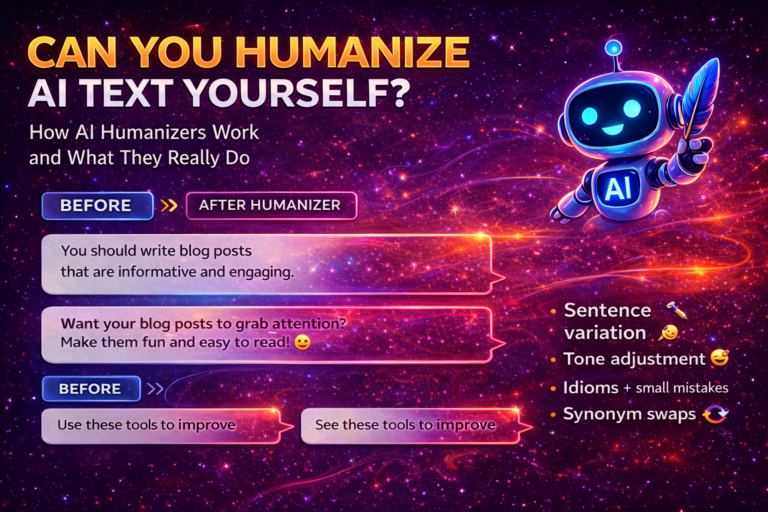
AI can generate content fast — but it often sounds robotic.
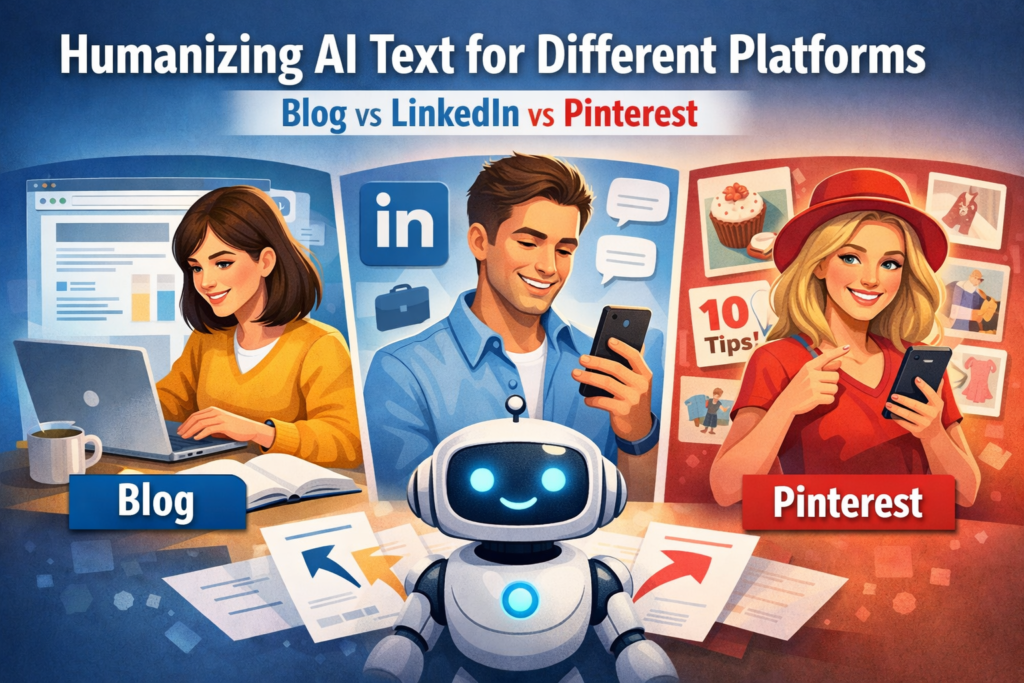
The problem is that each platform needs a different tone. A blog post is not the same as a LinkedIn post or a Pinterest description.
In this guide, you will learn how to make AI text sound natural for different platforms, with simple examples and tips.
Many creators make one common mistake: they use the same AI text on every platform — blog, LinkedIn, and Pinterest — without changing the tone or structure.
The result? Lower engagement. Fewer clicks. Limited reach.
The truth is simple: Every platform needs a different human touch.
In this article, you will see how to transform one AI text into three optimized versions — for blog, LinkedIn, and Pinterest — so your content feels natural and performs better.
Why One AI Tone Doesn’t Work Everywhere
AI usually writes in a neutral, safe tone. It sounds correct. Clean. A little formal.
But people are not the same on every platform.
- Blog readers want useful and clear information.
- LinkedIn users want connection and experience.
- Pinterest users want fast inspiration.
If you use the same AI tone everywhere, it feels robotic.
Here is an example of a basic AI paragraph:
AI tools help you create content faster and improve productivity. They are useful for bloggers, marketers, and business owners.
It’s not bad.
But it’s also not exciting. Not personal. Not platform-specific.
So let’s fix that.
Core Principles of AI Text Humanization
Before we go into platforms, here are some basic rules I always follow.
1. Add Natural Imperfections
Humans don’t write perfectly structured text all the time.
Sometimes sentences are short.
Sometimes they are longer and flow more naturally.
Change rhythm. Break patterns. Use contractions (don’t, it’s, I’ve).
2. Match the Reader’s Intent
Ask yourself:
Why is this person here?
- On a blog → they want answers.
- On LinkedIn → they want insight and real stories.
- On Pinterest → they want quick value.
Your tone must match this.
3. Adjust Emotional Level
Not every platform needs the same emotion.
Blog → calm and helpful.
LinkedIn → reflective and personal.
Pinterest → energetic and benefit-focused.
Small tone changes make a big difference.
How to Humanize AI Text for Blog Posts
On a blog (like aicontent-tools.com), readers want structure and clarity. They search on Google. They want solutions.
So I focus on:
- clear headings
- longer explanations
- examples
- natural keywords inside the text
Let’s take our basic AI text again:
AI tools help you create content faster and improve productivity.
Blog Version (Humanized)
AI tools can help you create content much faster, especially if you write often and feel stuck. I use them when I need ideas or when I want to organize my thoughts before writing a long article. They save time, but you still need to edit and add your own voice.
See the difference?
It is:
- more detailed
- more personal
- more useful
That’s blog style.
How to Humanize AI Text for LinkedIn
LinkedIn is different.
It’s professional, but also personal.
People don’t want only information. They want experience.
So I usually:
- write short lines
- add “I” perspective
- tell a short story
- add a soft CTA
Same base idea:
AI tools help you create content faster.
LinkedIn Version (Humanized)
I used to spend 3–4 hours writing one article.
Then I started using AI tools.
Not to replace my writing.
But to support my thinking.
Now I work faster. And I still keep my voice.
If you use AI, remember: it’s a tool. Not a replacement.
Short lines.
Personal tone.
Simple message.
That works much better on LinkedIn.
How to Humanize AI Text for Pinterest
Pinterest is fast.
People scroll quickly.
They save ideas.
They want clear benefits.
So I:
- use short sentences
- focus on results
- add power words
- often use list format
Same idea again:
AI tools help you create content faster.
Pinterest Version (Humanized)
Want to write content 2x faster?
AI tools can:
• give you instant ideas
• help you structure posts
• save hours every week
But remember — always add your own voice.
Simple.
Clear.
Benefit-driven.
That’s Pinterest style.
Quick Framework — One AI Text, Three Platform Versions
Here is the simple process I use:
Step 1: Generate base AI text.
Step 2: Remove robotic phrases.
Step 3: Change sentence length.
Step 4: Adjust emotional level.
Step 5: Add platform-specific elements.
Here is a quick comparison:
| Platform | Tone | Structure | Emotion Level |
|---|---|---|---|
| Blog | Helpful | Headings + long paragraphs | Medium |
| Personal | Short lines | Reflective | |
| Energetic | Lists + hooks | Higher |
Think platform first.
Then adjust the AI text.
Common Mistakes When Humanizing AI Content
I made these mistakes before.
Maybe you do them too.
1. Over-humanizing
Too many emojis. Too many dramatic words. It feels fake.
2. Leaving AI Patterns
AI loves phrases like:
- “In today’s fast-paced world”
- “It is important to note that”
Delete them.
3. Same CTA Everywhere
Blog CTA is different from LinkedIn CTA.
Pinterest CTA is even shorter.
4. Ignoring Format
Format is part of humanization.
If your LinkedIn post looks like a blog paragraph, people won’t read it.
Final Thoughts: Think Platform First, Not AI First
AI is powerful.
But humanization is not just about making text sound more natural.
It’s about context.
Now when I create content, I don’t ask:
“How do I make this sound human?”
I ask:
Now when creating content, it’s not just about making AI text sound human.
It’s about adapting it to the platform.
Want better results? Try combining AI writing tools with humanizers. See our full guide here
Best AI Humanizer Tools & Tips for 2026
Test. Adjust. Improve. Your AI content can really feel human.
Frequently Asked Questions (FAQ)
❓ Can AI text sound human on every platform?
Yes, but you must adjust the tone and format. One AI version usually does not work well everywhere. Small edits make a big difference.
❓Why should I humanize AI content for different platforms?
Because users behave differently on each platform. Blog readers want depth, LinkedIn users want personal insight, and Pinterest users want quick value.
❓What is the best tone for AI content on LinkedIn?
Use a professional but personal tone. Write in short lines, add your experience, and keep the message clear and honest.
❓ How do I make AI text more natural quickly?
Start by shortening sentences, removing robotic phrases, and adding simple personal touches like “I” or real examples.
❓Do I need to rewrite AI content completely?
No. In most cases, light editing is enough. Focus on tone, sentence rhythm, and platform format.
❓What mistakes make AI text sound robotic?
Very long formal sentences, repeated phrases, and generic openings like “In today’s digital world” often reveal AI writing.
❓Is AI humanization important for Pinterest posts?
Yes. Pinterest users scroll fast, so humanized text with clear benefits and short sentences gets more saves and clicks.
❓How long should a humanized LinkedIn post be?
Usually short to medium length works best. Break text into small lines so it is easy to read on mobile.
❓Can AI humanization improve SEO on blogs?
Yes. More natural language improves readability, keeps users longer on the page, and can support better rankings.
❓What is the fastest workflow to humanize AI content?
Generate the base text with AI, simplify the language, adjust tone for the platform, and add one or two personal touches. This process is fast and very effective.