Simplified AI is one of the most beginner-friendly AI writing tools available today. It’s designed for content creators, marketers, freelancers, and small businesses who want to create high-quality content faster, without needing technical or writing expertise.
In this tutorial, you’ll learn how to start using Simplified AI from zero and discover the most important writing features it offers.
Step 1: Create an Account and Access the Dashboard
To get started with Simplified AI:
- Visit the Simplified website and sign up (email or Google login)
- After logging in, you’ll be taken to the main dashboard
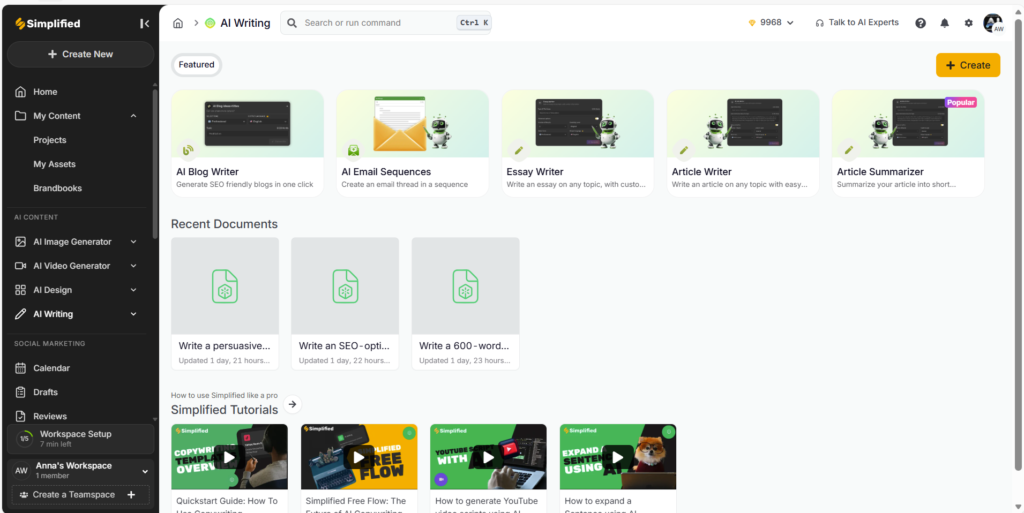
The dashboard is clean and intuitive. From here, you can access:
- AI Writer
- Templates
- Documents
- Brand Voice
- Marketing and social content tools
For writing articles, blogs, or marketing copy, you’ll mainly work inside the AI Writer section.
Step 2: Start Writing
To start writing:
- Go to AI Writer
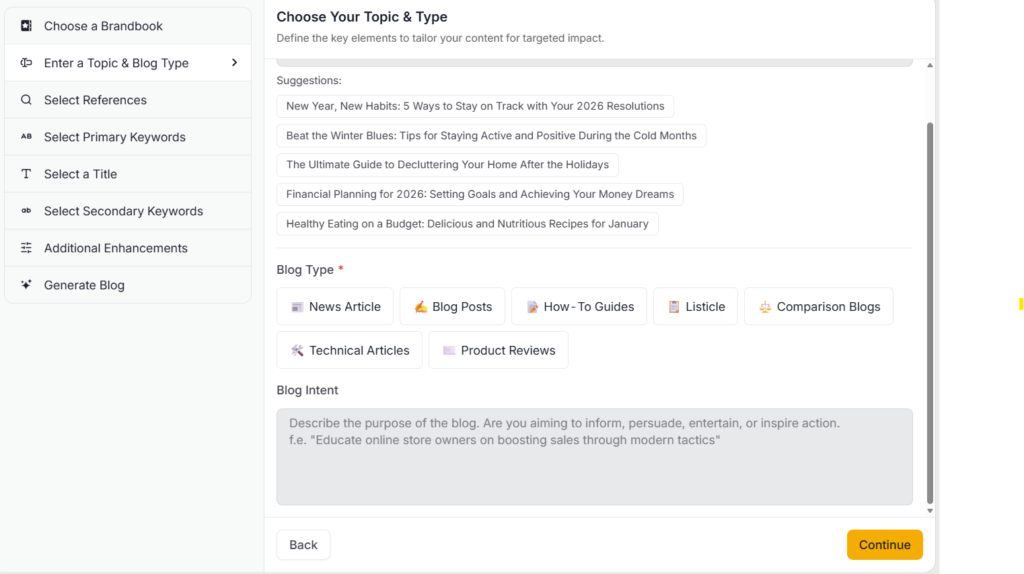
- Choose a content type or template (for example: Blog Post, Article, Marketing Copy)
- Enter your topic or prompt
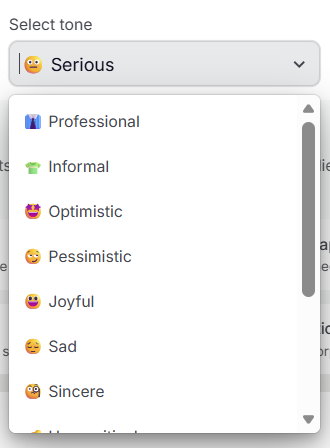
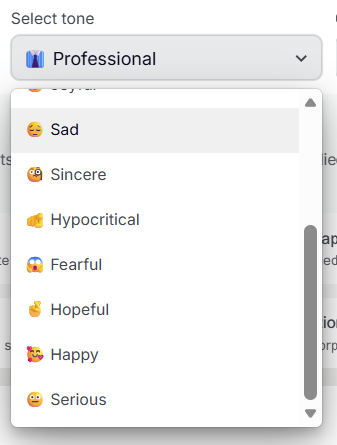
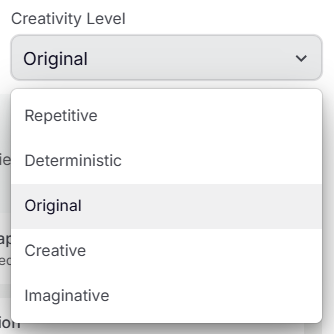
- Adjust basic settings such as tone, language, and length
- Generate the content
Simplified does not offer a true “blank document” where you freely type first and then apply AI. Instead, all content generation begins with an AI prompt or template, which then produces structured text you can edit.
Once the content is generated, you can:
- Edit the text manually
- Rewrite or rephrase sections
- Expand or shorten paragraphs
- Adjust tone and clarity using AI tools
While templates guide the initial structure, you are not locked into them. After generation, the content is fully editable, making Simplified flexible enough for custom blog posts, reviews, and affiliate content, as long as you refine the output manually.
Step 3: Generate Content Using AI Prompts
In Simplified AI, all content creation starts with an AI prompt. Prompts tell the AI what to write, for whom, and in what style.
How to Open the Prompt in Simplified AI
- From the dashboard, go to AI Writer
- Select a content type (for example: Blog Article, Marketing Copy, or Long-form Content)
- A prompt input field will appear on the screen
- Type your instruction directly into this field
This prompt box is where you describe exactly what you want the AI to generate.
After entering the prompt:
- Choose the language
- Adjust tone (if available)
- Click Generate
Simplified AI will create a structured draft with headings and paragraphs.
Best Practice Tip
For better results:
- Be specific in your prompt
- Mention word count, tone, and target audience
- Treat the output as a first draft, not final content
Extra Tip: Use the Brand Book for Consistent Branding
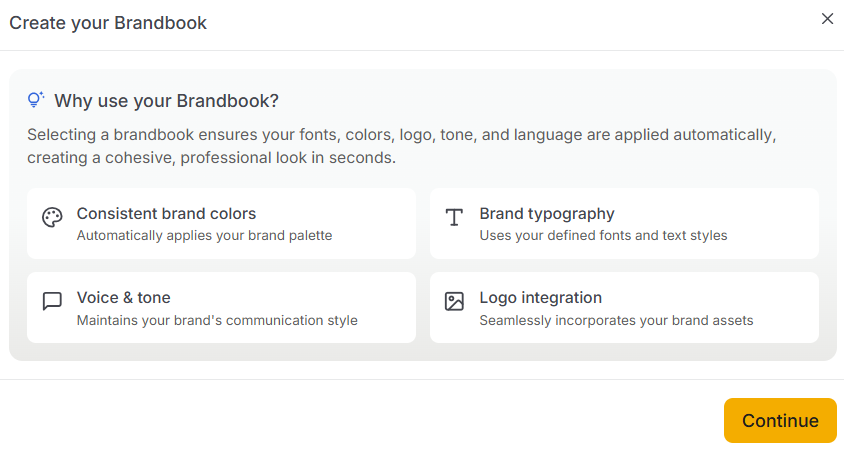
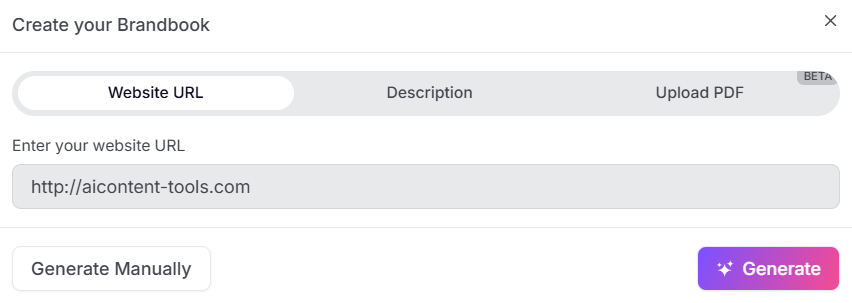
Simplified AI allows you to create a Brand Book (Brand Kit) that helps keep your content visually and stylistically consistent.
With the Brand Book, you can:
- Upload your custom logo
- Set signature brand colors
- Choose unique fonts
- Maintain a consistent visual identity across content
This is especially useful when creating:
- Marketing graphics
- Social media content
- Branded blog visuals
- Landing pages and ads
By applying your Brand Book, Simplified ensures your content not only sounds consistent but also looks professional and aligned with your brand identity.
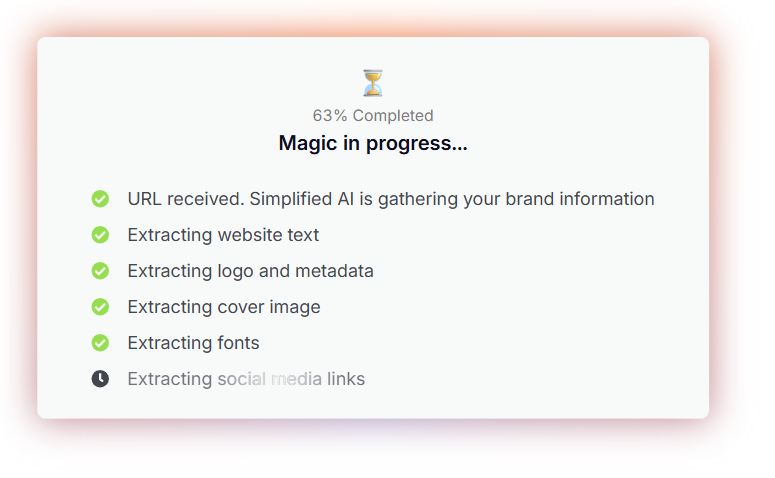
Simplified – article genaration process
Step 4: Use Built-In Writing Tools (Core Features)
1. Content Expansion & Rewriting
You can highlight any sentence and:
- Expand it
- Rewrite it
- Make it simpler or more persuasive
- Adjust tone (professional, casual, marketing-focused)
This is especially useful for:
- Improving weak paragraphs
- Optimizing content for clarity
- Avoiding repetitive phrasing
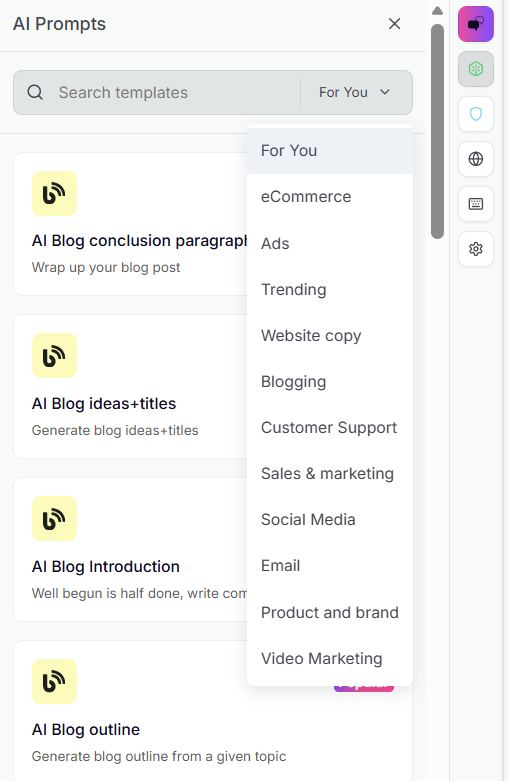
2. Templates for Faster Writing
Simplified AI includes dozens of templates, such as:
- Blog introductions
- Product descriptions
- Facebook and Instagram posts
- Ad copy
- Email marketing content
Templates are optional, but they help beginners start faster and avoid writer’s block.
This approach produces more natural, useful, and SEO-friendly results.
3. SEO-Friendly Writing
While Simplified is not a full SEO tool like Surfer or Frase, it helps with:
- Natural keyword placement
- Readable sentence structure
- Clear headings and sections
This makes it suitable for:
- Blog posts
- Affiliate reviews
- Informational content
You can later combine Simplified with dedicated SEO tools for advanced optimization.
4. Brand Voice & Tone Control
Simplified allows you to:
- Maintain consistent tone across articles
- Adjust voice to match your brand (informational, friendly, sales-focused)
This is important when building authority websites and long-term content projects.
5. Speed & Productivity
One of Simplified’s biggest advantages is speed:
- Articles are generated in seconds
- Editing is instant
- No learning curve
This allows creators to publish more content in less time, which is critical for SEO and affiliate sites.
Step 5: Edit, Improve, and Publish
What You Should Do After Generation
Read the article carefully
Make sure the text flows naturally and clearly explains the topic from start to finish.
Adjust headings and structure
- Improve H2 and H3 headings for clarity
- Make them more specific or SEO-friendly
- Remove or merge sections that feel repetitive
Add your own insights or examples
This is crucial. Add
Best Practice: Use AI as an Assistant, Not a Publisher
👉 Simplified AI works best when you treat it as a writing assistant, not a one-click publishing solution.
You should:
- Let AI handle drafting and structure
- Use human judgment for accuracy, tone, and originality
Who Is Simplified AI Best For?
Simplified AI works best for:
- Beginner content creators
- Affiliate marketers
- Bloggers
- Small businesses
- Social media managers
It’s especially useful if you want a tool that is:
✅ Easy to use
✅ Fast
✅ Affordable
✅ Flexible for different content types
Final Thoughts
Simplified AI is an excellent starting point for anyone who wants to begin writing online content without complexity. It combines ease of use with powerful AI features, making it ideal for creating blog posts, reviews, and marketing content from scratch.
If your goal is to publish consistently, save time, and scale your content efforts, Simplified AI is a solid choice.
Want to see how this tool compares to others?
Check our full comparison before you decide.