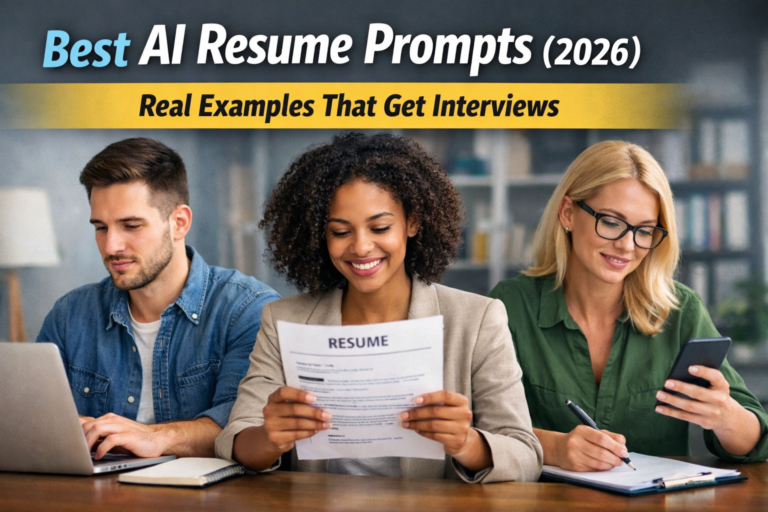
I know how stressful writing a CV can be.
That’s why AI has become such a powerful tool for job seekers today.
In this article, YOU will learn how to write a strong, modern CV with AI — step by step, without complex words and without wasting time.
Introduction: CV in the Age of AI
The job market has changed.
Recruiters no longer read every CV by hand.
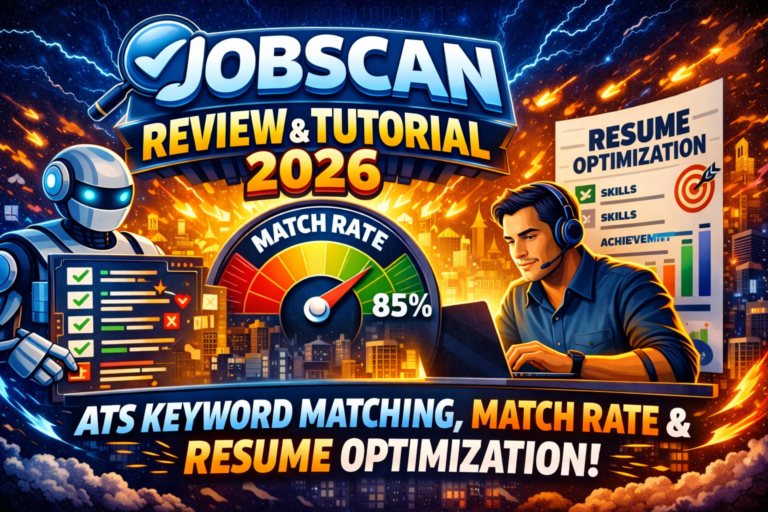
Most companies use ATS systems to scan CVs first. If your CV is not optimized, it may never reach a human.
AI helps YOU:
- write faster
- match job offers better
- use the right words and structure
Today, a good CV is not just about experience.
It’s about how well you present it.

What Is an AI-Generated CV?
An AI-generated CV is a CV created with help from artificial intelligence.
AI does NOT:
- apply for jobs instead of you
- invent your experience
AI DOES:
- rewrite your text in a professional way
- suggest better skills and keywords
- adjust your CV to a job offer
Think of AI as a smart assistant — not a replacement.
Why Use AI to Write Your CV?
Using AI for your CV makes sense because it:
- saves time
- improves language quality
- removes weak or unclear phrases
- helps pass ATS systems
If English is not your first language, AI is even more useful.
It helps YOU sound confident and clear.
How AI Analyzes Job Offers
AI doesn’t just read a job description — it understands it. It scans the text to find the most important information that recruiters are looking for. This includes:
- Required skills – both hard skills (like “Python” or “SEO”) and soft skills (like “teamwork” or “communication”). AI identifies which skills matter most for this specific role.
- Keywords – words that recruiters and ATS systems look for. For example, if the job post mentions “project management” five times, AI will suggest adding it in your CV naturally.
- Action verbs – strong verbs like “managed,” “created,” “led,” or “improved” make your experience sound active and results-focused. AI highlights these verbs so your CV feels dynamic.
- Experience level – AI can detect if the job is entry-level, mid-level, or senior, and then adjust your phrasing so it fits the expected level of responsibility.
After collecting all this information, AI compares it with YOUR CV. It looks at what you already have and identifies gaps, strengths, and opportunities. Then it helps YOU:
- Tailor your CV to one job – your experience and skills are highlighted in the way recruiters want to see them.
- Create many versions of the same CV – one version for each type of role or company, without rewriting everything from scratch.
- Increase your chances of being selected – by matching keywords, emphasizing results, and making your CV ATS-friendly, your application has a higher chance of reaching a real recruiter.
For example, imagine a job post says:
“Looking for a marketing specialist with experience in social media campaigns, content creation, and SEO optimization.”
AI can suggest changes like:
- Add “social media campaigns” under your work experience with results.
- Highlight SEO-related skills in the skills section.
- Use action verbs like “created” or “optimized” to describe your projects.
By doing this, YOUR CV doesn’t just list your experience — it speaks the same language as the job description, making YOU more likely to get noticed.
Key Elements of an AI-Written CV
A strong AI-written CV always includes:
- Professional summary – short and clear
- Work experience – focused on results
- Skills section – only relevant skills
- Education and certificates – simple and clean
- ATS-friendly keywords
AI helps you keep everything structured and readable.
How to Write an Effective CV with AI – Step by Step
Writing a CV with AI is not just about clicking a button — it’s about guiding the tool so it works for YOU. Here’s a detailed step-by-step process:
Choose the job you want
Before using AI, decide which position YOU are applying for. Think about:
- the industry and role
- the level of responsibility (entry, mid, senior)
- the skills YOU want to highlight
This helps AI create a CV that matches the job perfectly, not just a generic resume.
Copy the job description
Take the full job ad and provide it to the AI tool. The description contains:
- keywords recruiters are scanning for
- required skills and experience
- tone and expectations for the role
By giving AI the exact text, YOU ensure your CV speaks the same language as the employer.
Add your experience to the AI tool
Include:
- your work history
- education and certifications
- skills, achievements, and projects
The more detailed YOUR input, the better AI can rewrite it clearly and professionally.
Generate CV content
Let AI suggest text for:
- your professional summary
- work experience bullet points
- skills and achievements
- education section
AI can also propose strong action verbs, measurable results, and ATS-friendly keywords automatically.
Edit and personalize the text
This is where YOU make it yours. Don’t just copy AI’s suggestions.
- Adjust wording so it reflects your voice
- Add numbers or results (like “increased engagement by 30%”)
- Remove anything that doesn’t fit your actual experience
Personalization makes your CV authentic and credible.
Check keywords and formatting
AI can optimize content, but YOU need to check:
- headings and sections are clear
- font and spacing are consistent
- keywords from the job description are naturally included
This ensures your CV passes ATS systems and looks professional.
Common Mistakes When Using AI for CVs
Many people make the same mistakes:
- copying AI text without changes
- using one CV for all jobs
- adding skills they don’t have
- writing long and unclear sentences
⚠️ Never send a CV without reviewing it
AI is a helper, not a perfect solution.
Always read every word, check for typos, and make sure your CV truly represents YOU.
A polished, personalized CV always stands out more than a fully automated one.
AI CV and ATS: What You Need to Know
You might have heard about ATS but aren’t sure what it is.
ATS stands for Applicant Tracking System.
It’s software that many companies use to scan CVs before a human even sees them. The system checks your CV for:
- the right keywords
- relevant skills
- proper format and structure
If your CV isn’t ATS-friendly, it might get rejected automatically — even if YOU are perfect for the job. That’s why understanding ATS is so important.
How to Make Your CV ATS-Friendly
To pass ATS screening, your CV should:
- Use simple headings – like “Work Experience,” “Education,” and “Skills.” Don’t get creative with titles like “My Journey” or “What I Do.” ATS might not recognize them.
- Avoid tables and graphics – fancy designs, images, or columns may confuse ATS and cause it to skip parts of your CV. Keep it simple.
- Have clear sections – each section should be easy to scan. Use bullet points for achievements and responsibilities.
- Use standard fonts – fonts like Arial, Calibri, or Times New Roman work best. Avoid cursive or decorative fonts.
How AI Helps
AI tools are excellent at optimizing your CV for ATS. They can:
- suggest keywords from the job description
- reorder sections for better scanning
- simplify language to make it readable for both humans and machines
But YOU still need to follow the rules. AI can make recommendations, but YOU must review and format the CV correctly. A visually clean, keyword-optimized CV is the best way to increase your chances of being seen by a recruiter.
For example: if a job description emphasizes “project management, team leadership, and budget planning,” AI will highlight these in your CV — but YOU need to place them in the right sections and make sure the font and layout are clean.
In short: ATS is like a gatekeeper. AI is your helper to get past the gate — but YOU are the one who opens the door for a real recruiter to see your CV.
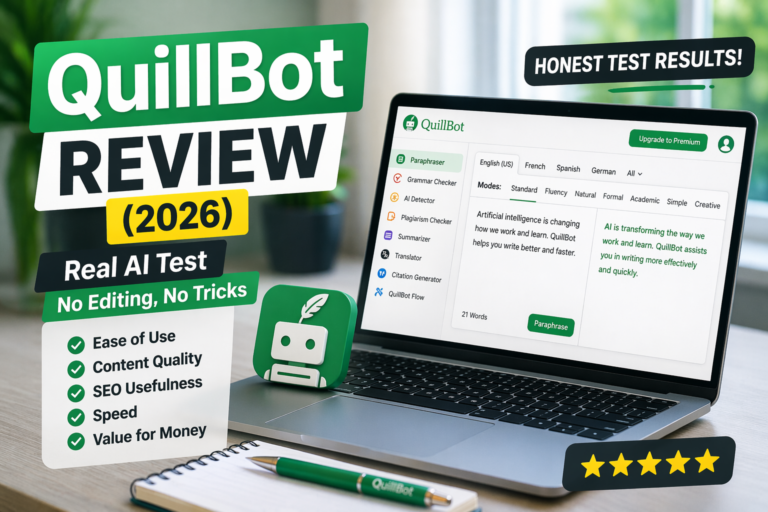
Best AI Tools for Writing a CV (2026)
There are different AI tools available:
- AI resume builders
- AI writing assistants
- AI keyword optimization tools
- AI job matching platforms
Some tools build the CV from zero.
Others improve your existing CV.
AI Resume Builders (Create a CV from Scratch)
If you don’t have a resume yet or want to start from a clean, professional layout, AI resume builders are the best place to begin.
RabbitResume is a good example of a tool designed specifically for this purpose. It helps you:
- create a complete CV from scratch using ready-made templates,
- fill in sections step by step (experience, skills, education),
- use AI-assisted suggestions and pre-written phrases to speed up the process,
- generate a clean, ATS-friendly resume structure without manual formatting.
AI resume builders like RabbitResume focus more on structure, layout, and completeness rather than deep keyword analysis or advanced rewriting. They are ideal for beginners or anyone who wants a fast, professional starting point.
AI Tools for Improving an Existing CV
If you already have a resume but want to make it stronger, clearer, and more professional, consider:
- Writesonic
- Frase
- Scalenut
These tools are great for rewriting bullet points, improving clarity, adjusting tone, and making your achievements more results-focused. They can help transform weak statements like:
“Responsible for managing social media.”
Into something more impactful:
“Managed multi-platform social media strategy, increasing engagement by 42% within six months.”
AI Tools for ATS Optimization & Keywords
Passing ATS (Applicant Tracking Systems) is crucial in 2026. Many companies automatically filter CVs before a human ever sees them.
For keyword optimization and alignment with job descriptions, these tools stand out:
- Frase
- Writesonic
- Scalenut
You can paste a job description into the tool and identify important keywords, required skills, and industry terminology. Then, you can naturally incorporate those keywords into your CV to improve your chances of passing automated screening systems.
Is an AI-Written CV Safe and Ethical?
Yes, using AI for your CV is safe and ethical.
But only if YOU:
- stay honest
- edit the final text
- don’t exaggerate results
Recruiters care about truth, not about tools.
AI CV for Different Career Levels
Students and entry-level
AI helps YOU highlight skills, projects, and education.
Mid-level professionals
AI focuses on achievements and specialization.
Senior roles
AI helps YOU show leadership, strategy, and impact.
FAQ – Most Common Questions
❓ Is an AI-written CV legal?
Yes, it is fully legal.
❓ Can recruiters detect AI CVs?
They detect bad CVs, not AI.
❓ Does AI improve chances of getting a job?
Yes, when YOU use it correctly.
❓ Should I create more than one CV?
Yes. AI makes it easy.