Teaching is a busy job. Teachers do much more than just teach in class. Every day they prepare lessons, create materials, check homework, and answer student emails.
Teachers also try to make lessons interesting. Some students learn better with text. Others like pictures, videos, or activities. Because of this, teachers often create many different materials.
The tasks of a teacher can also be different at different schools.
Elementary school teachers usually work with younger students. They teach basic skills like reading, writing, and simple math. They often prepare worksheets, games, and fun activities. Young students need lessons that are simple and engaging.
University teachers work with older students. Their lessons are usually longer and more detailed. They prepare lectures, presentations, and reading materials. They also check essays, research papers, and projects.
So the work is different. But there is one thing all teachers share: they have many tasks and not enough time.
This is where AI tools can help.
AI can help teachers create lesson ideas, quizzes, summaries, and presentations. It can also help with writing emails or explaining difficult topics.
AI does not replace teachers. Teachers are still the most important part of education. But AI can help them work faster and save time.
In this guide, we will show some of the best AI tools for teachers in 2026. These tools can help teachers at every level — from elementary school to university.
If you want to explore more tools for different jobs, check our full guide:
Best AI Tools by Profession in 2026
Why Teachers Should Use AI Tools
Teachers have many tasks every day. They prepare lessons, create materials, check homework, and answer student questions. Sometimes it can feel like there is not enough time for everything.
This is why many teachers start using AI tools. AI can help teachers work faster and make their lessons better.
Save Time
One of the biggest benefits of AI is saving time.
Teachers can ask AI to create:
- lesson plans
- quizzes
- worksheets
- summaries of long texts
What normally takes an hour can sometimes take just a few minutes.
Get New Ideas
Even experienced teachers sometimes need new ideas. After many years, it can be hard to think of new activities or examples.
AI can suggest:
- new lesson ideas
- discussion questions
- classroom activities
- examples to explain difficult topics
This helps teachers keep lessons fresh and interesting.
Create Materials Faster
Teachers often need many materials for one lesson. For example:
- slides
- worksheets
- short tests
- homework tasks
AI tools can help create these materials quickly. Teachers can then edit them and adjust them for their students.
Help Different Types of Students
Every class has different students. Some learn faster, some need more explanation.
AI can help teachers:
- simplify difficult text
- create short summaries
- explain topics in different ways
This helps teachers support more students in the classroom.
Reduce Routine Work
Some teacher tasks are repetitive. For example:
- writing emails
- creating simple quizzes
- preparing instructions for homework
AI can help with these small tasks. This gives teachers more time to focus on teaching.
💡 Tip: AI is a helper, not a replacement. The teacher always decides what is best for the students.
Best AI Tools for Teachers
Here are some AI tools that can help teachers every day. They can help with lessons, materials, writing, and quizzes.
ChatGPT – Best for Lesson Ideas and Explanations
ChatGPT is one of the most popular AI tools. Many teachers use it to prepare lessons and find new ideas.
You can ask ChatGPT to create:
lesson plans
discussion questions
examples for difficult topics
class activities
Example
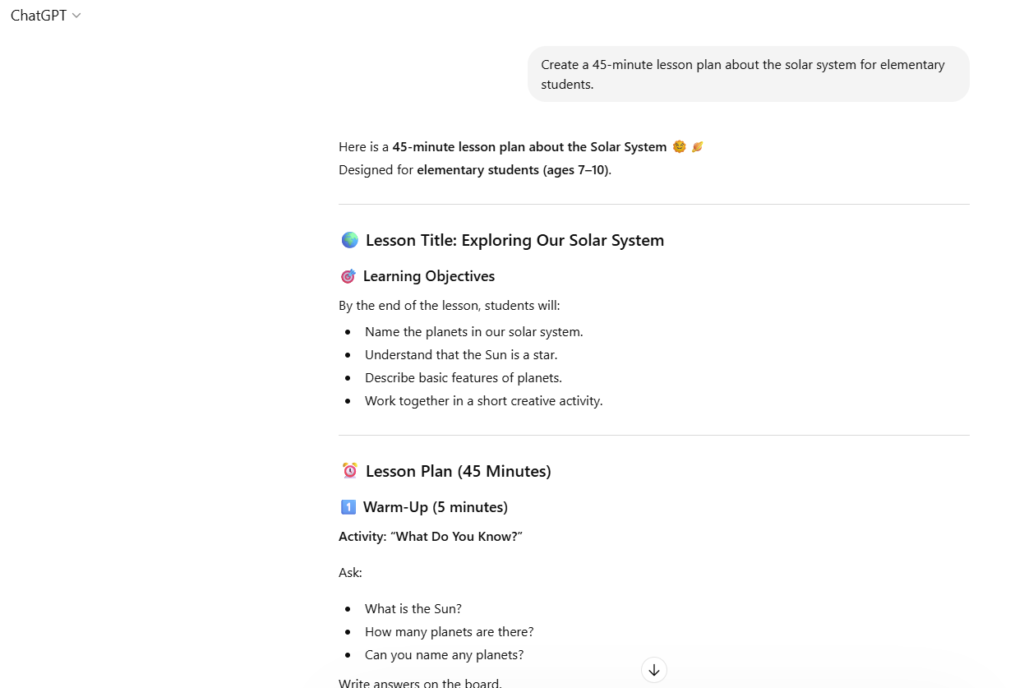
You want to prepare a lesson about the solar system.
You can type:
“Create a 45-minute lesson plan about the solar system for elementary students.”
ChatGPT will give you a lesson outline, activities, and ideas for discussion.
Tip: You can also ask AI to explain topics in simple language for students.
Example prompt
“Explain photosynthesis in simple words for a 10-year-old student.”
💡 Tip: Always check the answers and adjust them to your students’ level. AI gives ideas, but you are the teacher.
You can find this tool here: https://chat.openai.com
Canva Magic Write – Best for Presentations and Classroom Materials
Many teachers already use Canva for slides and classroom materials. Canva also has an AI tool called Magic Write.
It helps teachers create:
presentations
worksheets
posters
classroom visuals
Example
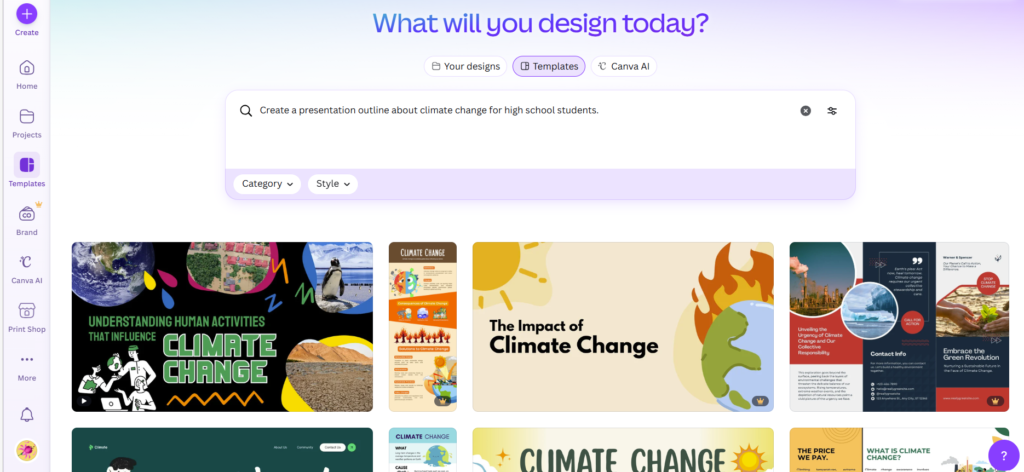
You want a presentation about climate change.
You can type:
“Create a presentation outline about climate change for high school students.”
Then you can quickly turn the outline into slides using Canva templates.
💡 Tip: Use Canva templates to make materials more visual and interesting.
You can find this tool here: https://www.canva.com
QuillBot – Best for Simplifying Text
Sometimes texts are too difficult for students. QuillBot helps teachers rewrite and simplify text.
You can use it to:
simplify articles
rewrite explanations
create summaries
change the style of a text
Example
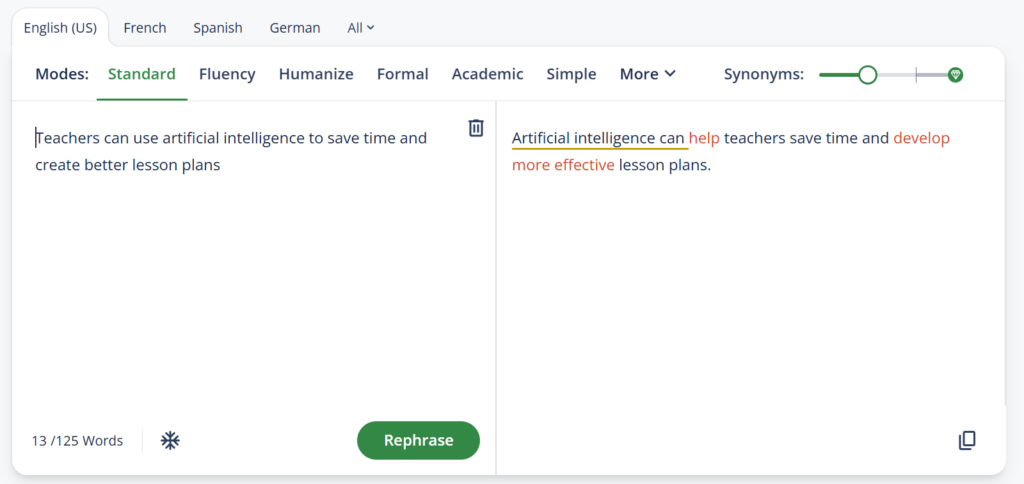
You have a long article about history. The text is too complex for younger students.
Paste the text into QuillBot and use the paraphrasing or summarizing tool. The result will be easier to read.
💡 Tip: Use the summarizer tool when you prepare lessons from long articles or books.
You can find this tool here: https://quillbot.com
Wayground– Best for Quizzes and Student Engagement
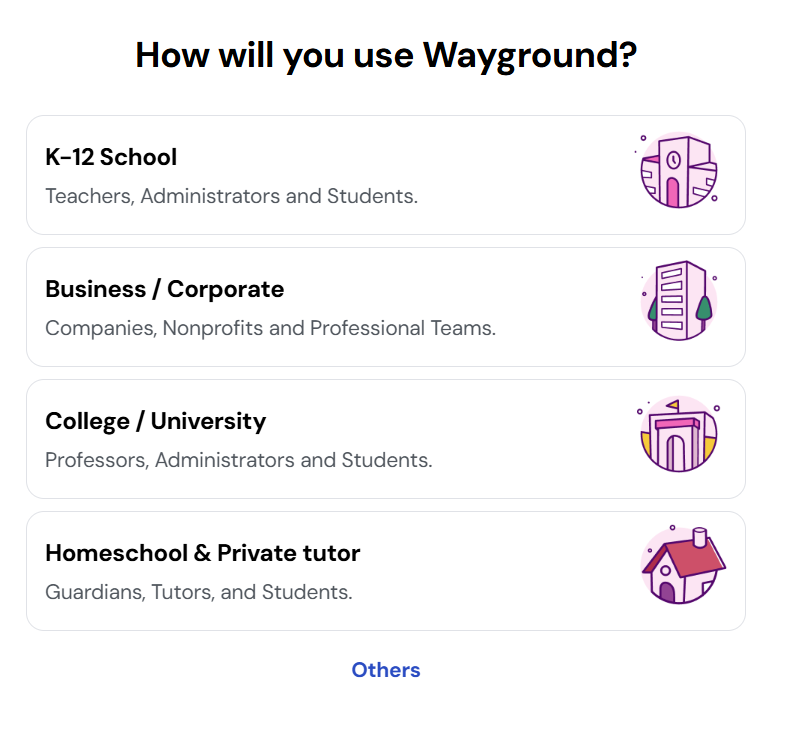
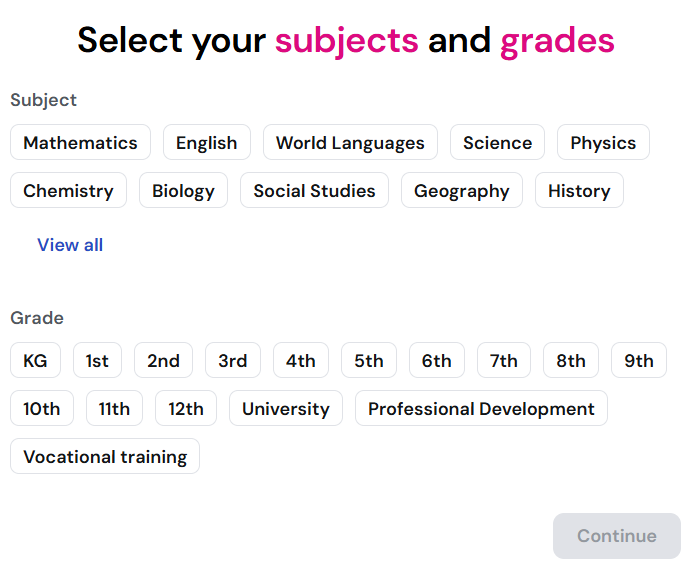
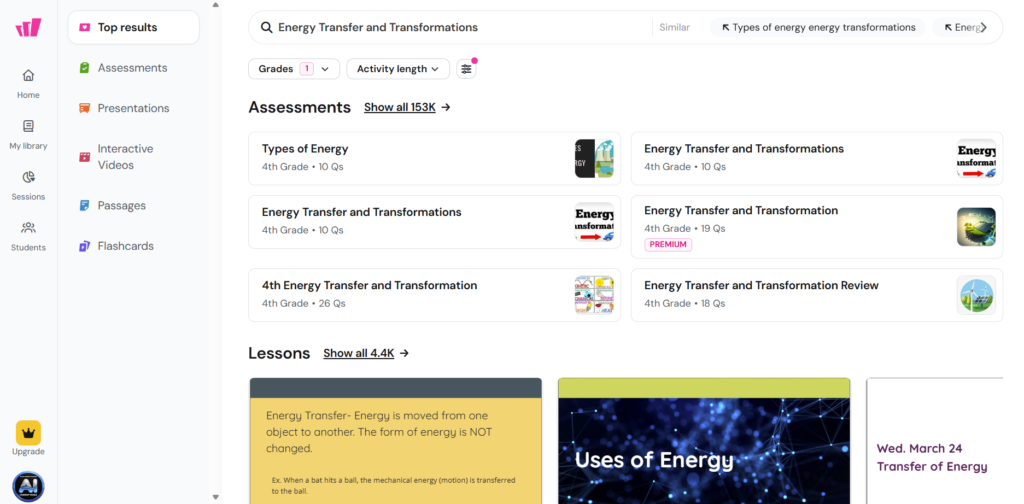
Quizzes are a great way to check if students understand the lesson. Wayground (formerly known as Quizizz) has AI features that help teachers create quizzes quickly. The platform changed its name from Quizizz to Wayground, but it still offers the same core tools and functions.
You can use it to:
- create quizzes
- prepare homework tasks
- make learning more interactive
Example
You upload a short text about geography. Wayground can automatically create quiz questions.
Students can answer the questions on their phones or computers.
💡 Tip: Students enjoy quizzes that feel like games. It keeps them motivated.
You can find this tool here: https://wayground.com
Grammarly – Best for Writing and Communication
Teachers write a lot every day. Emails, instructions, lesson descriptions, and feedback for students.
Grammarly helps teachers:
check grammar
improve clarity
adjust tone
write more professional messages
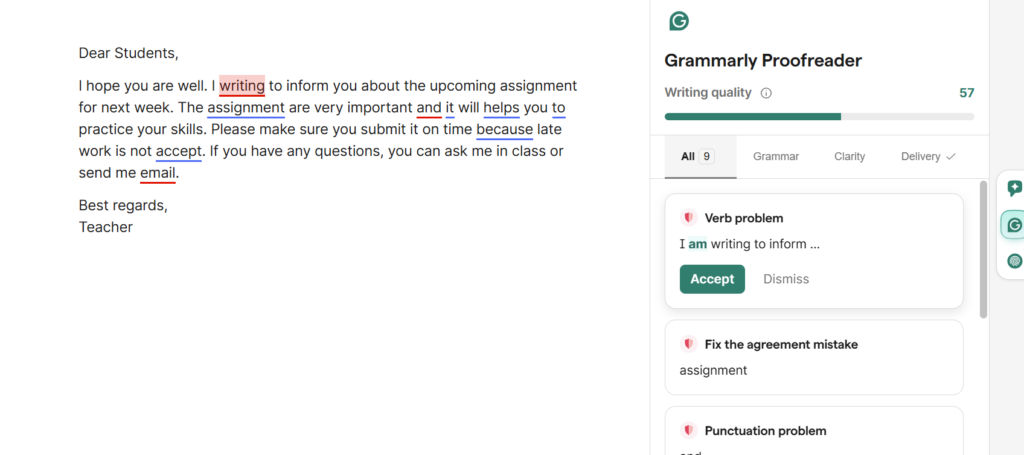
Example
You wrote an email to students about an upcoming assignment. Grammarly checks the text and suggests improvements.
This helps you send clear and professional messages.
💡 Tip: Use Grammarly before sending important emails or instructions.
You can find this tool here: https://www.grammarly.com
For a full overview, check our Grammarly review here and the step-by-step tutorial hereon AIContent-Tools.
How Teachers Can Use AI Every Day
AI can help teachers during the whole school day. It is useful before class, during class, and after class.
Before class
Teachers can ask AI to create lesson ideas or outlines. AI can also help prepare slides, worksheets, and discussion questions.
Example
“Create three classroom activities about recycling for elementary students.”
During class
Teachers can quickly generate examples or explanations if students ask new questions.
Example
“Give three simple examples of renewable energy for students.”
After class
Teachers can create quizzes, summaries, or homework tasks based on the lesson.
Example
“Create five quiz questions about the water cycle.”
AI helps teachers prepare materials faster so they can spend more time helping students learn.
Tips for Using AI in Education
AI is very useful, but it works best when teachers use it carefully.
Always review AI content
AI can make mistakes. Always read the text and check the information.
Adjust materials for your students
Every class is different. Change the AI text so it fits your students’ level.
Use AI for ideas
AI is great for ideas and first drafts. The teacher should always make the final decision.
Combine different tools
Using more than one tool can give better results.
Example workflow
ChatGPT
create lesson ideas
Canva
create slides and visual materials
Quizizz
create a quiz for students
This way teachers can prepare a full lesson much faster.
For a full overview, check our Grammarly review here and the step-by-step tutorial here on AIContent-Tools.
Final Thoughts
AI tools are becoming very popular in education. They help teachers save time and create better materials.
Teachers still do the most important work. They explain topics, guide students, and create a positive learning environment.
But AI can help with many daily tasks like writing, planning, and creating materials.
Teachers who learn to use AI today will be better prepared for the future of education.
The tools in this guide can help teachers at every level — from elementary school to university — work more efficiently and create better learning experiences for their students.