Social media managers work with social media every day. Their job is to create posts, write captions, prepare images, and check how the posts perform.
They often manage many platforms at the same time. For example Instagram, Facebook, LinkedIn, or TikTok.
Many different companies need social media managers.
For example:
A restaurant may hire a social media manager to post photos of new dishes and special offers.
A small online shop may need someone to promote products and talk with customers.
A marketing agency may manage social media accounts for many clients.
A fitness coach may use a social media manager to share tips, videos, and success stories.
Because of this, social media managers have many tasks every day. They need to plan content, write captions, design images, reply to comments, and check results.
Social media managers create posts, images, captions, and analyze results every day.
AI tools can help them save time and create better content.
For example, AI can help write captions, suggest hashtags, create images, or give ideas for new posts. Some AI tools can also show the best time to publish a post.
In this guide, we will show some of the best AI tools for social media managers in 2026.
These tools can help with:
- writing captions
- creating images
- scheduling posts
- analyzing performance
With the right AI tools, social media managers can work faster, stay organized, and create better content for their audience.

If you want to explore more tools for different jobs, check our full guide:
Best AI Tools by Profession in 2026
ChatGPT
Best for: Writing captions and post ideas
ChatGPT is one of the most popular AI tools today. Many social media managers use it to create content faster and get new ideas every day.
Instead of staring at a blank screen, you can ask ChatGPT for help. It can suggest captions, hashtags, post ideas, and even full content plans.
For example, a social media manager working for a small bakery may need a caption for a photo of fresh cupcakes. Instead of thinking for a long time, they can ask ChatGPT to create a few options in seconds.
You can ask ChatGPT to:
Write Instagram captions
Example prompt:
“Write 5 friendly Instagram captions for a local bakery posting a photo of fresh chocolate cupcakes.”
Example prompt:
“Create a short Instagram caption for a fitness coach sharing a morning workout tip.”
Create Twitter (X) posts
Example prompt:
“Write 3 short Twitter posts promoting a new yoga class. Keep them simple and motivating.”
Example prompt:
“Create a Twitter post announcing a weekend sale for a small online clothing store.”
Generate content calendars
Example prompt:
“Create a simple 7-day social media content calendar for a small coffee shop.”
Example prompt:
“Make a 14-day Instagram content plan for a personal trainer who shares fitness tips.”
Suggest trending topics
Example prompt:
“Give me 10 trending content ideas for a travel Instagram account.”
Example prompt:
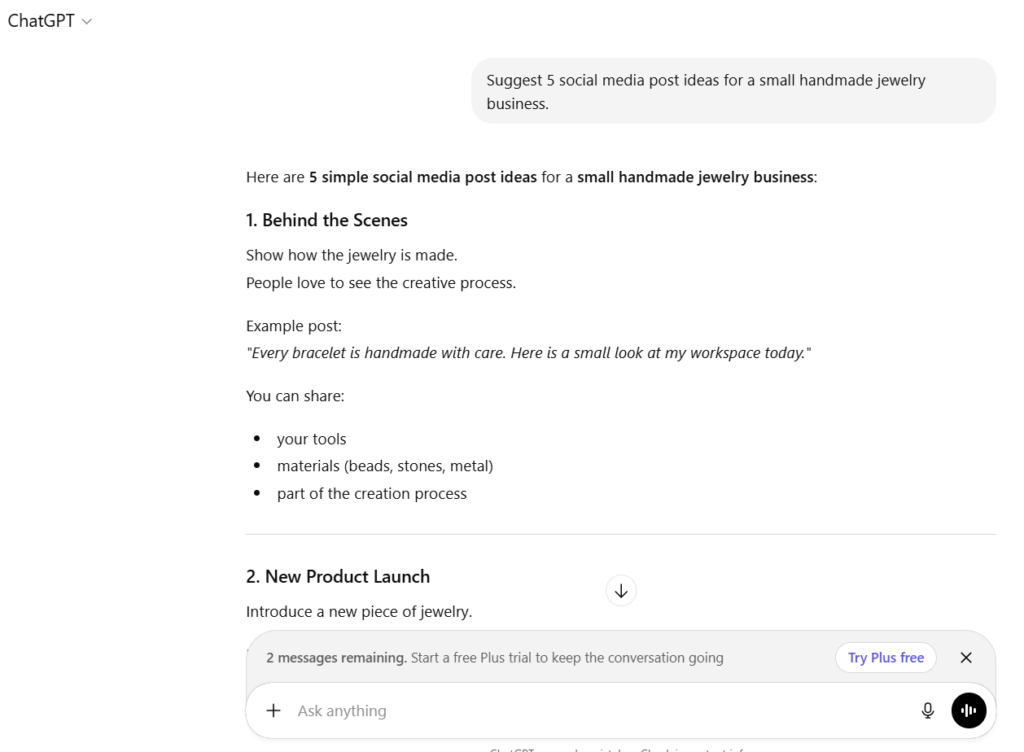
“Suggest 5 social media post ideas for a small handmade jewelry business.”
With simple prompts like these, ChatGPT can help social media managers save time and stay creative.
💡Tip:
Ask ChatGPT to create multiple versions of the same post
This helps you choose the best one instead of using the first result.
For example, you can write prompts like:
“Write 5 different Instagram captions for a photo of a new coffee drink.”
“Create 3 versions of a Twitter post announcing a weekend sale.”
“Write 4 caption ideas for a fitness coach posting a workout video.”
Often one version will be much better than the others.
You can pick the best one or combine ideas from several captions.
👉 Visit the official website: ChatGPT
Canva
Best for: Social media graphics
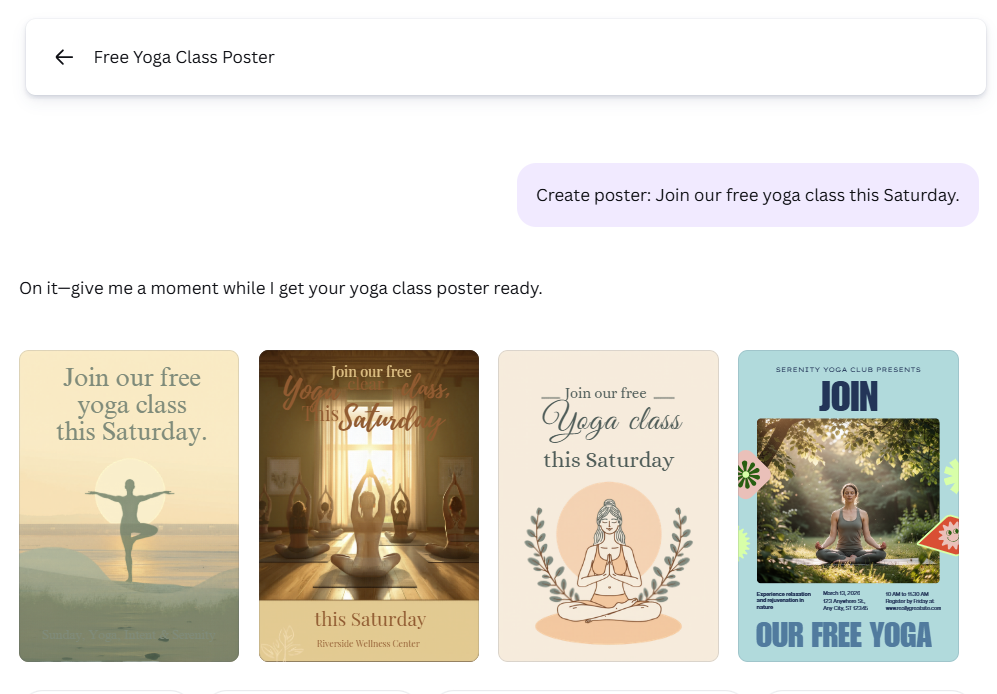
Canva helps social media managers create professional graphics quickly, even if they do not have design experience. The platform offers thousands of templates for different social media platforms, so you can start with a ready design and simply edit the text, colors, and images.
Its AI features can help you generate designs, remove backgrounds from photos, and suggest layouts that look clean and modern. This makes it much faster to create posts compared to designing everything from scratch.
Many social media managers use Canva to create:
Instagram posts
For example, a fitness coach can create a motivational quote post like:
“Small progress is still progress.”
Story graphics
Stories can include polls, announcements, or quick tips.
Example: “3 quick morning workout tips.”
Pinterest pins
Pinterest posts often need tall images with bold titles.
Example: “10 Healthy Breakfast Ideas.”
Marketing banners
Businesses can create banners for promotions.
Example: “20% off this weekend.”
Event announcements
For example: “Join our free yoga class this Saturday.”
One of the biggest advantages of Canva is that you can resize the same design for different platforms. A single graphic can easily be adapted for Instagram, Facebook, or Pinterest with just one click.
💡 Tip:
Use Canva’s Magic Resize and AI design suggestions to turn one post into multiple formats (Instagram post, Story, Pinterest pin). This saves a lot of time when managing several social media accounts. 💡
👉 Visit the official website: https://www.canva.com
Hootsuite
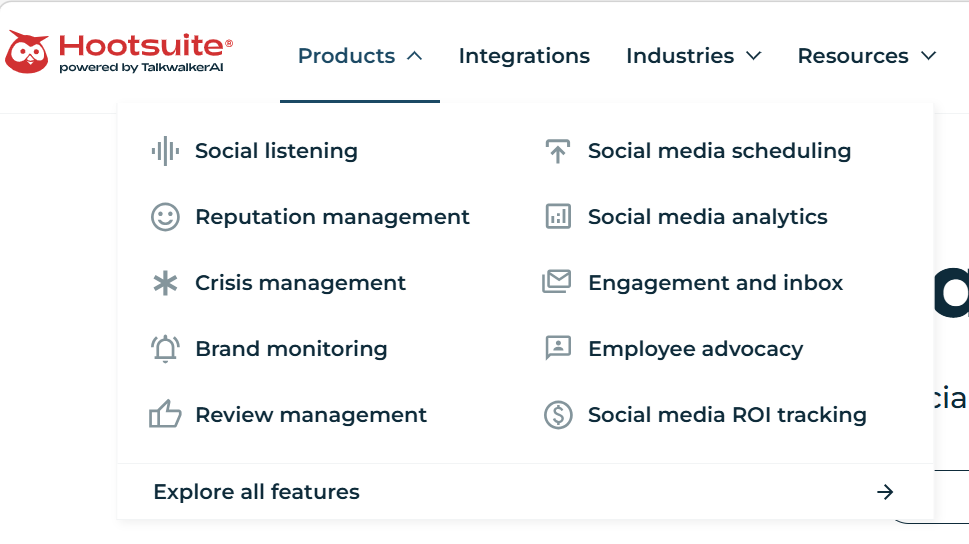
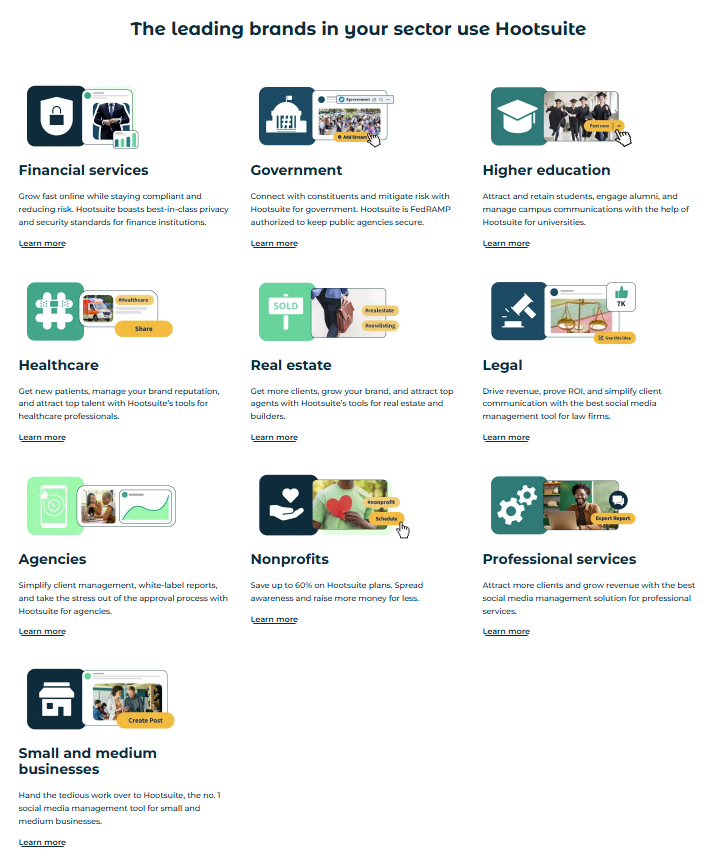
Hootsuite is one of the most complete tools for planning and publishing social media content in one place. It helps you manage many social accounts, plan posts ahead, and get insights about how they perform.
Here’s how social media managers typically use Hootsuite:
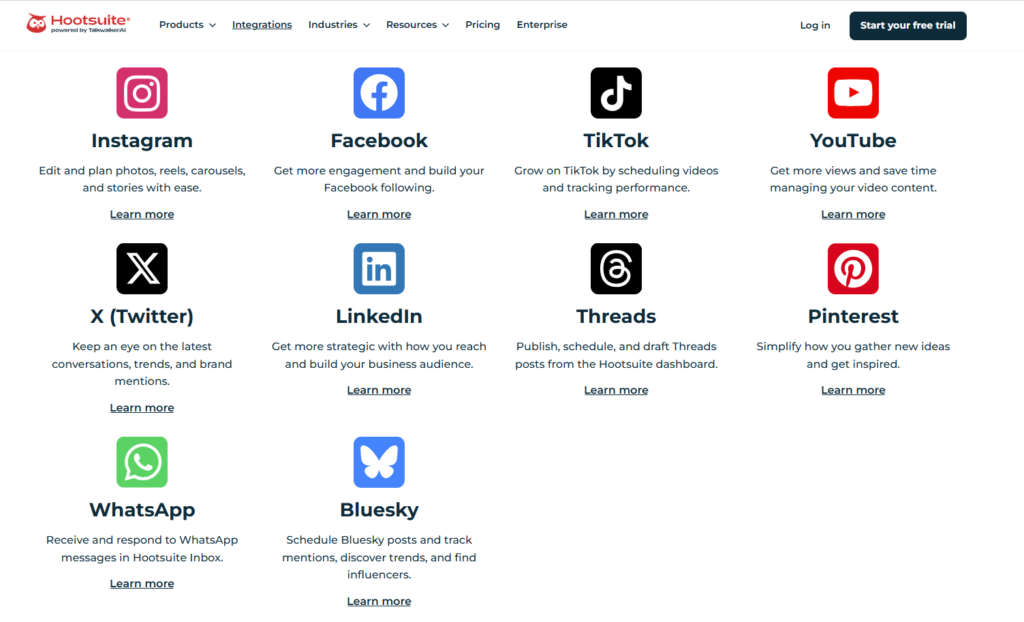
Connect many platforms in one dashboard — Facebook, Instagram, LinkedIn, TikTok, X (Twitter), YouTube and more. You can see all your connected accounts in one calendar.
Plan and schedule posts — instead of manually posting every day, you can create posts and set them to publish later. This can save you many hours every week. You can even schedule hundreds of posts at once with bulk upload (CSV file).
Best time to post recommendations — Hootsuite shows the times when most of your followers are active. This helps you pick better posting times so each post gets more views and engagement.
AI content help built in — With OwlyGPT and AI caption generators, you can get suggested captions, hashtags, or even ideas based on trends.
Calendar and team workflows — You can see all scheduled content in a visual calendar and invite teammates to review and approve posts before publishing.
Inbox and engagement tools — Hootsuite offers a unified inbox for comments and messages (so you can reply to them without switching apps).
Is there a free plan? How much does it cost?
As of 2026, Hootsuite does not offer a fully free plan with unlimited features (they mainly offer a 30‑day free trial). After the trial, all plans are paid.
Typical pricing (paid plans):
- Standard plan: Around $199 per user per month — for up to 10 social accounts, unlimited scheduling, best‑time recommendations, AI caption tools, and analytics.
- Advanced plan: Around $399 per user per month — adds team workflows, customizable reports, bulk scheduling of up to 350 posts, and more advanced analytics.
- Enterprise: Custom pricing for large teams and brands.
Free trial: Hootsuite typically offers a 30‑day free trial on paid plans so you can test the features before you pay.
Example of how a social media manager uses Hootsuite
✔️ A social media manager creates a weekly content plan, then uploads all posts to Hootsuite and schedules them for the best times — these saves hours every week compared to posting manually.
✔️ They use AI tools in Hootsuite to generate hashtags and captions quickly.
✔️ On busy days, they check the “best time to post” heatmap to pick optimal posting times automatically.
✔️ They reply to comments and DMs from the unified inbox without logging into each platform separately.
👉 Visit the official website: https://hootsuite.com
Jasper AI
Best for: Marketing copy
Jasper AI is a tool made for marketers and content creators. It helps write text for social media, ads, emails, and websites.
You can use Jasper AI to:
- Write social media captions — short posts for Facebook, Instagram, X (Twitter), LinkedIn.
- Create ad copy — text for online ads that catch people’s attention.
- Write emails — messages to customers for newsletters or promotions.
- Make blog or website text — fast first drafts for articles or product pages.
Jasper AI is easy to use. You just type a short instruction, like: “Write a fun Instagram post about coffee”. Jasper AI then gives you several text options. You can pick one, edit it, or ask Jasper to make it better.
Plans and pricing:
- Jasper AI does not have a fully free plan, but you can start with a trial.
- Paid plans start from around $49 per month for basic features. Bigger plans with more words and AI tools cost more.
Example use:
A small online shop uses Jasper AI to write 10 Instagram posts in 15 minutes. Before Jasper, writing all posts would take hours. Jasper AI saves time and helps keep the writing fun and creative.
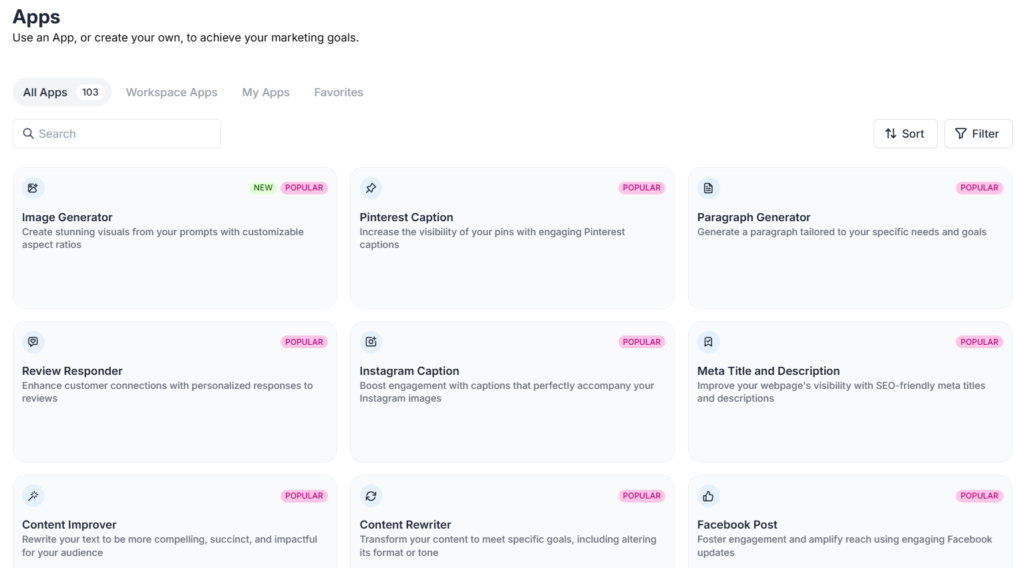
💡 Tip: Jasper AI can also generate very creative and fun graphics. You can make images to go with your posts, not just text. This helps social media managers save time and make content more attractive.
👉 Visit the official website: https://www.jasper.ai
Want to learn more? Check out our Jasper tutorial or read the Jasper review for a full breakdown of the tool.
Buffer
Best for: Simple social media scheduling
Buffer is an easy-to-use tool for scheduling social media posts. It is very popular with small businesses, freelancers, and solo social media managers.
You can use Buffer to:
- Schedule posts — plan posts ahead of time for Instagram, Facebook, X (Twitter), LinkedIn, and Pinterest.
- Manage multiple platforms in one place — you don’t need to log in to each account separately.
- See post performance — track likes, comments, shares, and clicks on your posts.
- Use simple analytics — understand which posts work best and get ideas for your next posts.
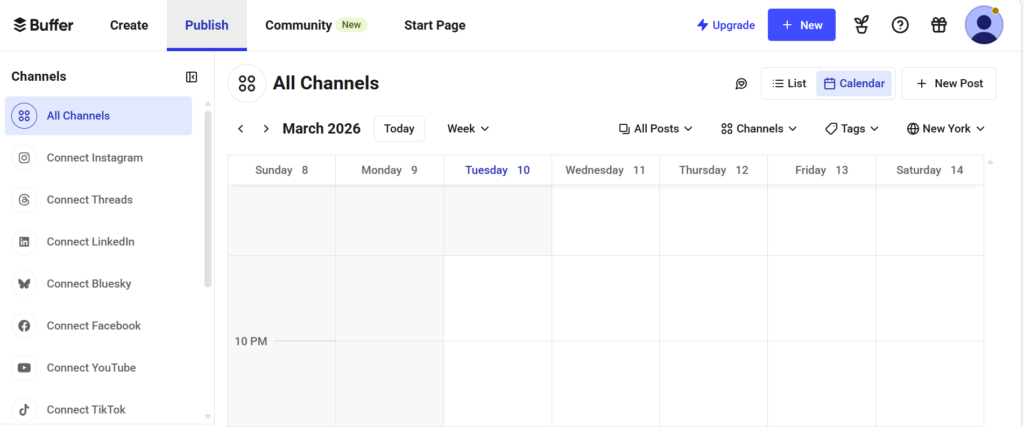
💡 Tip: Buffer makes it easy to drag and drop posts in a visual calendar. This is very helpful if you plan posts for a whole week or month. You can move posts to a different day or time quickly without rewriting anything.
Plans and pricing:
- Buffer has a free plan for up to 3 social accounts and 10 scheduled posts.
- Paid plans start from around $6 per month per social channel, with more posts, analytics, and team features.
Example use:
A freelance social media manager uses Buffer to schedule posts for 5 clients. She prepares a week of posts on Monday and schedules them all at once. This saves hours every week. She can also check which posts get the most likes or comments in Buffer’s dashboard.
👉 Visit the official website: https://buffer.com
How AI Helps Social Media Managers
AI tools can help managers in many ways:
1. Save time
AI can generate content ideas quickly. You can give it a topic, and it creates captions, post ideas, or even full content calendars.
2. Create better posts
AI tools can suggest captions, hashtags, and images. Some AI tools can also generate videos or graphics for posts. This helps make content more interesting and professional.
3. Analyze results
AI can track engagement, clicks, likes, and comments. It can also suggest which posts are working best and which need improvement.
4. Analyze social media accounts
Some AI tools can look at your social media account and tell you what works best. For example:
- Which types of posts get the most likes or comments
- What times your followers are most active
- Which hashtags bring more views
5. Market and competitor analysis
AI can study your market or competitors. It can show:
- What other brands are posting
- Which posts get the most engagement
- Gaps in the market where your brand can create unique content
💡 Tip: Using AI for analysis can help managers plan smarter strategies. Instead of guessing what to post, AI can give data-based advice.