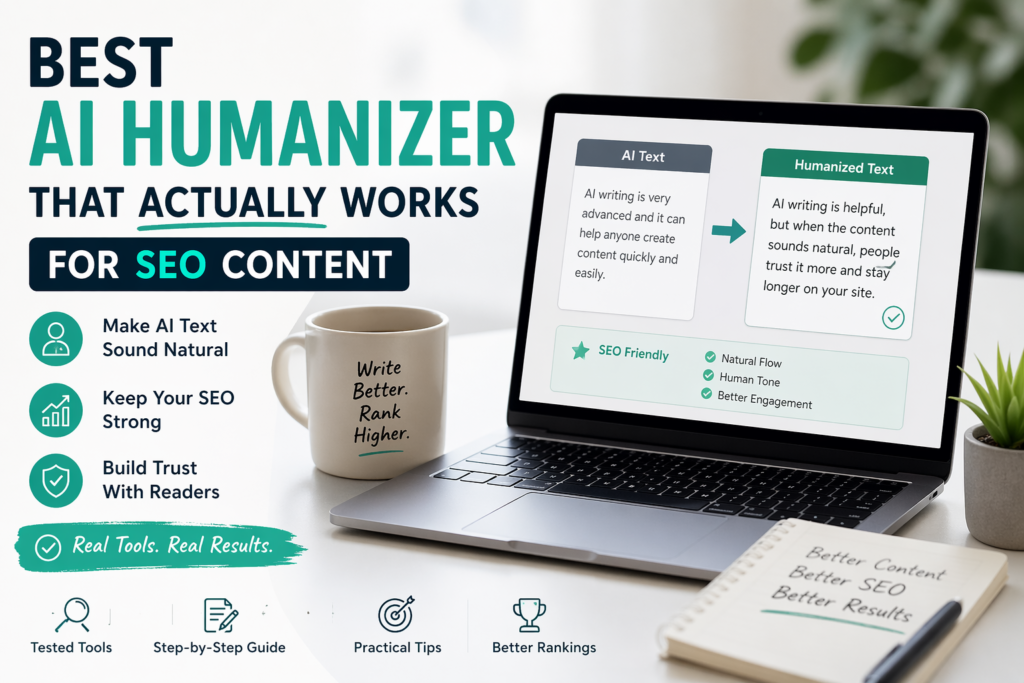
AI humanizers can improve SEO content, but they are not a magic fix. The real goal is not to change words randomly. The goal is to make the article clearer, more useful, more natural, and still focused on the search intent.
Many people think the best AI humanizer for SEO content is the tool that changes the text the most.
I do not agree.
After testing AI-written blog content, I noticed something important. Heavy rewriting often creates new problems. It can remove useful keywords, weaken headings, change the meaning, or make the article sound strange.
For SEO content, the safest result usually comes from a simple workflow:
better draft + light humanizing + manual editing + real experience
That is what this article is about. Not one magic tool. Not one-click rewriting. A real process for improving AI-assisted SEO content without making it weaker.
What Should an AI Humanizer Do for SEO Content?
A humanizer for SEO content has a harder job than a normal rewriting tool.
It cannot only make the text sound nicer. It also needs to protect the purpose of the page.
A good result should:
The article should still say the same thing after editing.
The page should still answer what the reader searched for.
Main phrases should not disappear during rewriting.
The article should become easier to read, not more confusing.
This is why I do not like aggressive rewriting for SEO pages. It may look impressive at first, but it can damage the structure of the article.
My Opinion
The best humanized SEO content still needs a human editor. A tool can smooth the text, but trust comes from examples, experience, clarity, and honest judgment.
The Real Problem With AI SEO Content
Most weak AI SEO content has the same problems.
- The introduction sounds generic
- The same phrases repeat too often
- The article has no real experience
- The tone is too safe
- The paragraphs feel too similar
- The content explains the topic but does not really help
A humanizer may improve some of this. But it cannot add real testing, real opinions, or real examples unless you add them yourself.
That is why I treat humanizers as editing helpers, not as final writers.
This connects with my broader guide about why AI writing often sounds repetitive: Why Does AI Text Often Sound the Same?
My Short Answer
If you want SEO content that sounds more natural, do not start with the humanizer.
Start with a better article.
The best AI humanizer for SEO content is not one tool. It is a controlled editing process that improves flow without losing meaning, keywords, headings, or trust.
For most SEO articles, I would use:
- A clear AI draft
- A short list of important keywords
- Light rewriting only where needed
- Manual edits for examples and opinions
- A final read as a real visitor

Step 1: Start With a Strong Draft
Do not send a weak article into a humanizer and expect a good result.
If the draft is empty, generic, or badly structured, the humanizer will usually only create a different weak version.
Before using any rewriting tool, make sure the draft already has:
- A clear topic
- A clear search intent
- Useful headings
- Short paragraphs
- Examples where possible
- No fake expertise
Weak AI draft:
AI writing tools are very useful in today’s digital world and can help users create better content quickly.
Better starting draft:
AI writing tools can help bloggers write faster, but many first drafts still sound flat, generic, and too polished.
The second version is better because it has a real problem and a clear direction.
Step 2: Protect Your SEO Keywords
Before using a humanizer, list the phrases that should stay in the article.
For this page, examples might include:
- AI humanizer for SEO content
- humanize AI text
- SEO content
- AI writing tools
- manual editing
Some tools replace important phrases with softer wording. That may sound nicer, but it can weaken the page.
Original SEO phrase:
AI humanizer for SEO content
Bad rewrite:
tool for better online writing
The rewrite sounds smooth, but it loses the main topic.

Step 3: Test One Section First
I would not humanize a full SEO article at once.
Start with one weak section. Usually, the best section to test is the introduction or one paragraph that sounds too robotic.
Original:
This tool enhances the quality of content by improving tone and readability.
Humanized:
This tool helps make your content sound better by improving tone and making it easier to read.
Final manual edit:
This tool can make your blog post sound more natural and easier to read.
The final version is the best one. It uses the tool as help, but the final sentence is manually cleaned.
Step 4: Check Search Intent After Editing
Search intent means the reason someone searched for the topic.
If someone searches for help with humanizing SEO content, they probably want:
- A practical workflow
- Tool recommendations
- Mistakes to avoid
- Examples before and after editing
- Advice that does not damage SEO
After rewriting, check if the article still gives that.
I have seen tools make paragraphs warmer but less direct. That is not a good trade.

Pretty text is not enough. SEO content still needs to answer the query clearly.
Step 5: Fix Sentence Rhythm Manually
A common AI problem is sentence rhythm. Everything sounds too even.
Real writing has more movement. Some sentences are short. Some explain more. Some make a direct point.
Too flat:
This tool is useful for writers. It improves tone. It helps with flow. It also supports better readability.
Better:
This tool can help writers improve tone, smooth the flow, and make the text easier to read.
More human:
For me, the biggest benefit was not grammar. It was flow. The article finally sounded less stiff.
That final version feels more real because it includes an observation.
Step 6: Add Real Experience
This is the part many AI articles miss.
A humanizer can change wording, but it cannot honestly say what you tested.
Add details like:
- What happened when you tested the tool
- Which section improved
- Which section became worse
- What you still had to edit manually
- What you would recommend to beginners
Better human detail:
On short introductions, the tool helped a lot. But on long how-to sections, it sometimes softened the text too much and removed useful detail.
That kind of sentence is simple, but it builds trust.

Step 7: Keep Headings Clear
Headings matter. Readers scan them. Google also uses them to understand the structure of the page.
A humanizer should not turn clear headings into vague ones.
Clear heading:
How to Humanize SEO Content Without Losing Keywords
Weak heading:
How to Improve Your Content in a Better Way
The second heading sounds softer, but it says almost nothing.
Step 8: Read the Article Like a Visitor
Before publishing, read the page like someone who found it from Google.
Ask yourself:
- Would I trust this page?
- Does it answer the topic quickly?
- Is the advice specific?
- Does it sound too polished?
- Does it include real examples?
- Would I keep reading?
Many AI articles are not wrong. They are just cold.
Your goal is not fake casual writing. Your goal is clear, useful, honest writing.
Quick Comparison: What Helps SEO Content Most?
| Method | Human sound | SEO safety | Best use |
|---|---|---|---|
| Raw AI draft | Low | Medium | First draft only |
| Aggressive humanizer | Medium | Low | Testing only |
| Light humanizer + manual edit | High | High | Most SEO posts |
| Manual rewrite only | High | High | Important pages |
Tools That Can Help Without Breaking SEO
I would not build this process around one humanizer only.
For SEO content, different tools can help at different stages.

Frase — Helpful Before Humanizing
Frase is useful because it helps with structure, topics, and search intent before you start editing tone.
If your structure is stronger from the beginning, you usually need less rewriting later.
Koala — Helpful for a Better First Draft
Koala can help create smoother first drafts for blog posts. A better first draft means less aggressive rewriting later.
Scalenut — Helpful for Longer SEO Articles
Scalenut can help when you need a more structured SEO workflow for longer articles.
I would use it for planning and structure, then do a lighter tone edit afterward.
My Recommended Workflow
- Create a clear first draft
- Check search intent
- Protect main keywords
- Improve weak sections only
- Add personal observations
- Check headings
- Read the final article on mobile
- Publish only after manual review
This keeps the article useful for readers and safer for SEO.
Common Mistakes to Avoid
- Using a humanizer before fixing the draft
- Humanizing the full article without testing one section first
- Letting the tool remove important keywords
- Publishing without reading the final text
- Trying to make the content sound overly casual
- Removing useful headings
- Adding no personal experience
Where This Fits in the Humanizer Cluster
This page should support the larger AI humanizer cluster. It should not stand alone as a magic-tool article.
Read next:
FAQ
What is the best AI humanizer for SEO content?
The best option is usually a workflow, not one tool. For most SEO posts, light rewriting plus manual editing gives the safest result.
Can AI humanizers hurt SEO?
Yes. Some tools remove keywords, weaken headings, change meaning, or make the article less useful. Always check the final version before publishing.
Should I humanize every AI blog post?
No. Some posts only need light editing. A better prompt and manual review may be enough.
Is QuillBot good for SEO content?
QuillBot can help with lighter rewriting, but you still need to check keywords, headings, and clarity after using it.
What works better: humanizer or manual editing?
Manual editing is still the most important part. A humanizer can help, but it should not replace your final review.
What should I check after humanizing SEO content?
Check meaning, keywords, headings, search intent, examples, internal links, and readability.
Final Thoughts
AI humanizers can help SEO content, but only when you use them carefully.
The strongest result is not the article with the most changed words. It is the article that feels clear, useful, natural, and trustworthy.
For me, the best method is simple: create a good draft, lightly improve the weak parts, protect SEO structure, and finish with manual editing.
AI can improve the draft. The final trust still comes from your editing.